Managing Results
42 FTB-5800
Recalling a Saved File
Recalling a Saved File
It is possible to reload existing files in .exfocd format. These files can also
be opened directly from Windows Explorer (the Chromatic Dispersion
Analyzer application starts automatically).
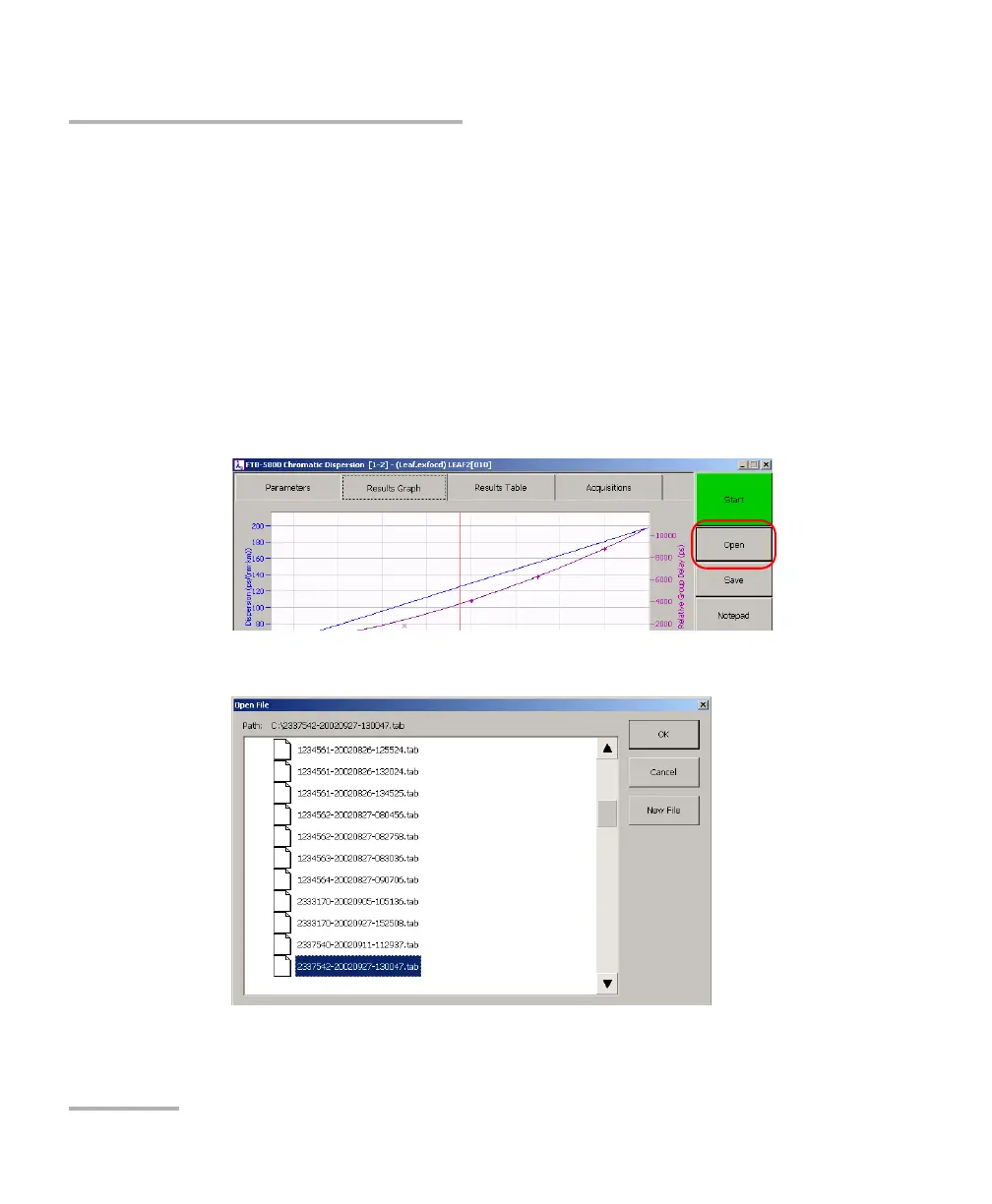
To open a file from the Chromatic Dispersion Analyzer:
1. On the button bar, click the Open button to recall the desired file.
Note: If a keyboard is connected to the FTB-400, you can also use the Ctrl+O
shortcut key to open your file.
2. Select the file and click OK.



 To Next Page