Managing Results
Chromatic Dispersion Analyzer 63
Printing Results
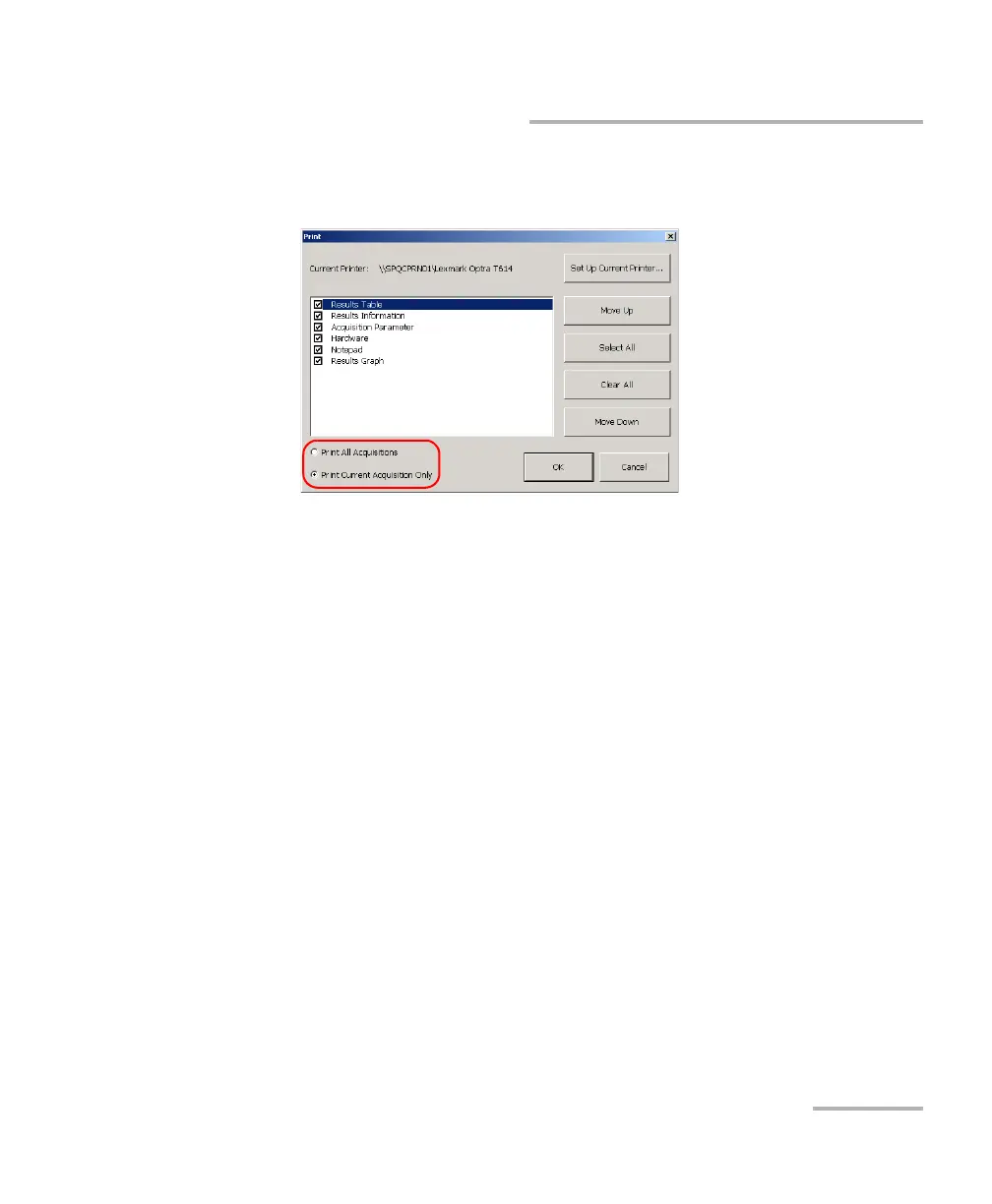
4. Select Print All Acquisitions or Print Current Acquisition Only,
depending on the type of report you need.
5. If necessary, set the printer parameters by using the Set Up Current
Printer button.
6. When you are done, click the OK button to start printing.



 To Next Page