Exporting CD Analyzer Files with the File Export Tool
68 FTB-5800
Setting Export Parameters
To set export parameters:
1. If necessary, open the File Export tool (see Starting and Exiting the File
Export Tool on page 65).
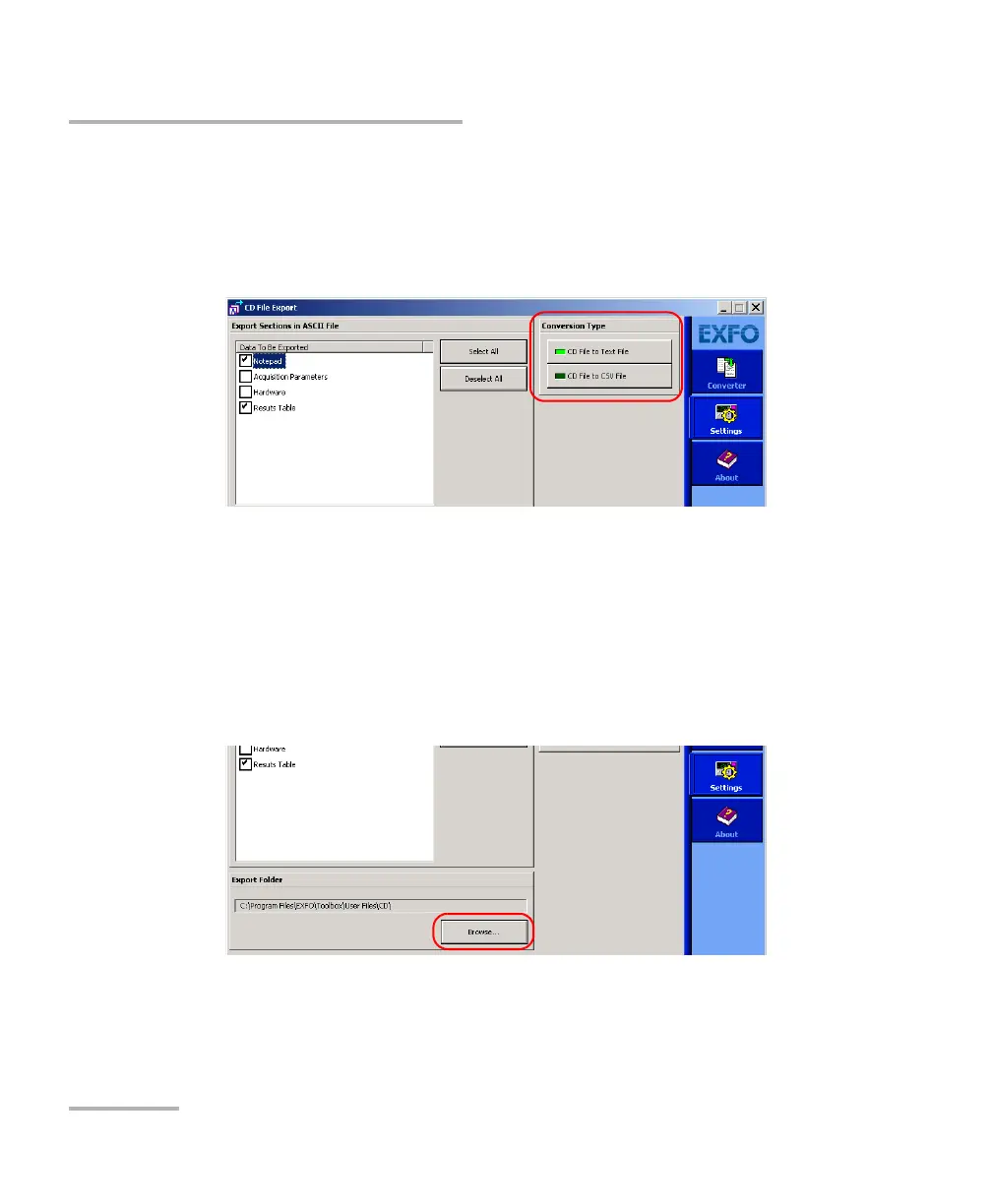
2. Select the desired conversion type.
3. On the Settings function tab, select all the check boxes corresponding
to the information you want to export.
Note: If you select Results Table, all points acquired during the test will be
exported.
4. Under Export Folder, click Browse to specify in which folder the
exported files will be stored.



 To Next Page