SAIC Exploranium – GR-135 System Manual page: 21
7.0 IDENTIFY
This mode enables detailed spectral analysis and permits spectrum display, peak identification and
nuclide identification. The user should observe some simple operating procedures to get best results
from the instrument. Exploranium recommends the following procedure:
- Search and locate a source of radiation in the SEARCH mode as this has maximum
sensitivity
- If a source of radiation is found then use the SEARCH mode to estimate its approx.
geographic boundaries (by observing the count-rate or audio)
- Position the detector facing the approximate center of the area of radiation
- Move the unit away (or toward) the source (in the SEARCH mode) until the count rate is
between 2000 and 5000 counts/sec for best results
- Highlight IDENTIFY in the Main Menu and press ENTER to select.
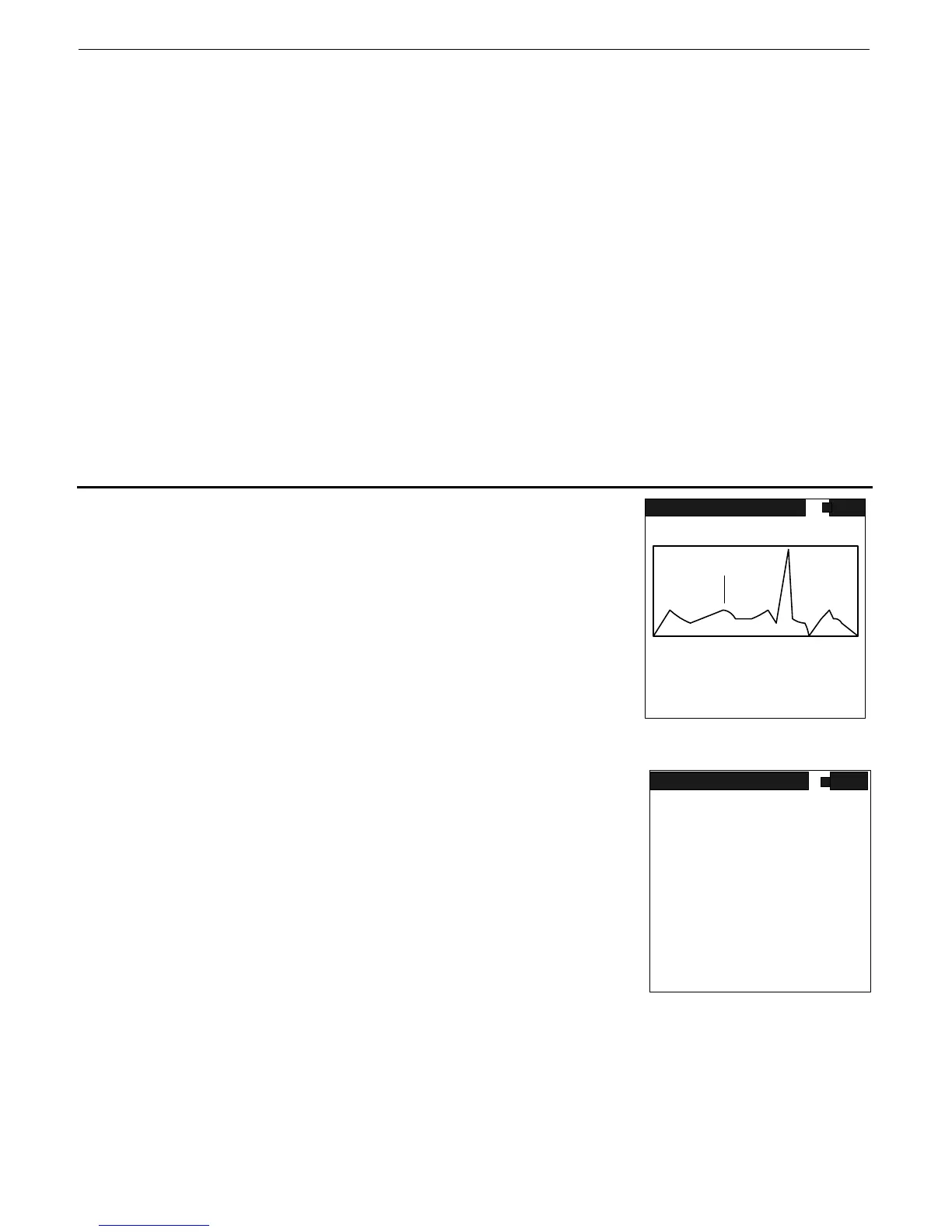
- The GR-135 immediately begins to acquire a spectrum with the display appearing as shown
in Figure 10. Note the system DEAD-TIME – for best results this should be between 10-
25%
- At the termination of the sample the data will be analyzed for radioactive material and the
display will show the results
- See below for full details
NOTE – Section 7.1 covers instrument behavior if IDENTIFY is started from the MAIN MENU.
Section 7.2 – 7.8 cover a different mode of operation
7.1 IDENTIFY DISPLAY
As the sample progresses the display is updated at a 1/sec rate as
shown in Fig. 10 until the preset sample time is reached. For full
details of this display see section 7.4 below.
Fig. 10
ANALYSIS DISPLAY
When the sample terminates the Nuclide Identification function is
automatically activated. The display shows “COMPUTING –
PLEASE WAIT” for a few seconds then Fig. 11 is displayed.
This display shows any Nuclides that have been identified in 3
columns:
TYPE – the Nuclides in the library are divided into 4 categories
INDustrial, SNM (Special Nuclear Materials), MEDical and
NOR(M). See Appendix D for a list of isotopes and types.
ISOTOPE – the full name of the isotope (see App. D)
Fig. 11
SIZE – the relative size of the peaks of the isotope in SD units.
(Standard Deviation units – this gives a good idea of the significance of the peak)
For isotopes with multiple peaks the individual peaks SDs are summed.
NOTE: This relatively simplified display is intended to offer quick user analysis capability. For more expert
users see the further functions below.
ENTER – pressing ENTER goes to the ANALYSIS menu for further functions
67
sp 1
range 0 - 3072keV
DETECTOR NAI
D.TIME 30% NEUT 0 CTS
CURSOR 1812 KEV 1234 CTS
ROI# 1 1200 CTS
TIME 42 S SET 60 S
MEAS
VS 2K
IDENTIFY
TYPE ISOTOPE SIZE
I ND Cesium-137 11
ENTER TO CONTINUE
NUCLIDE IDENT



 To Next Page