SAIC Exploranium – GR-135 System Manual page: 32
10.0 SETUP
These menus permit the user to setup the required operating
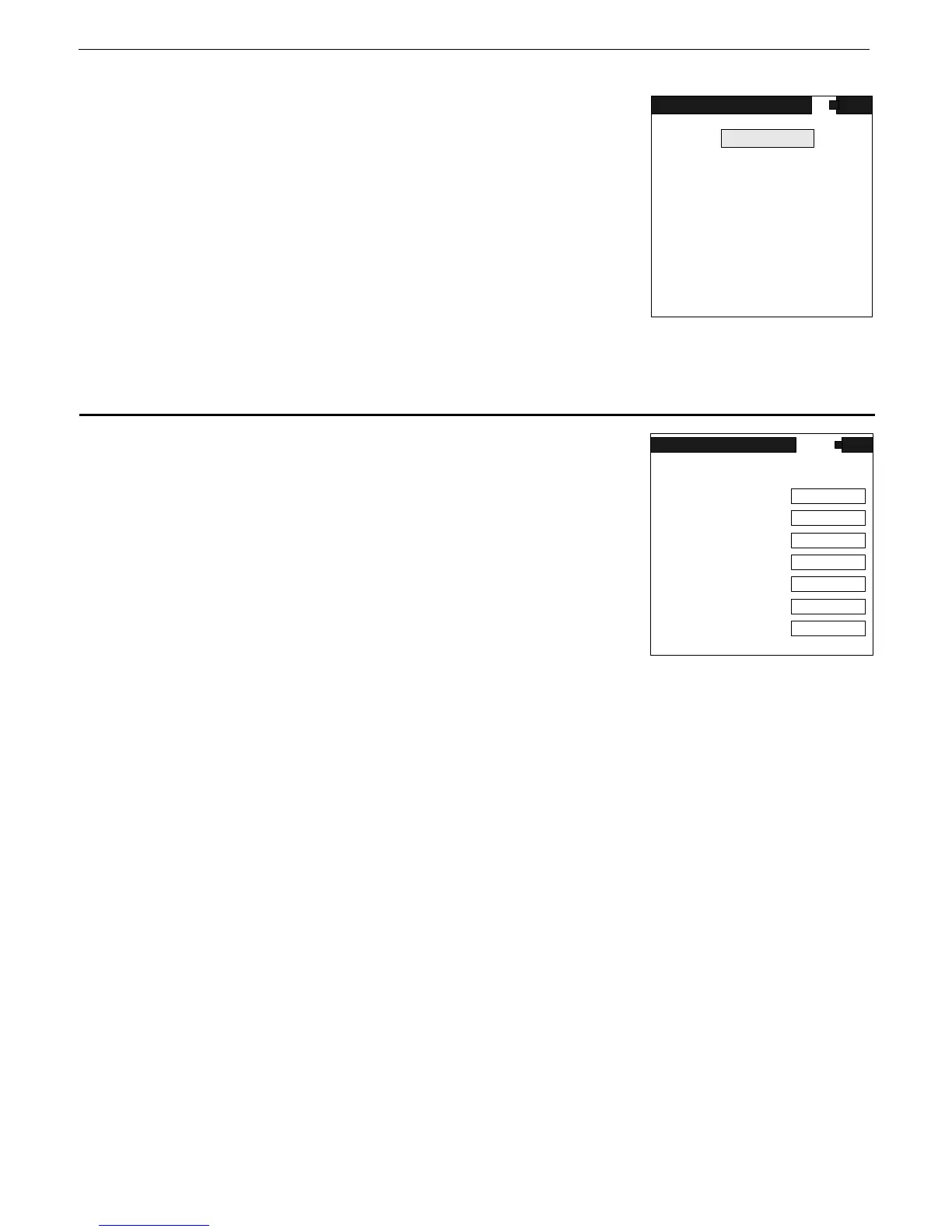
parameters. If this item is selected from the MAIN MENU this
display is seen.
Use the cursor UP/DOWN to select (highlight) the required
selection then ENTER to activate this selection.
Inside each menu use UP/DOWN cursor action to select a
parameter then LEFT/RIGHT cursor action to change the item.
ENTER to exit and accept the changes
Fig. 29
For all the selections below, the normal default selection is shown in large bold print
10.1 SEARCH
Selections are:
a) OUTPUT TO - Options -
OFF, MEM or PC
OFF - the data is shown on the display but is not recorded into
data memory - this is the default operating mode.
MEM - the SEARCH data is to be stored in the GR-135 internal
memory
Fig. 30
b) SAMPLE TIME – this indicates the interval at which SEARCH samples are taken.
Selections are:
1, 2, 3, 4, 5, 6, 7, 8, 9, 10, 20, 30, 40, 50 or 60 seconds.
Under most conditions, a 5 second sample gives reasonable accuracy however, a 1 second selection
is advisable if the unit is being used in a continuous search mode and numeric data is required.
NOTE: The Audio response is NOT affected by this time selection as it is updated at a fixed 20
times/second rate.
c) CHART RANGE
This sets the maximum vertical chart scale in counts for the “chart recorder” display.
Selections are: 64cps, 128, 256, 512, 1K, 2K, 4K, 8K, 16K, 32K, 64Kcps and
AUTO.
Some users prefer to have a fixed display so they can judge relative changes in the data while “chart
recording”. They can select the desired range from the above selections.
NOTE : If a fixed full scale value is set and exceeded the display will saturate at the top. Thus if you
set 1K (1000cps) then the chart display will have 0 at the bottom and 1000cps at the top. As long as
the radiation field stays BELOW 1000cps then the display is normal.
If the radiation field goes above 1000cps then it will reach the upper limit and stay there until the
radiation comes below 1000cps. The numeric data on the display are unaffected by these limits.
SEARCH
SAMPLE TIME
ALARM LEVEL
AVERAGING
CHART RANGE
OFF
1
OUTPUT TO
AUTO
200
OFF
TOT.
OFF
AUDIO METER
SCAN WINDOW
SEARCH
STABILIZE
IDENTIFY
DOSE
DATE/TIME
ROI'S
MISCELLANEOUS
MAIN MENU
SETUP



 To Next Page