SAIC Exploranium – GR-135 System Manual page: 56
A.14 POWER OFF - MANUAL
To power the unit OFF, IT MUST BE REMOVED FROM THE DS UNIT. Then
CLICK UP (away from the user) and hold for 4 seconds. The display will
show a special display (see Fig.) with the seconds counting down; 3, 2, 1.
After this countdown the unit powers OFF. At any time during the
countdown, releasing the JOYSTICK will cancel the power OFF.
A.15 BACKLITE
A BACKLITE option is built into the GR-135 such that the display may be viewed in low light
conditions. BACKLITE can be enabled in the system setup for frequent use or as shown below for
intermittent use.
To switch the BACKLITE on it is first necessary to switch the unit OFF as described above in A13.
With the unit OFF, press ENTER and HOLD the JOYSTICK in this position. After about 4 seconds
the display will be illuminated, after which the JOYSTICK may be released. The BACKLITE will
remain active until the unit is powered OFF.
The GR-135 has a built-in battery saving feature such that the BACKLITE will not turn ON if the
battery voltage is below 2.2 V. This low voltage indicates that there is little battery life left so
disabling the BACKLITE feature allows the user to use the remaining battery life optimally. Note that
to turn off the BACKLITE, the unit must be switched OFF then switched ON again with the normal
short click action.
The BACKLITE feature may be selected to be ON all the time for some applications but users
should be aware that enabling the BACKLITE feature reduces battery life by an estimated 50%.
A.16 LOW BATTERY WARNINGS
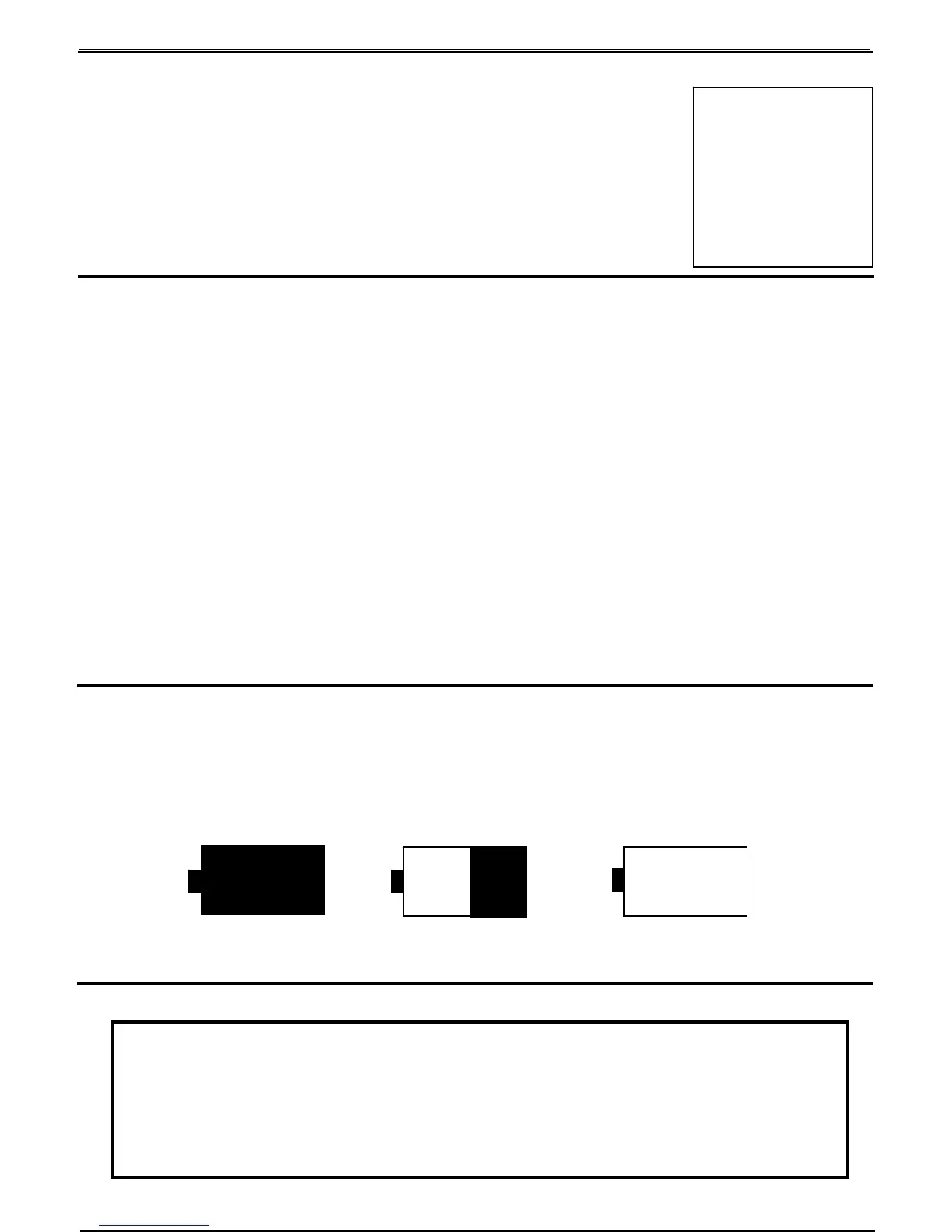
The Battery ICON at the top right of the display is intended to provide the user with an idea of the
current battery status. For convenience, most users tend to use the NiCd rechargeable batteries. To
provide some level of warning of imminent battery life - if the batteries fall below a certain level then
a 3-beep audio occurs and the Battery ICON changes to the message LOW. The user has between 2
and 10 minutes of measuring time left in the battery at this time. When there is no longer enough
power to allow measuring, the GR-135 turns off.
Full Charge ½ Charge Low Battery Warning
Battery Icons
A17. PROBLEMS
LOW
TURNING OFF
3 (2,1..)
NOTE
LIKE ANY COMPUTER BASED SYSTEM IT IS POSSIBLE THAT A SPECIAL
COMBINATION OF EVENTS CAUSES THE SYSTEM TO “HANG-UP”. IF THIS
OCCURS – POWER THE UNIT OFF AS DESCRIBED IN THIS SECTION AND
THIS WILL OVERRIDE ANY INTERNAL PROBLEMS AND SHUT THE SYSTEM
DOWN. THEN POWER ON AS USUAL AND ALL SHOULD BE OK.



 To Next Page