PERIODIC MAINTENANCE AND MINOR REPAIR
EAU10122
6-18
battery can cause permanent
battery damage.
To charge the battery, please
make sure the amper and volts
of charger that sutiable to the MF
battery and the specific type.
If you do not fimilar to the batt-
ery charging, please have
a Explorer dealer to charge your
battery.
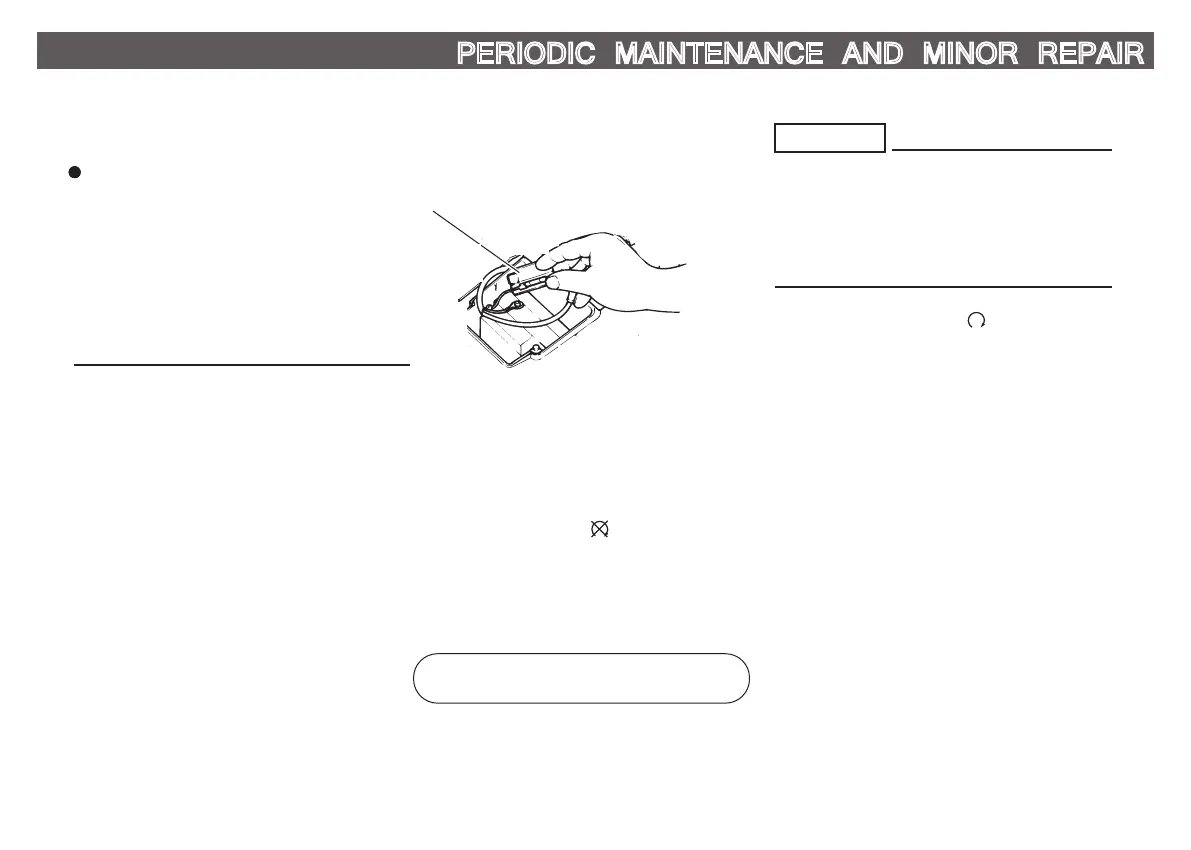
Replacing the fuse
1
1. Fuse
The fuse holder is located behind battery
cover. (See page 6-6.)
If the fuse is blown, replace it as follows.
1. Turn the key to “ ” and turn off
all electrical circuits.
2. Remove the blown fuse, and then
install a new fuse of the specified
amperage.
Specified fuse:
10 A
Do not use a fuse of a higher amper-
age rating than recommended to
avoid causing extensive damage to
the electrical system and possibly a
fire.
3. Turn the key to “ ” and turn on
the electrical circuits to check if the
devices operate.
4. If the fuse immediately blows again,
have a Explorer dealer check the
electrical system.
CAUTION:



 To Next Page