PAGE DATE: 16. June 2008 CHAPTER 02
PAGE 8
MAINTENANCE MANUAL EXTRA 300/SC
HANDLING
N O T E The owner is responsible for incorporating Service Bul-
letins to the above mentioned Service Bulletins List
(page E).
02-20-03 Checklists
Observe the following steps when working with checklists:
1 Copy the respective check list for performing a check.
2 Enter the date at the top of the table.
O
1
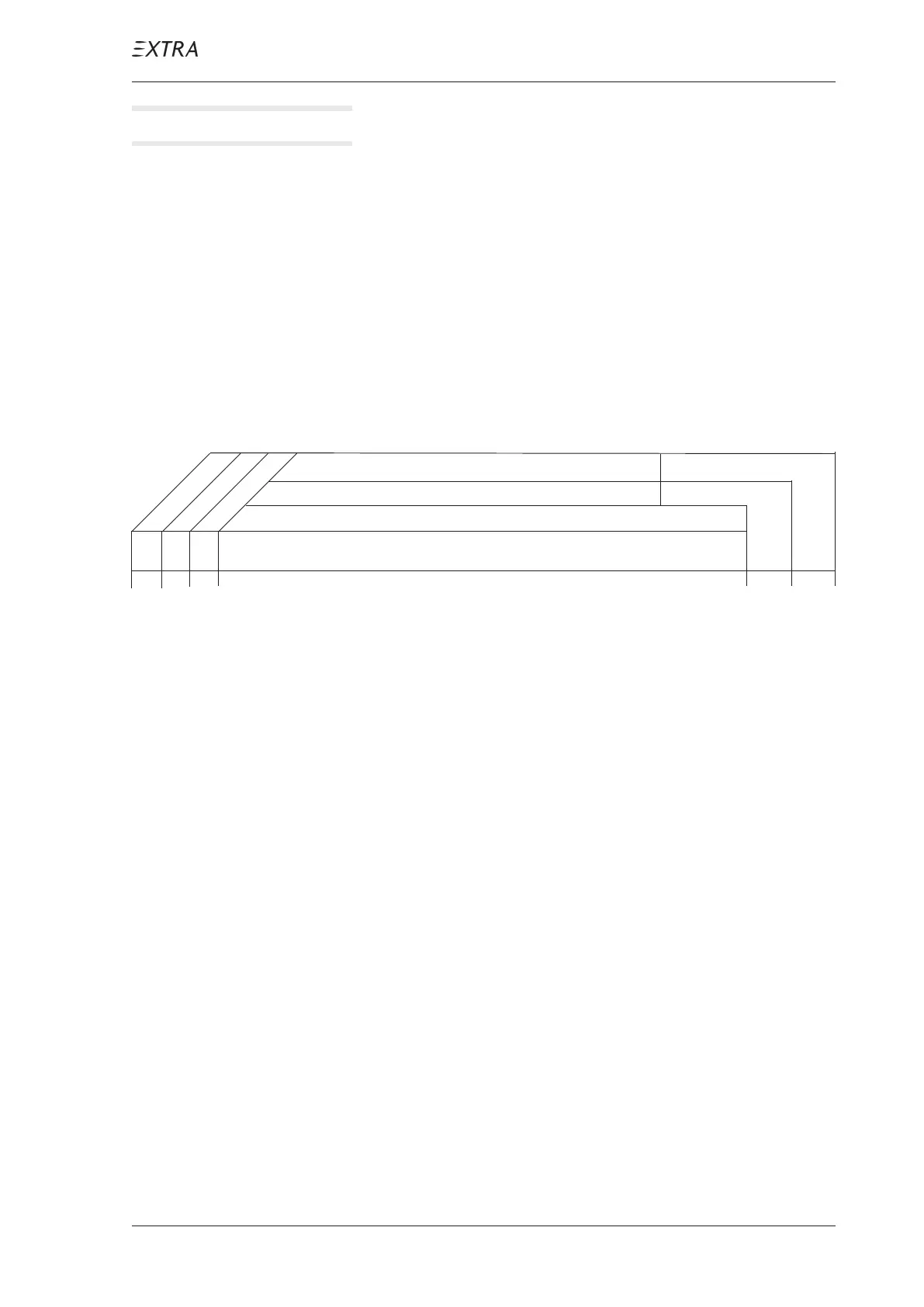
O O Text
3 Select the items to be worked out. The "O" at the begin-
ning of the line is written in the column which indicates
the point of time when an item has to be worked out.
Specification for the first column are given by footnotes.
4 Work out the particular items and sign after execution
(responsible mechanic and inspector) using the respec-
tive boxes behind the item.
5 After completion of the inspection check file the list with
entries in the Aircraft Records.
6 Certify the completion of check in the Aircraft Log Book.
02-20-04 Fax-Formats
When contacting the EXTRA Flugzeugproduktions- und
Vertriebs- GmbH is advisable in case of questions and/or
problems during maintenance of aircraft copy and use one of
the Fax-formats You find on the preceding pages ("H-I") for
correct identification of aircraft, equipment and existing
technical instructions. The data we request there are helpful
for us to provide You with the information You need.
Inspector:
Mechanic:
Inspections
Date:
Serial No.:
as specified
each 100 hours
each 50 hours



 To Next Page