Remember mounted volumes after a server reboot
This option in the Admin tab will store the mounted volume list for each client and
restore each mount after the server is rebooted.
Enable username and password login
This option enables the username and password functionality for all TerraBlock
Users. When enabled, TerraBlock users will be prompted to enter their TerraBlock
username and password when launching the TerraBlock Manager on a TerraBlock
Client.
In a multi-server environment, users will be prompted for their username and
password once the setting has been enabled on any one of the TerraBlock servers.
Disable automatic user creation
This option is used in conjunction with the ‘Enable username and password login’
feature. When enabled, this option prevents the automatic creation of TerraBlock
Users from a client workstation. The user must be an existing TerraBlock user to
login and launch the TerraBlock Manager from a client workstation.
When this option is enabled, new TerraBlock Users must be manually created by a
TerraBlock User with ‘Admin’ access or by using the TerraBlock Manager on the
server. As the user logs in at the client workstation for the first time, the user will be
prompted to create a password.
Refer to page 39 “TerraBlock Manager – User Tab” section, for more information
on TerraBlock User creation.
Reset disk error count
This feature allows the Administrator to reset active disk error reports. This will
cause the error column in the system tab to return to zero, and the warning message
on launch of the TerraBlock Manager to cease.
Number of TerraBlock Servers
This feature takes the number
entered and checks for a
matching number of servers each
time the Manager is launched on
the TerraBlock Server itself. If all
of the servers are not seen, a
rescan of disk management will
occur, and all servers should then
be available after re-launch.
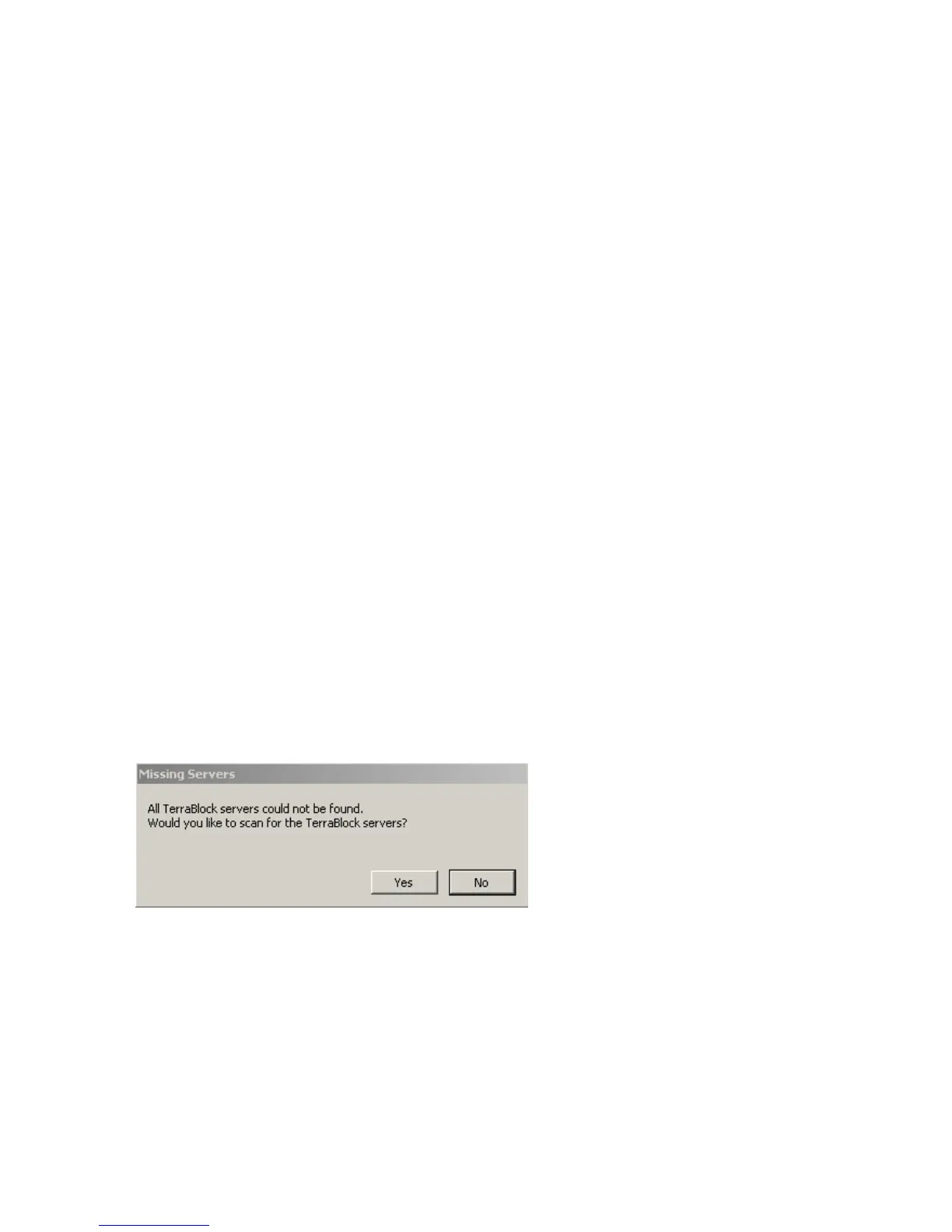
If you see this message, the server count may be incorrect, or a server is
missing. To initiate a rescan, select 'Yes'. To continue on without rescanning,
select 'No' (selecting ‘No” will allow the TerraBlock Manager to launch on the
server if all servers are still not present).



 To Next Page