presented with the new hardware dialog, proceed with the following steps
after hitting Cancel.
2. The Intel driver package should be found in the following path on the
TerraBlock Server:
C:\Program Files\Facilis\TerraBlock\Drivers\Windows\Intel
(Drivers can also be found on the provided USB key or downloaded at
www.facilis.com).
3. Double click the PROWinx64.exe. Click Next when presented with the
Intel Welcome screen:
4. Click the “I accept the terms of the license agreement” radio button then
click Next to proceed:
5. Click Install when presented with the “Ready to Install the Program
screen:
6. Click Finish when presented with the Intel Wizard Completed screen.
Teaming the NIC Connections
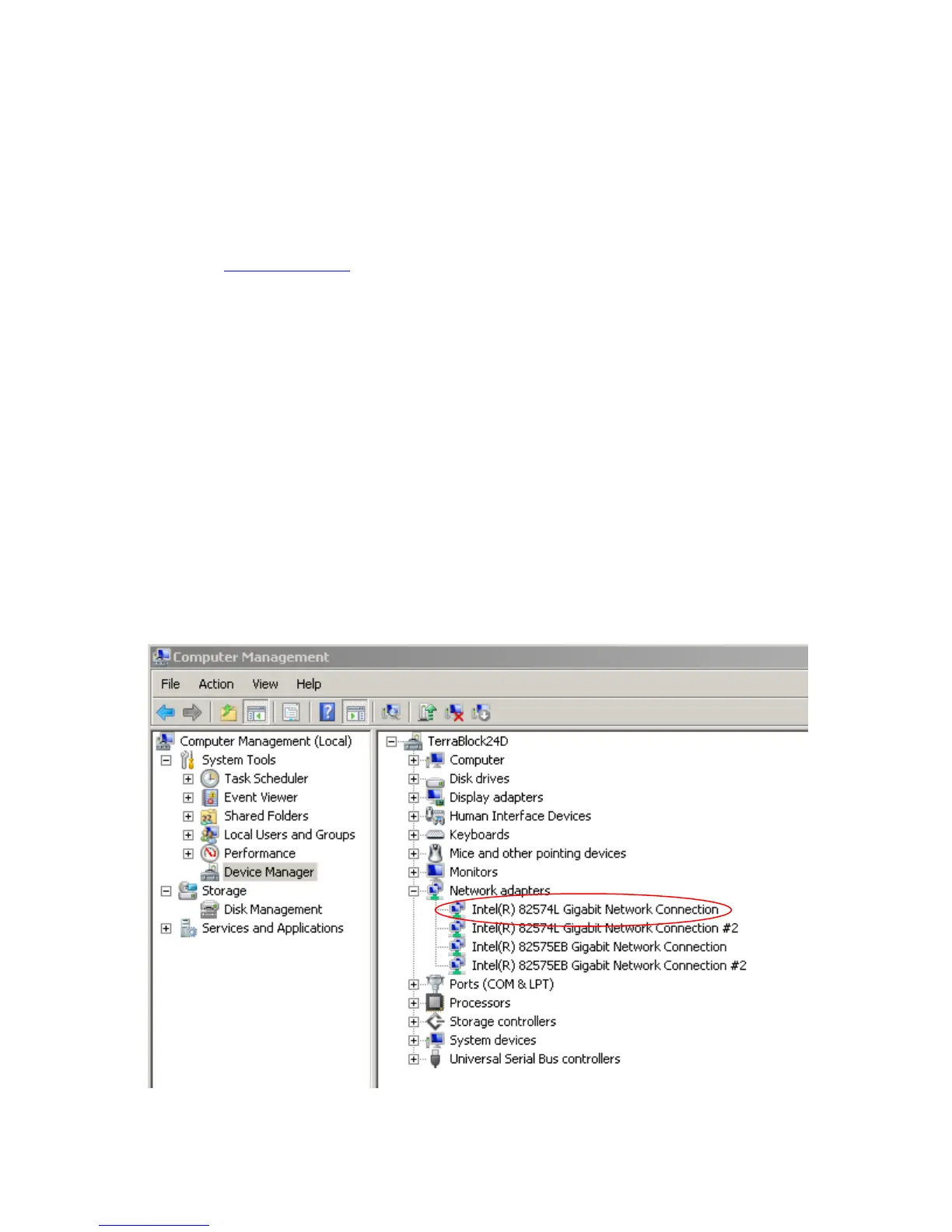
1. Right click on My Computer and choose Manage.
2. In the Computer Management window click on Device Manager.
3. Click the “+” symbol next to the Network Adapter category.



 To Next Page