Creating Volumes
Volumes must be formatted prior to use by client workstations. If the volume will be
used with the Facilis Shared File System (Multi-user Write), it is recommended that
all volumes be formatted as NTFS.
While HFS+ is supported for use with the Facilis Shared File System, it is
strongly recommended that Multi-user Write volumes are formatted with an
NTFS filesystem.
Single-user Write Volumes
When creating Single-user Write volumes from a fibre channel connected client
workstation, the Auto Format feature within the ‘Create Volume’ window should be
used. This will ensure that Windows and Mac client workstations have properly
formatted volumes. For Linux clients, Single-user Write volumes must be manually
formatted.
The client workstation must be Fibre Channel attached in order to format
Single-user volumes.
Multi-user Write Volumes
Multi-user Write volumes can be created from any client workstation or the
TerraBlock server itself. Selecting Multi-user Write as the volume type within the
‘Create Volume’ window will automatically create, format, and set the volume to
Multi-user Write. When completed, the volume will be NTFS formatted. Once this
process is completed by the server, the volume will is ready to mount on any client
workstation.
Please allow up to one minute or more for the server to create Multi-user
Write volumes.
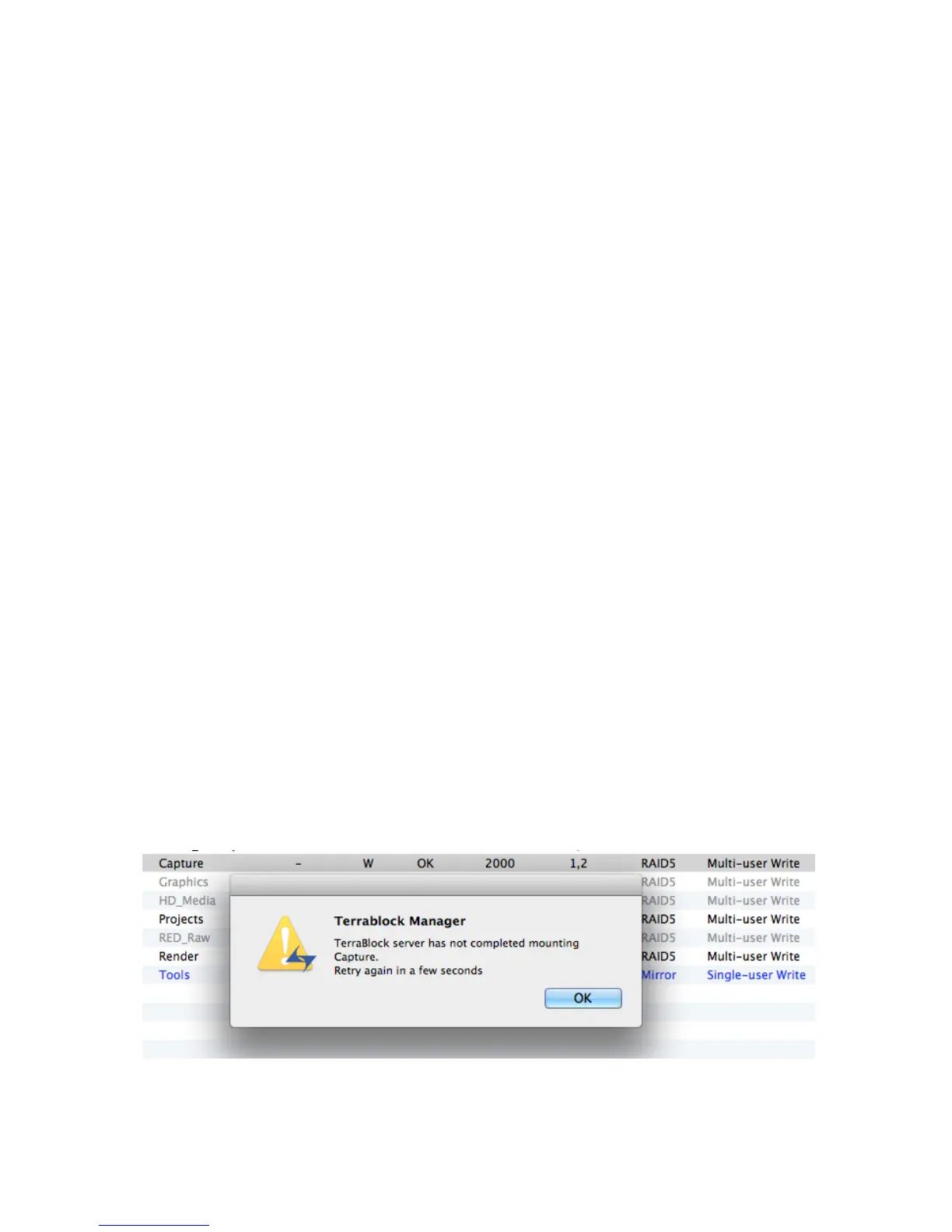
If the TerraBlock Server has not completed creating a Multi-user
Write volume or the automatic format has failed for some reason,
users will be presented with the following when mounting: (Contact
Facilis Support if this message proceeds after several minutes).
Any virtual volume formatted NTFS and set to Multi-user Write can now be mounted



 To Next Page