The XFS file system supports a maximum of 12 characters for volume
labels. If creating a Single-user Write volume that will be formatted using
XFS, do not create a volume with a name containing more than 12
characters.
When creating Multi-user Write volumes, the volumes are created and
formatted as NTFS on the TerraBlock Server. The volumes are then
automatically set to Multi-user Write.
Once the Single-user Write volume has successfully been created and is listed in the
TerraBlock Manager ‘Volumes’ tab, select the volume in TerraBlock Manager and
mount with write access.
After the Single-user Write volume has been mounted by the TerraBlock Manager,
the volume is now available to the Linux client as an un-partitioned and unformatted
device. In order to work with the volume, it must be partitioned and formatted. Next,
a mount-point in the filesystem must be created and finally, the volume must be
mounted to the mount-point.
The remainder of the Single-user Write volume creation and mounting process can
be done using either the GUI method or the UNIX Shell method described below:
1. Redhat GUI Method:
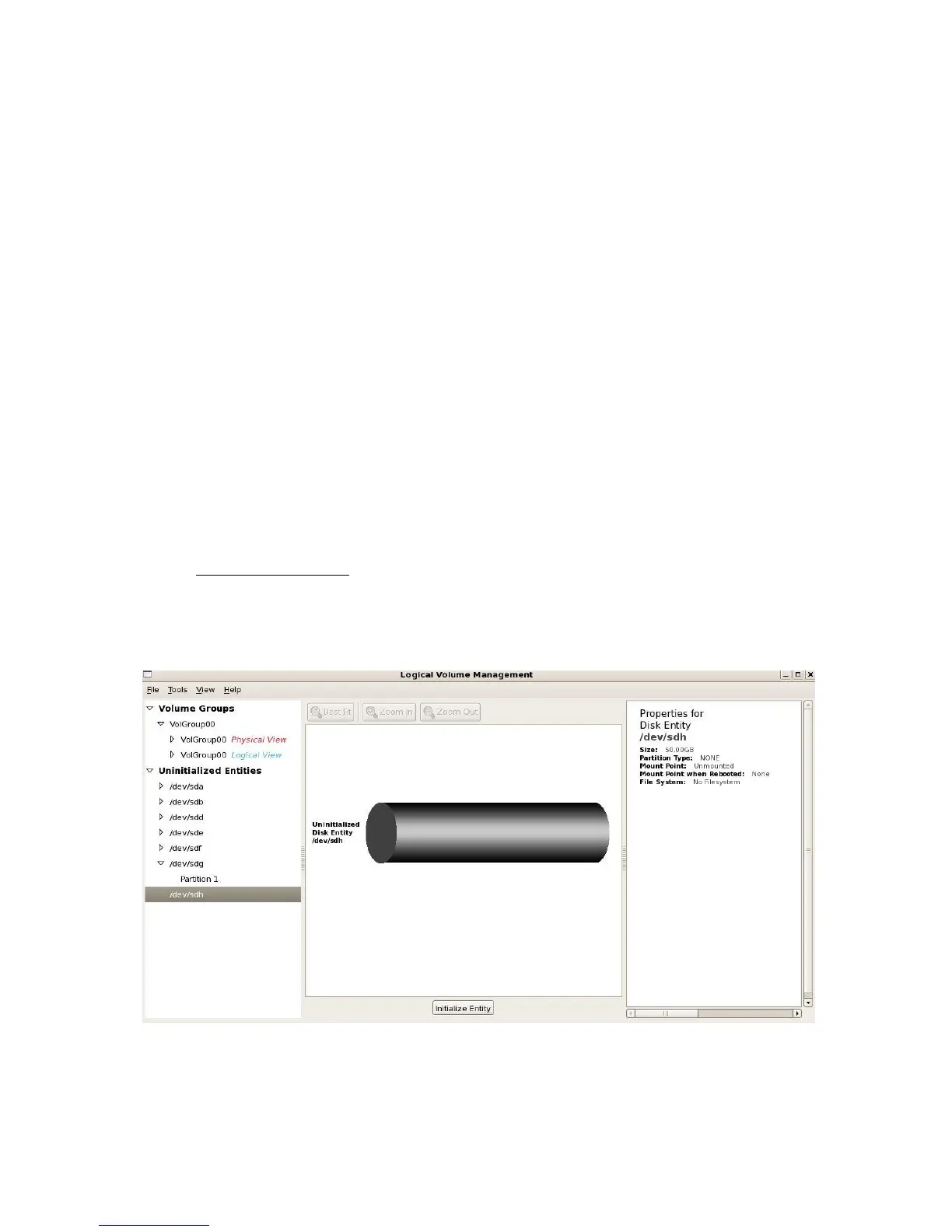
Enter System Settings - Logical Volume Management (or Disk Utility
depending on your distribution) and look for an unallocated volume of the
proper size and filesystem (no filesystem). In the sample picture below, the
unformatted volume is /dev/sdh. It is 50GB in size and has no filesystem.
You will use the device label (example: /dev/sdh) to create a partition on the
volume. Note the device label of the volume, enter a shell window and go to
step 3.



 To Next Page