English
31EN
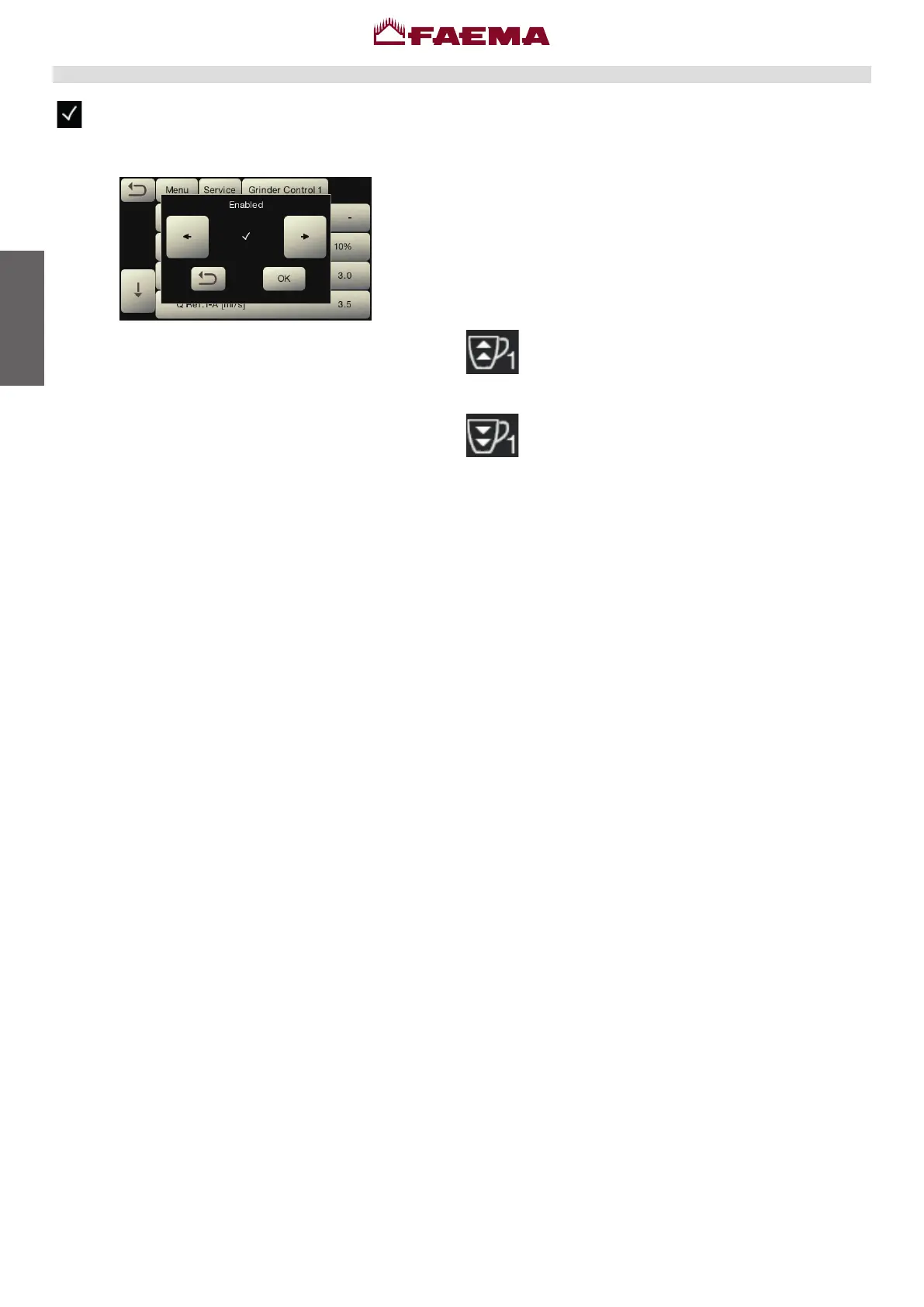
Grinder control parameters conguration
1.disablegrindercontrol,ifinuse.
2.setandcalibratethemachineandgrinder/dispenseras
desired.
3.dispenseintothetestsquareallthetypesofbeverages
tobeused(doublecoffee,singlecoffeeandanyspecial
blend-thirdkey).
4.writedownthesatisfactoryowvaluesofthecoffeesfor
eachofthepossiblethreetypesofbeverage.
5.gotothegrindercontrolpanelandperformreset.
6.settheowvaluesforeachofthebeverages.
7.enablegrindercontrol.
Note:SettheQ.refofdoublecoffeesrstforproperfunc-
tioningofgrindercontrol.
:manualgrindercontrol(forgrinder/dispenserswithnobluetoothconnectionoption.
Theappearanceofthisanimatediconmeansthat
adjustmentsneedtobemadetothegrinder/dispenserto
tightenor
loosenthegrinding,toreturncoffeedispensingtothe
defaultparameters.
Theiconsthatareshownare:
meansthatthegrindingneedstobeloosened.
(owofcoffeeislowerthanthereference).
meansthatthegrindingneedstobetightened.
(owofcoffeeisgreaterthanthereference).
Note.Thenumbernexttotheicon(1or2)indicates
whichgrinder/dispenserneedsadjusting.
Theiconappearsonthedisplayinsteadofthelevelsym-
bol.



 To Next Page