English
41EN
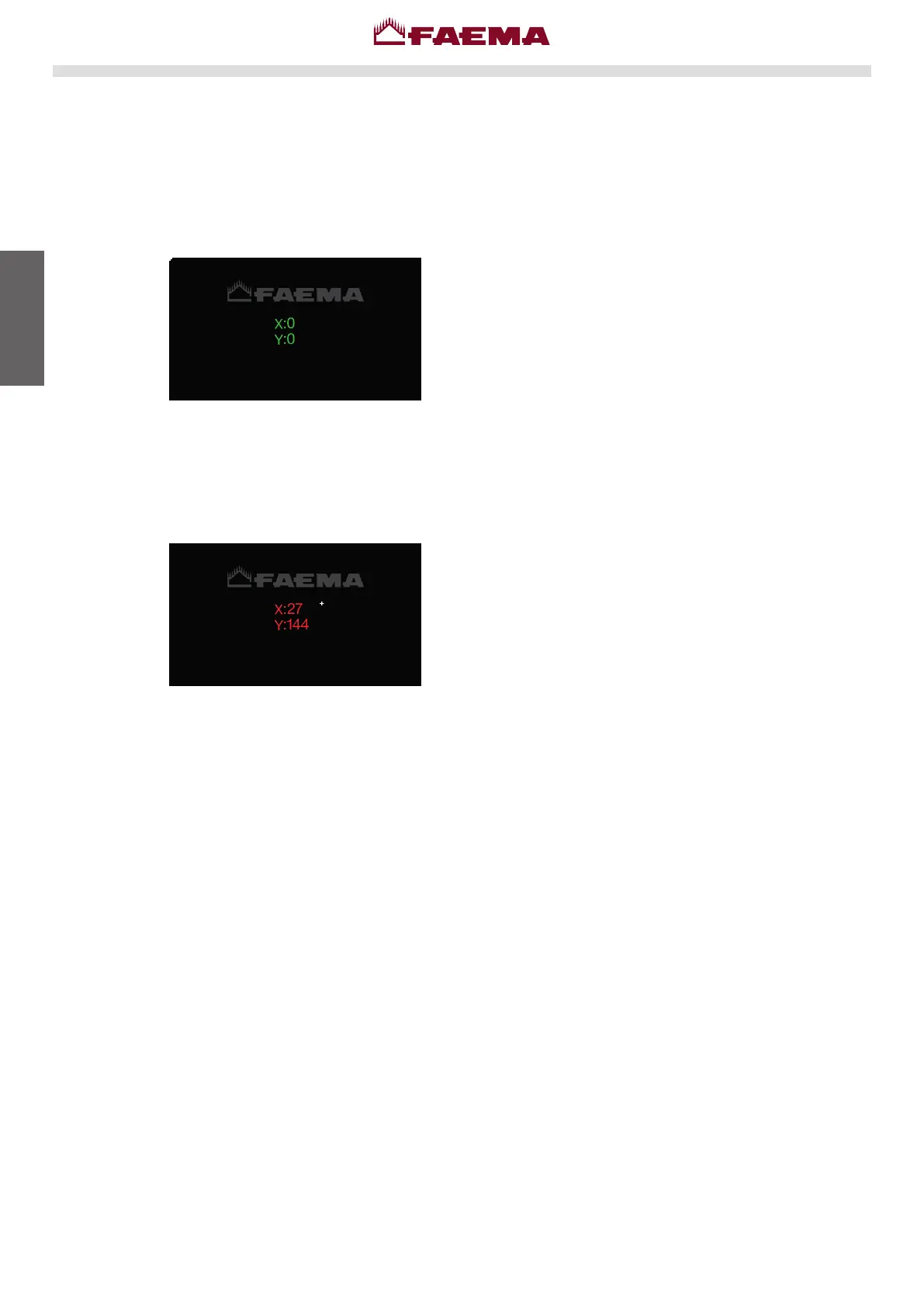
Touch-display test
Service display.
Service display.
Thedisplay-testprocedurecanbeperformedatanytimebystartingthemachinewithDip
5ON.
Ensurethattheinformationonthedisplayisgreen,withnopressureonthescreen.
iftheinformationisred,checkforanyundesiredpressureontheedgeofthescreen.
Attheendoftheoperation,turnoffthemachineandreturntheDip5toOFF.



 To Next Page