FANTEC TV-LHD
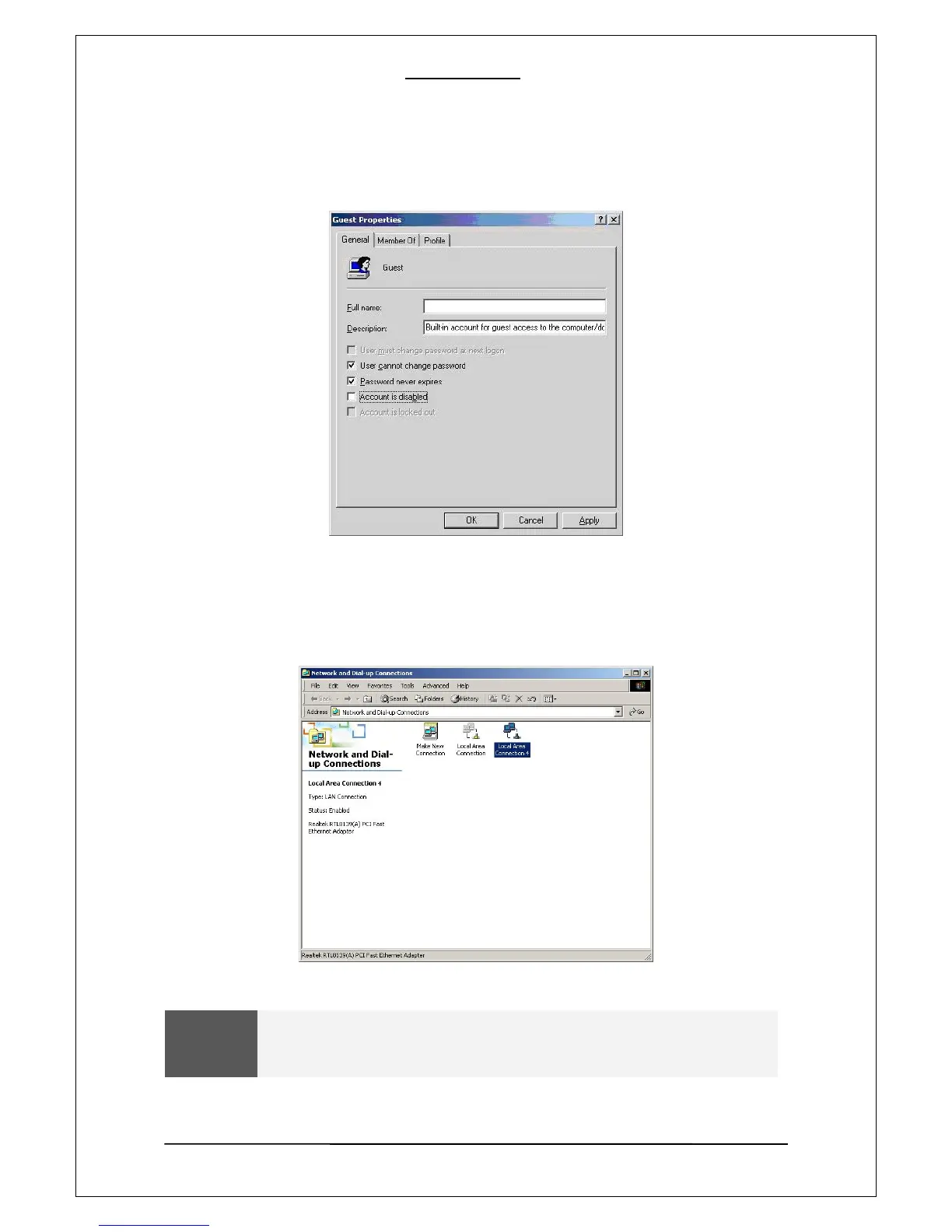
[6]. After enabling “User cannot change password” and “Password never expires”, keep the other
checkboxes unchecked. Then click on “OK”.
[7]. Go to “Control Panel—Network and Dial up Connections”. Select “Local Area Connection” and
open its property window by using the mouse right button and selecting “Properties”.
WARNING
If there are more than two “Local Area Connections”, select the LAN card that is
connected to the PLAYER.
14


 To Next Page
 Loading...











