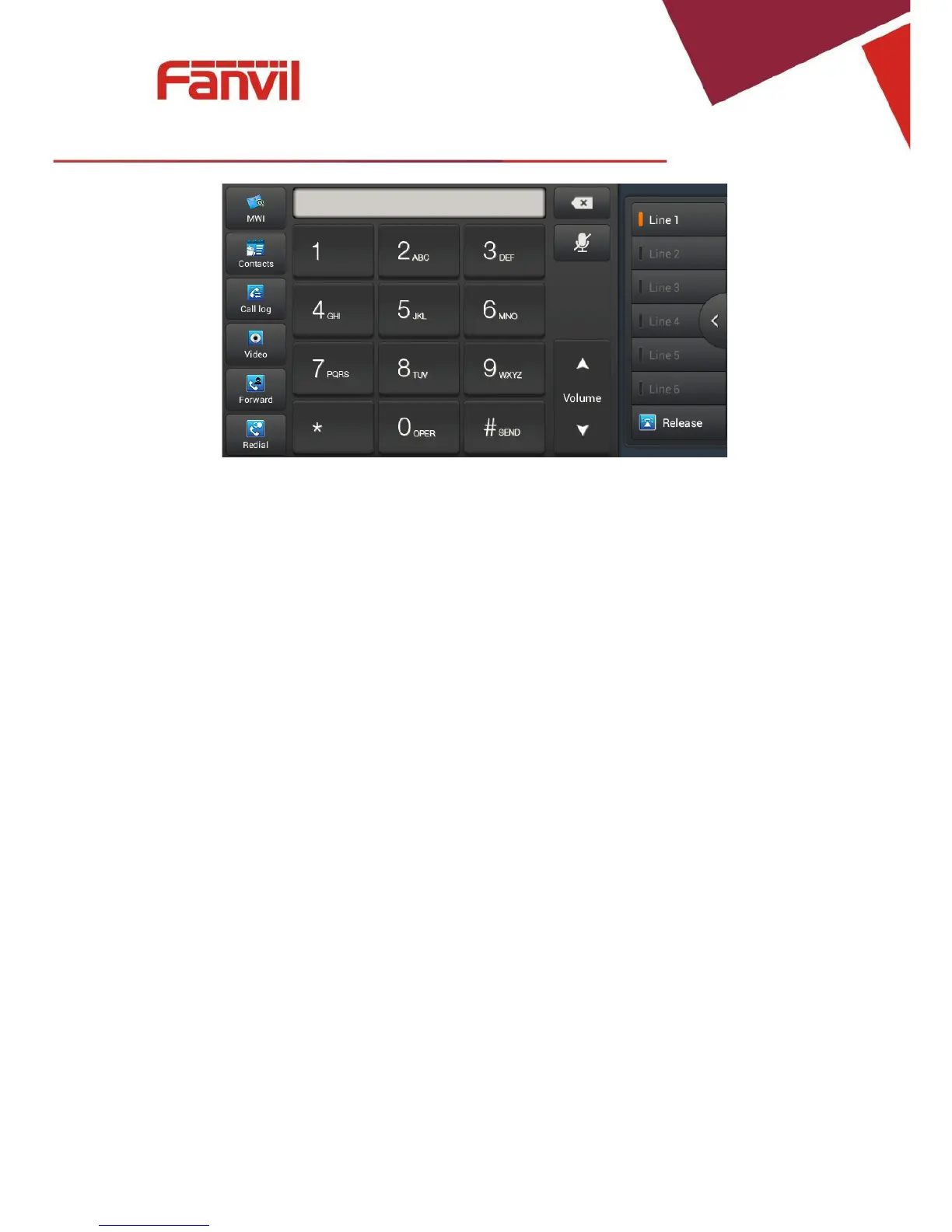
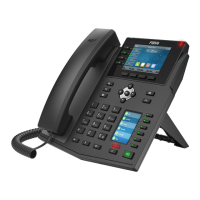
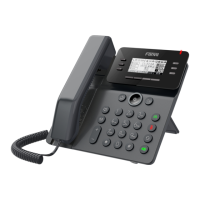
When the phone has an incoming call, you can click audio or video to answer the call, if you
did not select, the phone will follow the default ans mode you set when you pick up the
handset.Youcanalsochooseforwardorrejectthecall.
VideoCall
1.Pickupthehandset,presstheheadset/handsfreekeyorclicklinekeytothedialinterface;
2.Selectthelineandenterthenumber;
3.Click“Video”tomakeacall;
FanvilTechnologyCo.,Ltd
HQAdd:Level3,BlockA,GaoxinqiBuilding,AnhuaIndustrialPark,Qianjin1Road,35thDistrict,Bao'An,Shenzhen,518101P.R.
China
Tel:+8675526402199Fax:+8675526402618Email:fanvil@fanvil.comwww.fanvil.comBeijingTel:+861057536809
SuzhouTel:+8651265920605SEATel:+60320350737


 To Next Page