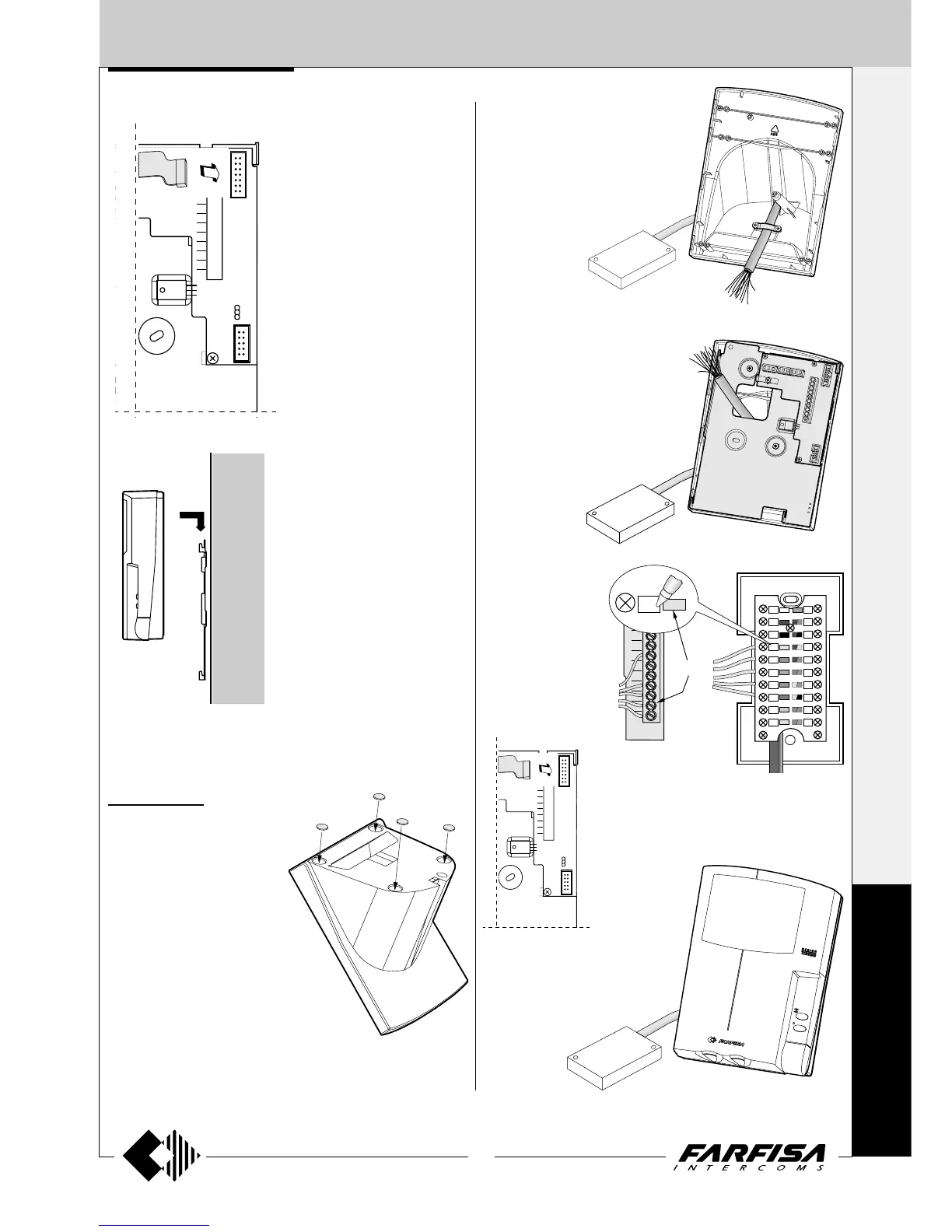
3) Fix the bracket WB7100 with the 2
screws supplied.
4) Make the connection to the bracket
terminal board according to the in-
stallation diagram.
2) Pass the connection cable through the
hole on the back of the table adapter
and block it with the cable clamp.
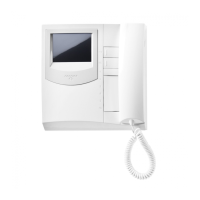
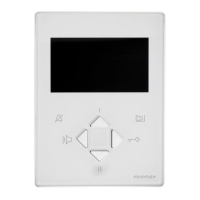
6) Connect the monitor cable to the bracket.
7) Hook the monitor to the bracket.




 To Next Page