P i a n o
S t G r d P n o
13
Metronome
1.
2.
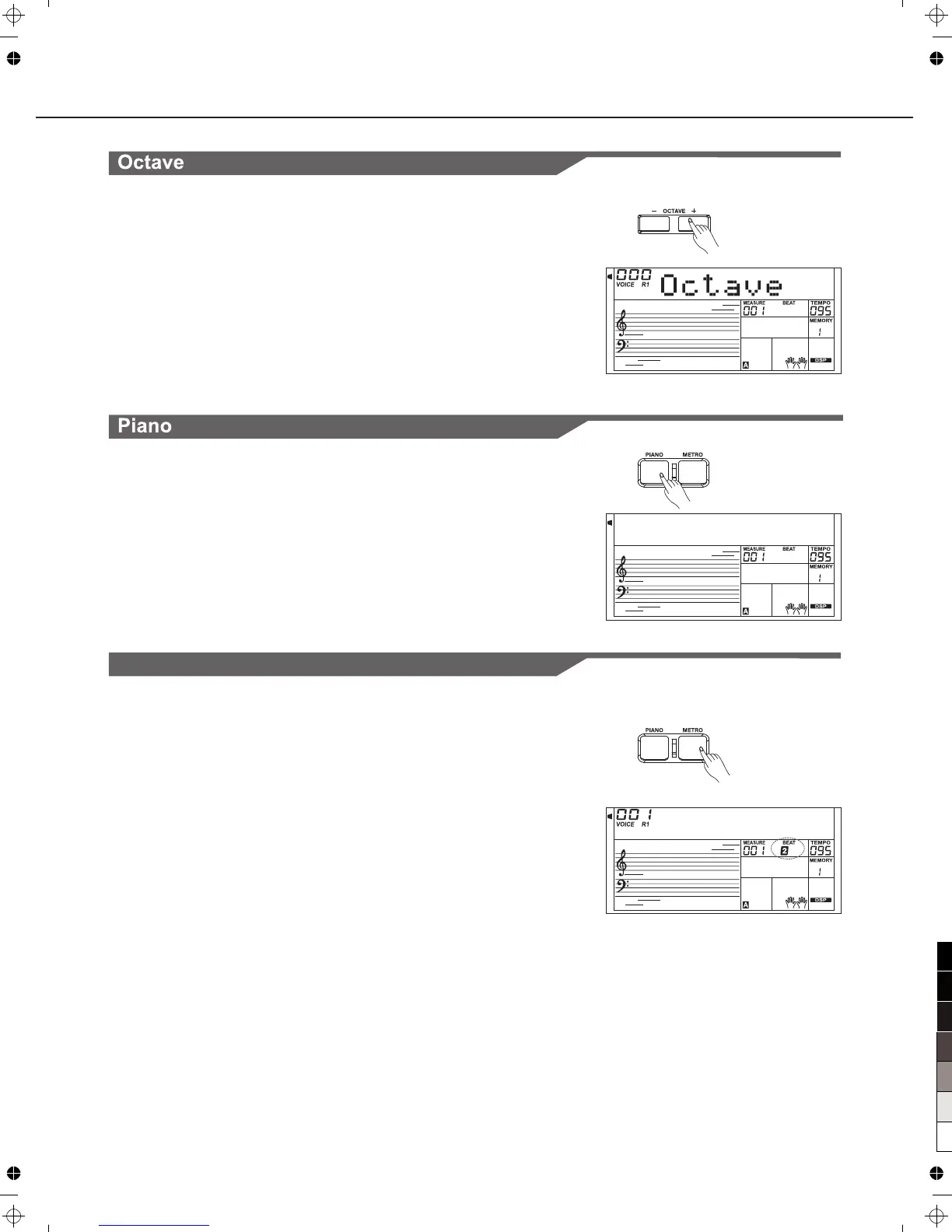
Press the [METRO] button to turn the metronome on.
Press the [METRO] button again to turn the metronome off.
Playing the Voices
1.
Press [OCTAVE +] or [OCTAVE -] to change the octave value.
This function can change the keyboard from -1 to +1 octave.
Press [OCTAVE +] and [OCTAVE -] or press [+/YES] and[-/NO]
simultaneously will set value to default: 0.
2.
Octave function determines the relative octave setting for the
played voice R1,R2 and L.keyboard
1.
Press [PIANO] button to enter piano and exit piano mode.
In the PIANO mode, you can start a style. Press the [START/
STOP] button to play.
2.
No matter what setting you've made from the panel, you can
instantly call up the piano setting by a single button press.



 To Next Page