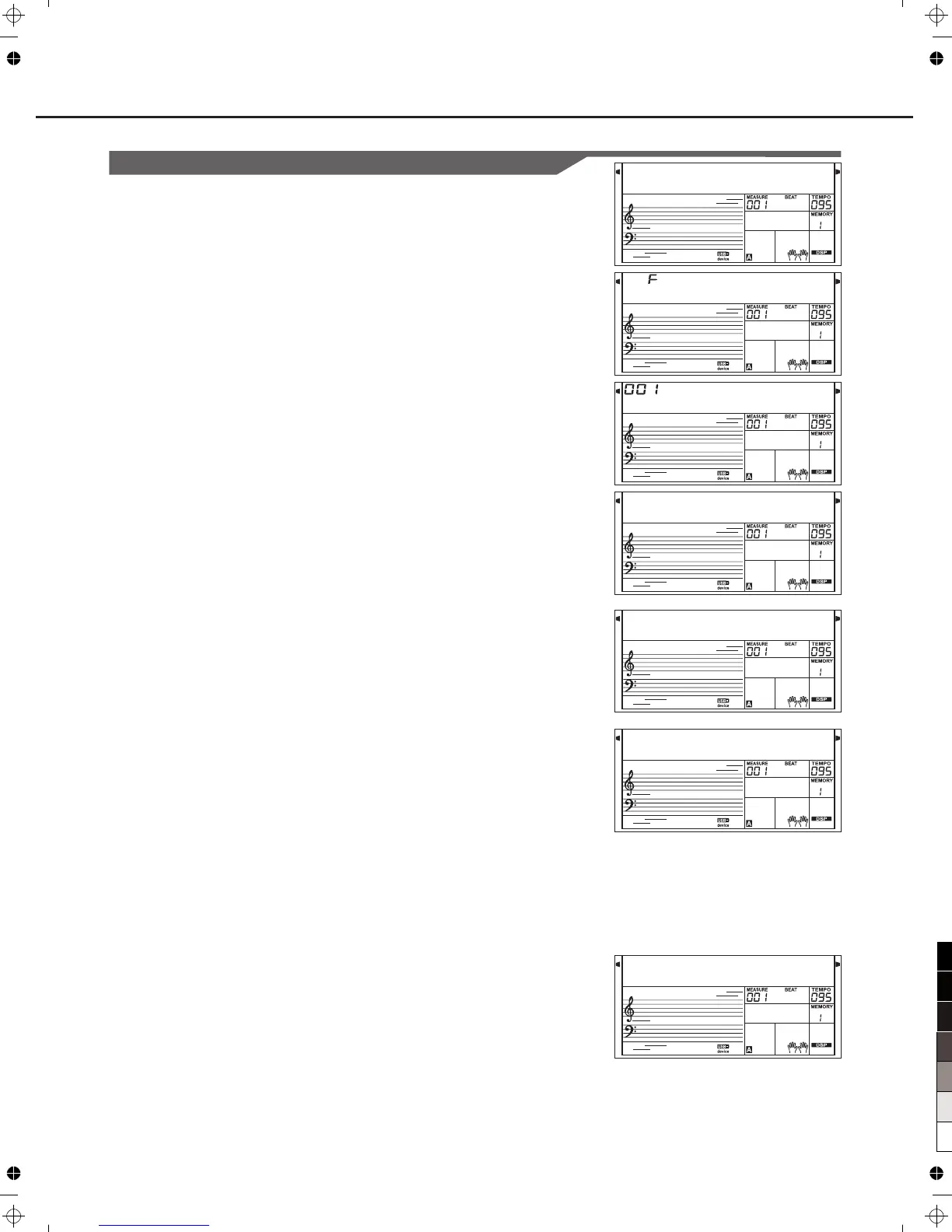
Load
L o a d S o n g
S N G _ 0 0 0 1
U s e r S o n g
S u r e ?
W a i t . . . !
L o a d S t y
L o a d M e m
37
Load Song:
1.
2.
3.
Load Style:
Load Memory:
1.
2.
3.
1.
2.
3.
Connecting a USB Device
Select the menu "Load" and press [ENTER]button, the Load sub
menu are displayed on LCD, it includes "LoadSong", "LoadSty" ,
"LoadMem" and "LoadVoic". Use [+/YES],[-/NO]button or Data
Dial to select one.
Select the menu "LoadSong" and press [ENTER]button, the
MIDI files in the "SONG" directory of are
displayed on the LCD, the main name of the file includes 8
characters, the postfix name is .mid. You can select songs by
using [+/YES],[-/NO]button or Data Dial.
Press [ENTER]button to affirm the desired file, the user song
number will be displayed on LCD, you can select them by
using [+/YES],[-/NO]button or Data Dial.
Press [ENTER]button, "Sure?" will be displayed on LCD, you
can press [ENTER]/[+/YES]button to load the file or press
[EXIT]/[-/NO]button to cancel.
Select the menu "LoadSty" and press [ENTER] button, the Sty
files in the "STYLE" directory of are
displayed on LCD, the main name of the file includes 8
characters, the postfix name is .sty. You can select styles by
using [+/YES],[-/NO]button or Data Dial.
Press [ENTER]button to affirm the desired file, the user style
number will be displayed on LCD, you can select them by
using [+/YES],[-/NO]button or Data Dial.
Press [ENTER]button, "Sure?" will be displayed on LCD, you
can press [ENTER]/[+/YES]button to load the file or press
[EXIT]/[-/NO]button to cancel.
Select the menu "LoadMem" and press [ENTER]button, the
Mem files in the "MEMORY" directory of
are displayed on LCD, the main name of the file includes 8
characters, the postfix name is .mem. You can select styles by
using [+/YES],[-/NO]button or Data Dial.
Press[ENTER]button to affirm the desired file, the user
memory number will be displayed on LCD, you can select
them by using [+/YES],[-/NO]button or Data Dial.
Press the [ENTER]button, "Sure?" will be displayed on LCD,
you can press [ENTER]/[+/YES]button to load the file or
press[EXIT]/[-/NO]button to cancel.
USB Storage Device
USB Storage Device
USB Storage Device



 To Next Page