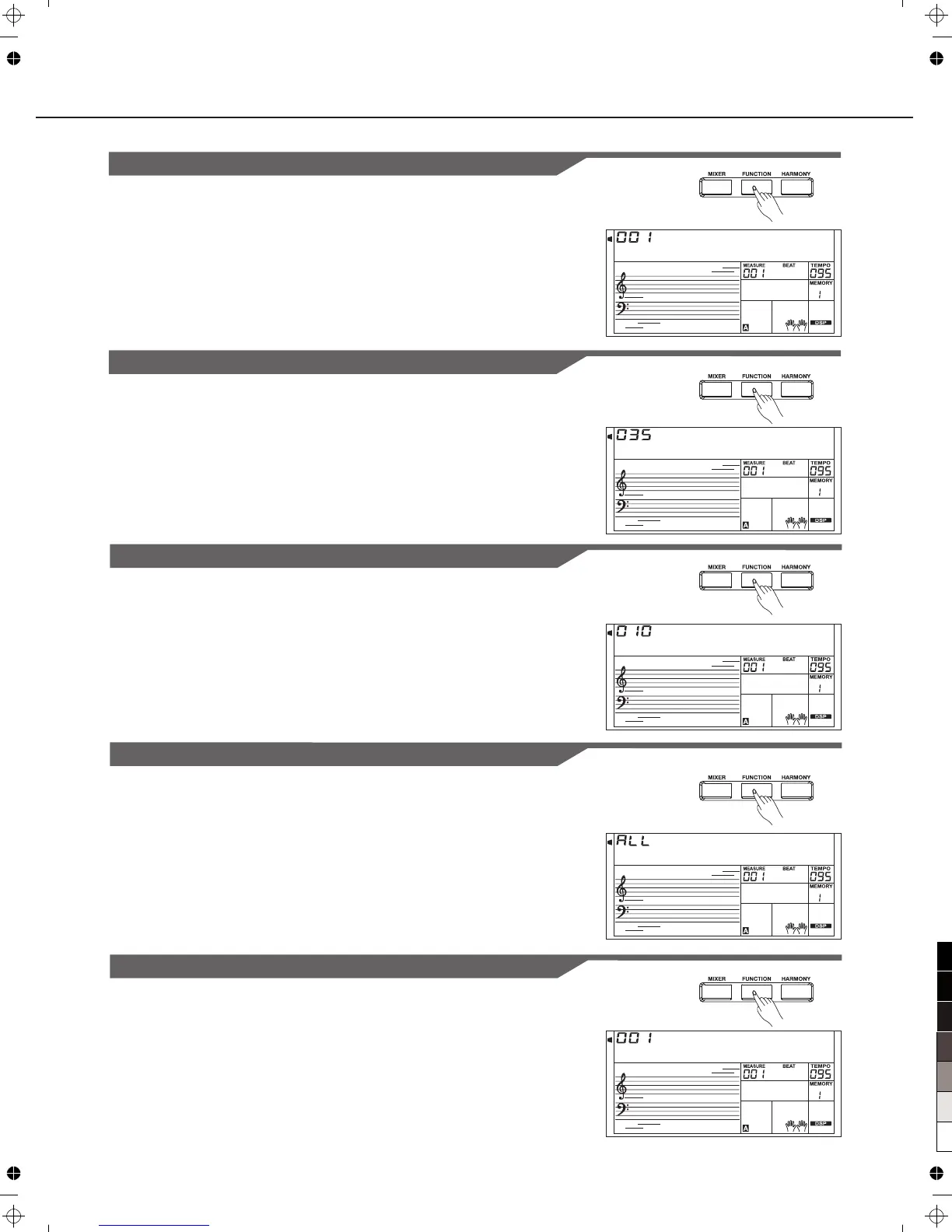
MIDI In
You can set the channel of MIDI IN by RECEIVE. The default setting
is “ALL”, channel 1~16 can also be selected. Use [+/YES]/[-/NO]
button or Data Dial to select the channel.
MIDI Out
You can set the channel of MIDI OUT by TRANSMIT. The default
setting is “001”, channel 2~16 can also be selected. Use [+/YES]/
[-/NO] button or Data Dial to select the channel.
Harmony
D u e t
R e v L e v
C h r L e v
M i d i I n
M i d i O u t
29
There are 9 harmony effects for you to select, including Duet, 1+5,
Octave, CtryDuet, Trio, Block, 4 Close1 and 4 Close2, 4 Open. Use
[+/YES]/[-/NO] or Data Dial to select.
Reverb Level
The LCD displays reverb level. Use [+/YES]/[-/NO] or Data Dial to
change reverb level.The level ranges from 0 to 127.
Chorus Level
The LCD displays chorus level. Use [+/YES]/[-/NO] or Data Dial to
change chorus level. The level ranges from 0 to 127.
Other Functions



 To Next Page