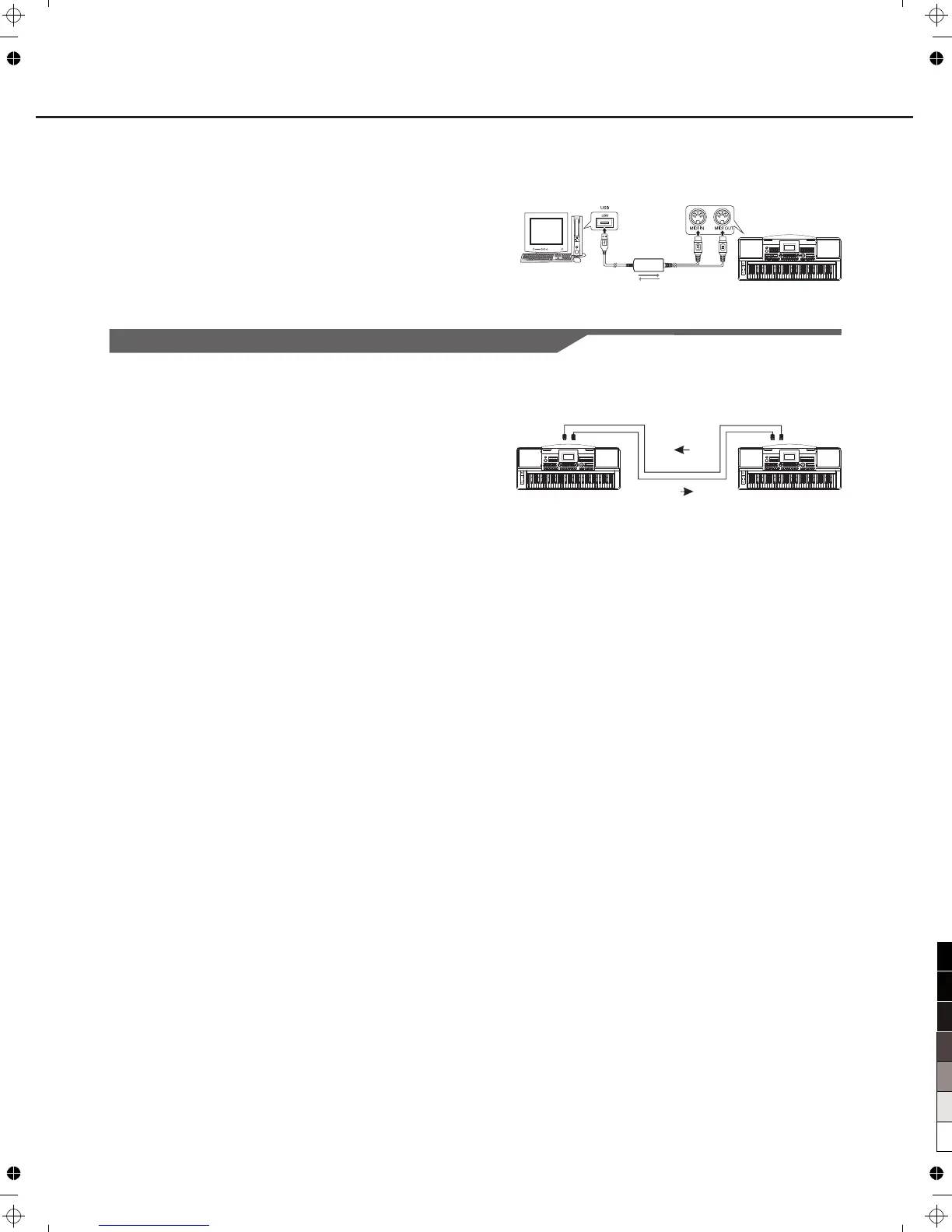
A USB-MIDI interface
MIDI IN
MIDI OUT
MIDI IN MIDI OUT
Connecting to other device
9
Connecting the MIDI IN /OUT to Computer via The MIDI/USB converter.
Connect the MIDI OUT of other Device to the MIDI IN jack on the rear
panel, this instrument will as sound module.
Connect the MIDI IN of other Device to the MIDI OUT jack on the rear
panel. this instrument will as Midi Controller.
Connections



 To Next Page