S t G r d P n o
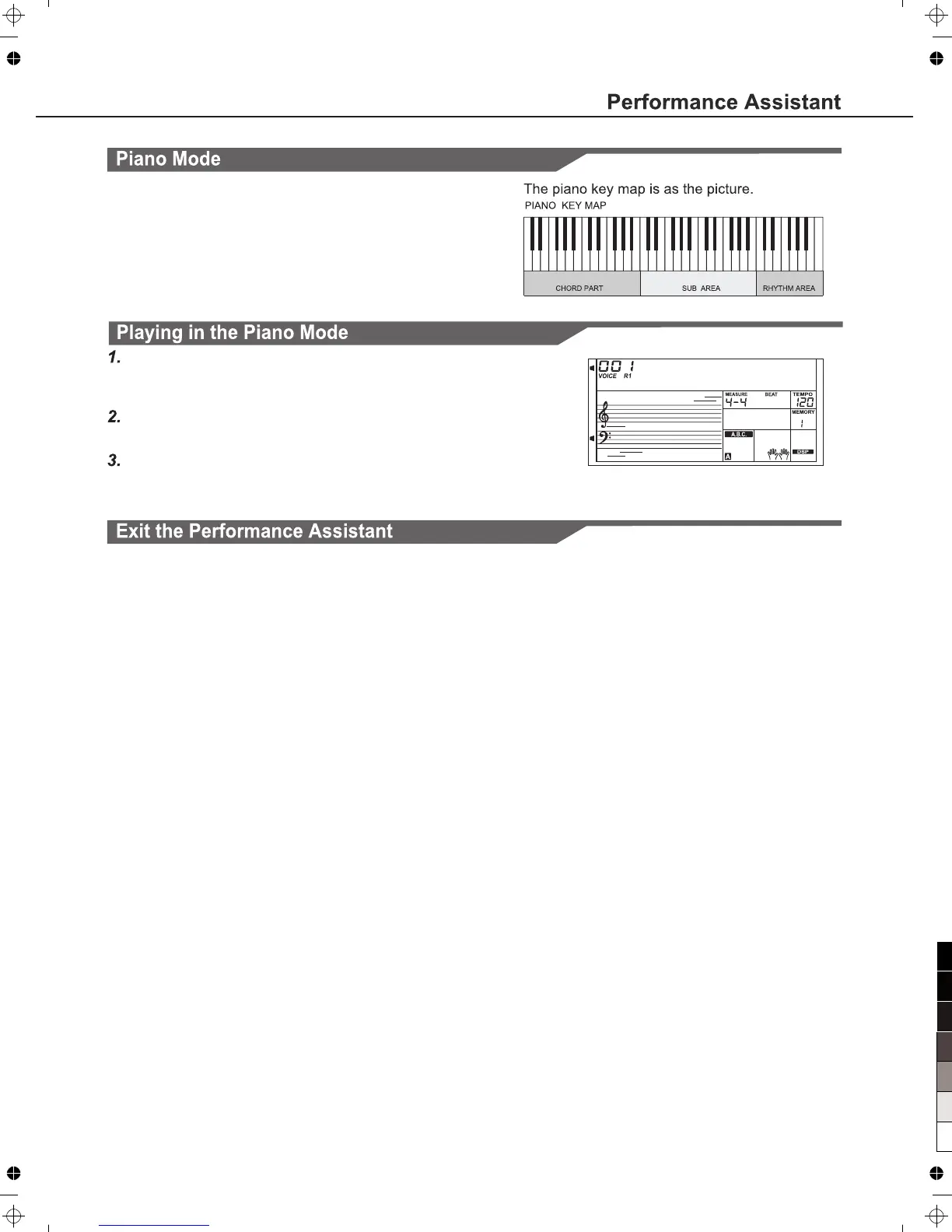
Piano Key Map
In Piano Mode, you can easily to achieve many hard piano
perform skills just like playing the acoustic one. In this mode you
can use some perform skills like piano rhythm (5), broken chord
(5) and also 3 endings.
The piano key map is similar with the guitar key map. Press A6 to
C7 will start ending. All the black keys above C4 are invalid.
Select Piano Mode.
In performance assistant mode, use Data Dial,[+/YES] or [-/NO]
button to select Piano Mode.
Play a chord in chord part.
Use Sub area and Rhythm area to play some phrases.
Press the A6,B6 or C7 to ending your piano perform. When the
ending is finished, the phrase stops automatically.
23
When the phrase stops, press the [VOICE], [STYLE], [SONG],
[DEMO], [PERFORM.] and the Direct Select Button to exit the
Performance Assistant.



 To Next Page