C50 Card Printer Service Manual PLT-01278 rev 1.1
HID GLOBAL CONFIDENTIAL AND/OR PROPRIETARY INFORMATION. This document contains confidential and/or proprietary information,
which may not be duplicated, published, disseminated or disclosed, or used for any purpose, without the written consent of HID Global
Corporation. If you are an unintended recipient of this information or are unwilling to accept the above restrictions, please immediately return
this document to HID Global Corporation, 15370 Barranca Pkwy, Irvine, CA 92618-3106..
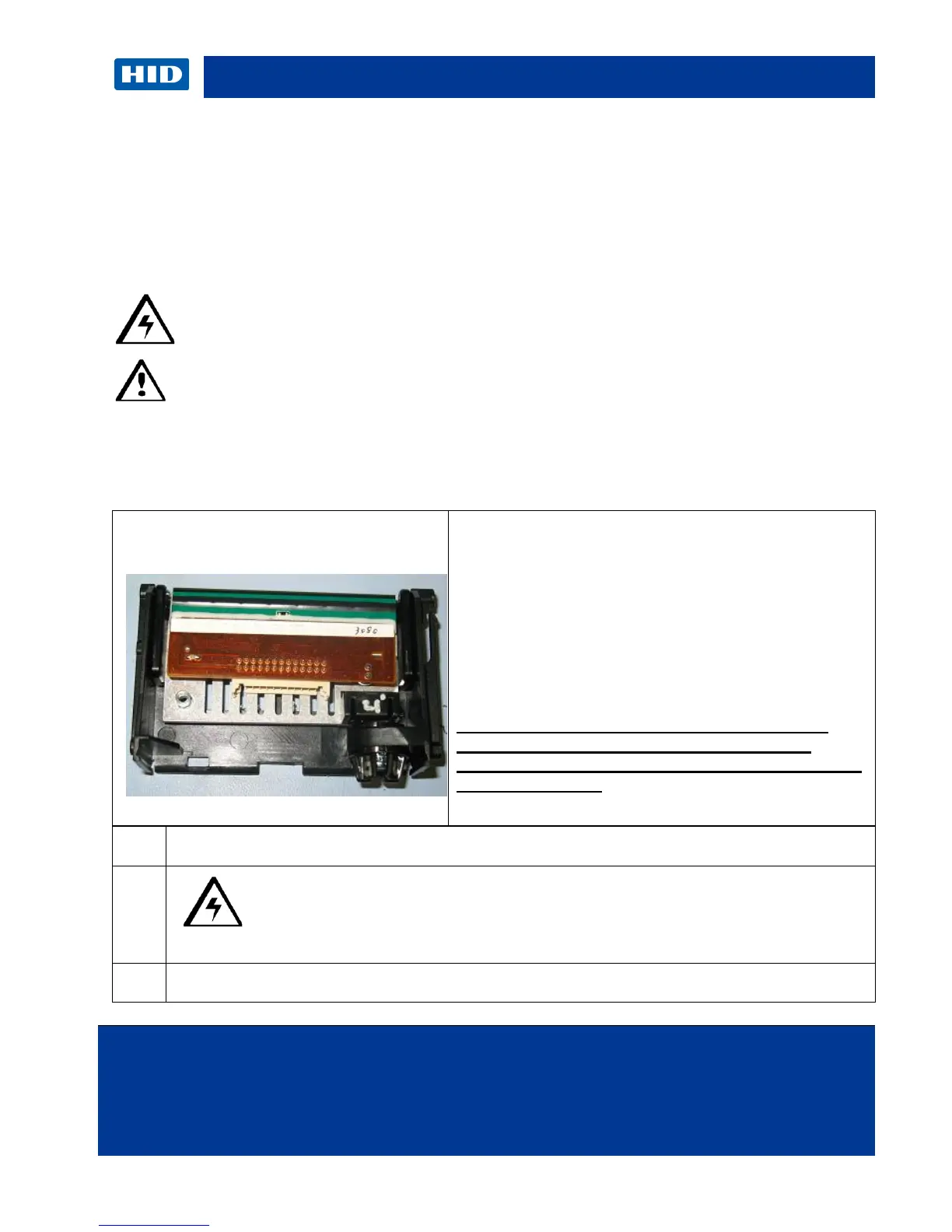
3.14 C50 Printhead procedure
The guide serves to instruct the user about replacing the Printhead. This procedure can only be
performed by authorized service personnel.
Kit part number: 047500
Caution: Turn OFF the Printer and unplug the power cord from the Printer.
Danger: Wear proper eye protection to perform the procedures in this section.
Reverse the disassembly steps to reassemble the Card Printer. ESD precautions are
necessary when handling electronics assemblies.
Caution: Turn OFF the Printer and unplug the power cord from the
Printer.
Turn the printer over to access the Headlift cover.
Tools needed: Flathead screwdriver
Torx Wrench (included in kit)
Estimated Repair Time: 20 minutes
Preparation: Remove Printhead mount
Important: This procedure can only be performed by
authorized service personnel.
Make note of the resistance value on the new
printhead; verify this value in the Advanced
Settings driver option. Refer to the User Guide for
more information.



 To Next Page