• The longer a single scan takes, the longer the processing time will be. Try to keep scan
times as short as possible—under 5minutes is best.
• It is better to have one scan that captures all objects of interest than to have several scans.
Fewer scans means less registration.
• Move the handset slowly and constantly, avoid jerky movements. Fast and jerky movements
may lead to inaccurate data or tracking may be lost.
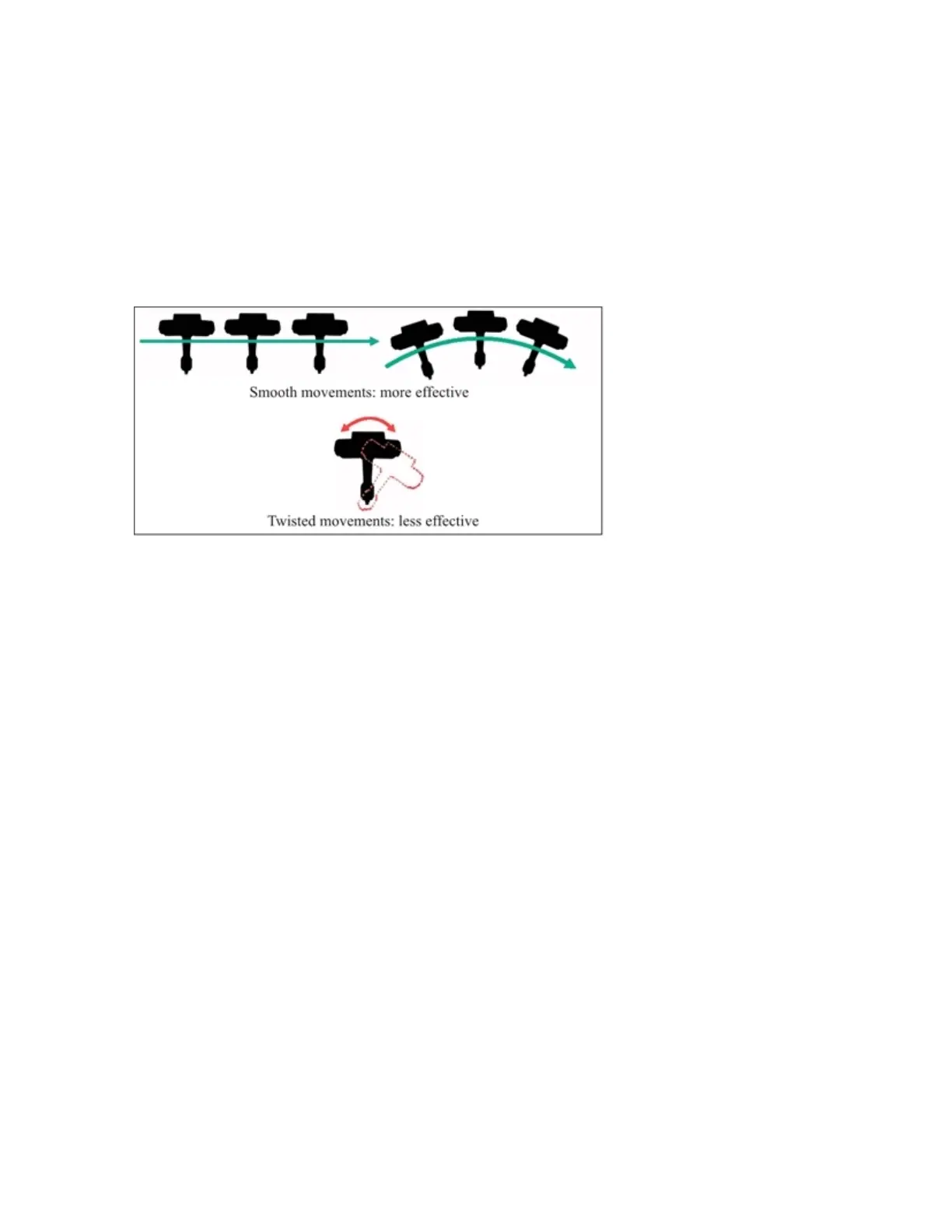
• Accuracy and tracking may be improved if you avoid excessive twisting movements while scanning:
Figure 6-1 Avoid twisting moments
• Make sure that the objects of interest are within the specified maximum range and minimum range of
the handset.
• Objects or surfaces may have an increased noise or reduced data if they are directly illuminated by
bright sunshine.
• Use markers for high accuracy tasks
• Avoid:
• scanning your shadow while making outdoor scans
• having only plain-colored surfaces (e.g., a white wall) in the handset’s field of view
• having only shiny surfaces in the handset’s field of view, example metal rails, or high-gloss
lacquer
• having only highly absorbing surfaces in the field of view, for example black furniture
• scanning when the temperature is lower than 0°C or higher than 40°C
• high concentrations of dust, fog, rain or snowfall. This may result in bad measurements. Avoid
scanning under these conditions.
• Try to move the handset in circles or loops. This helps with loop-closing.
• When scanning all sides of an object, start and stop at “less interesting” positions. For example,
when scanning a person, start and stop at the back.
• Try to finish a scan at the place where you began. This helps with loop-closing.
• Objects must not move while they are captured.
FARO Freestyle 2 User Manual
Chapter 6: Scanning with Freestyle 2
FARO Freestyle 2 (August 2020) Page 30 of 58



 To Next Page