• Data size: Display size of captured data.
• Number of frames: Display number of frames captured.
• Number of 3D points: Show number of 3D points in current frame.
• Acoustic feedback: Switch this on if you want the app to play a sound when tracking lost or
recovered.
• Vibration feedback: Switch this on if you want the phone to vibrate in critical situations (too near
to subject, too far from subject).
Help
• Training videos: Videos that provide information about how to get the best results from Freestyle2.
• Scanning tutorials: Scanning modes that do not save data, but instead provide real-time feedback
about the information that the Freestyle 2 is capturing. Use this mode to learn about how to best
move the handset, or to test scanning conditions before you actually begin with a scan project. For
more information, see “Scanning Tutorials” on page 31.
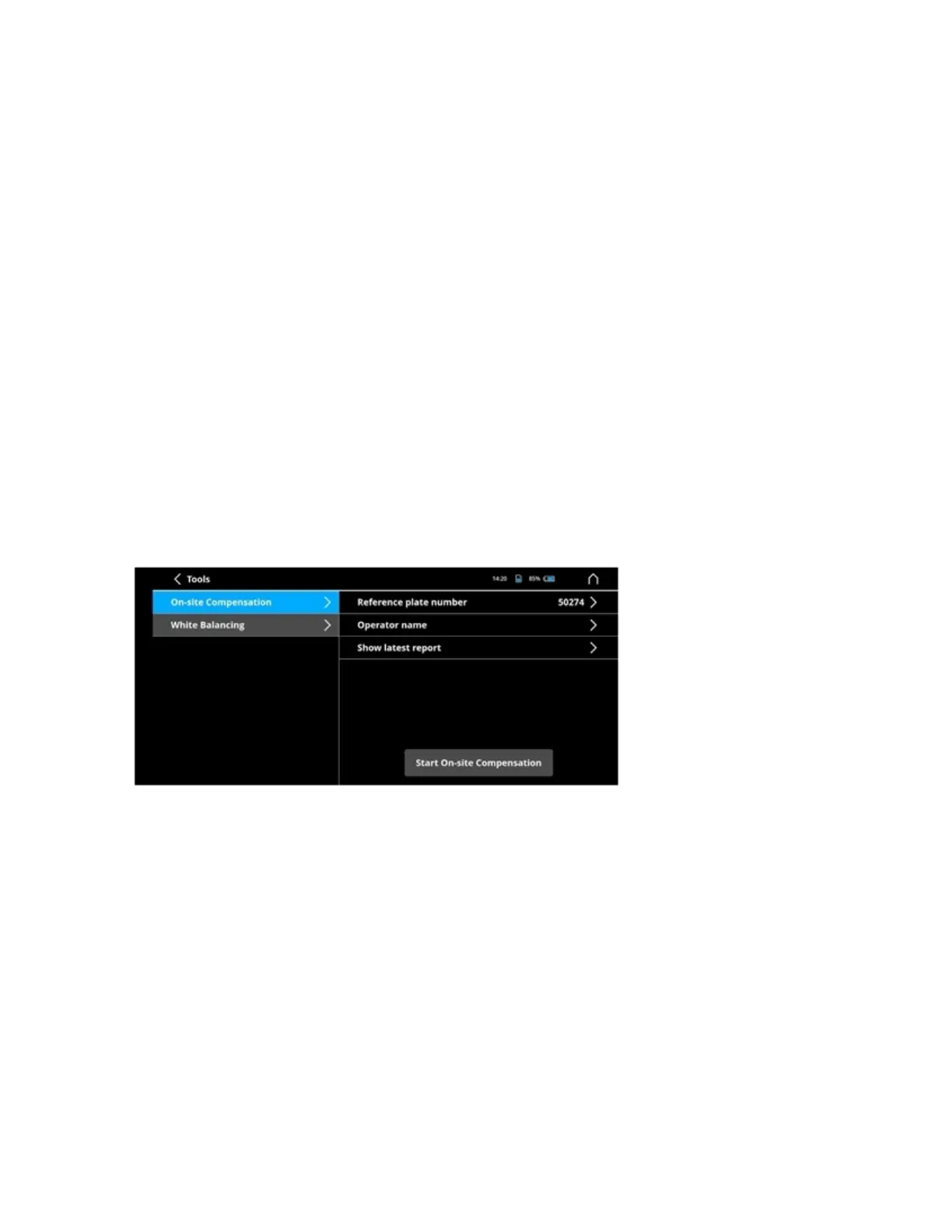
Tools
Figure 9-1 Tools menu
• On-site compensation: For more information, see “On-Site Compensation” on page 42.
• White balance: For more information, see “Adjust White Balance” on page 28.
FARO Freestyle 2 User Manual
Chapter 9: Freestyle2 App Settings
FARO Freestyle 2 (August 2020) Page 41 of 58



 To Next Page