‣
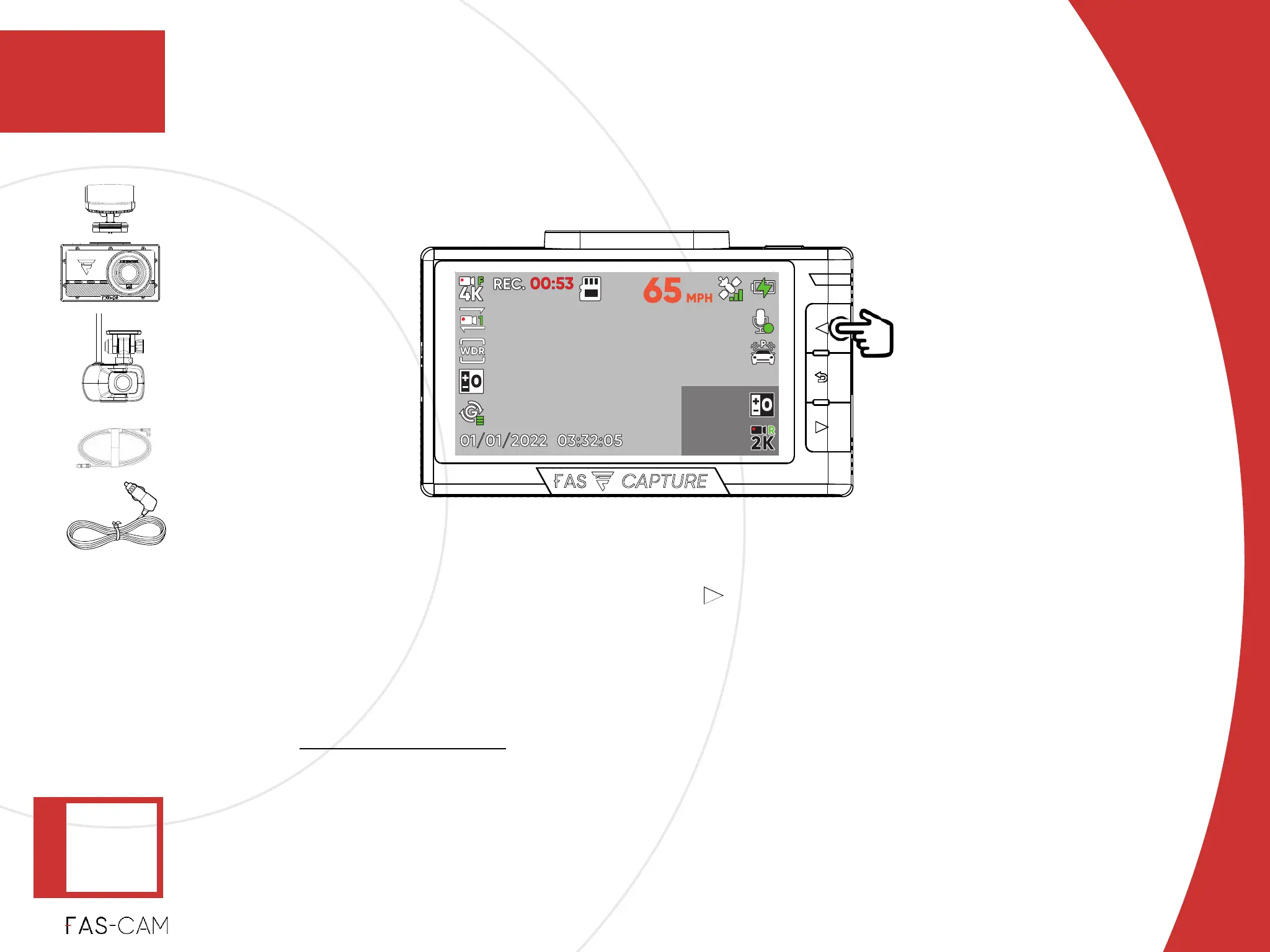
After complete the initial setup, system will automatically switch to Main View.!
‣
If you purchased the F201 rear cam, use the button to switch between front and rear
views.!
‣
Check “Front View” and “Rear View” to confirm they are being displayed.!
‣
If any of the views fails to show, or if you experience any malfunction. Please review
chapter “10: Troubleshoot” in this User Manual.
4. Installation
Installation
4.1 F701-DR Front Camera Installation
4
Full View Selector
‣
Power: ON
‣
Recording:
WHITE -
ON
‣
4.1.2 Unit Test



 To Next Page