EN-61
| evation
• The selected pedal support level:
Each support level is assigned a colour, i.e. You can read off the
support level currently set via the colour of the lit LEDs on the
display.
More detailed information can be found → in chapter 27.3 "Support levels".'
27 USING THE REMOTE fX AND REMOTE bX
WARNING
Danger due to distraction during operation!
If you are distracted when using Remote fX/Remote bX while
riding, this can result in accidents and serious injuries.
► Keep away from road traffic and familiarise yourself with the
functions and usage of your Remote fX/Remote bX before
using your e-bike for the first time.
► Do not use Remote fX/Remote bX whilst riding if you are
distracted by it.
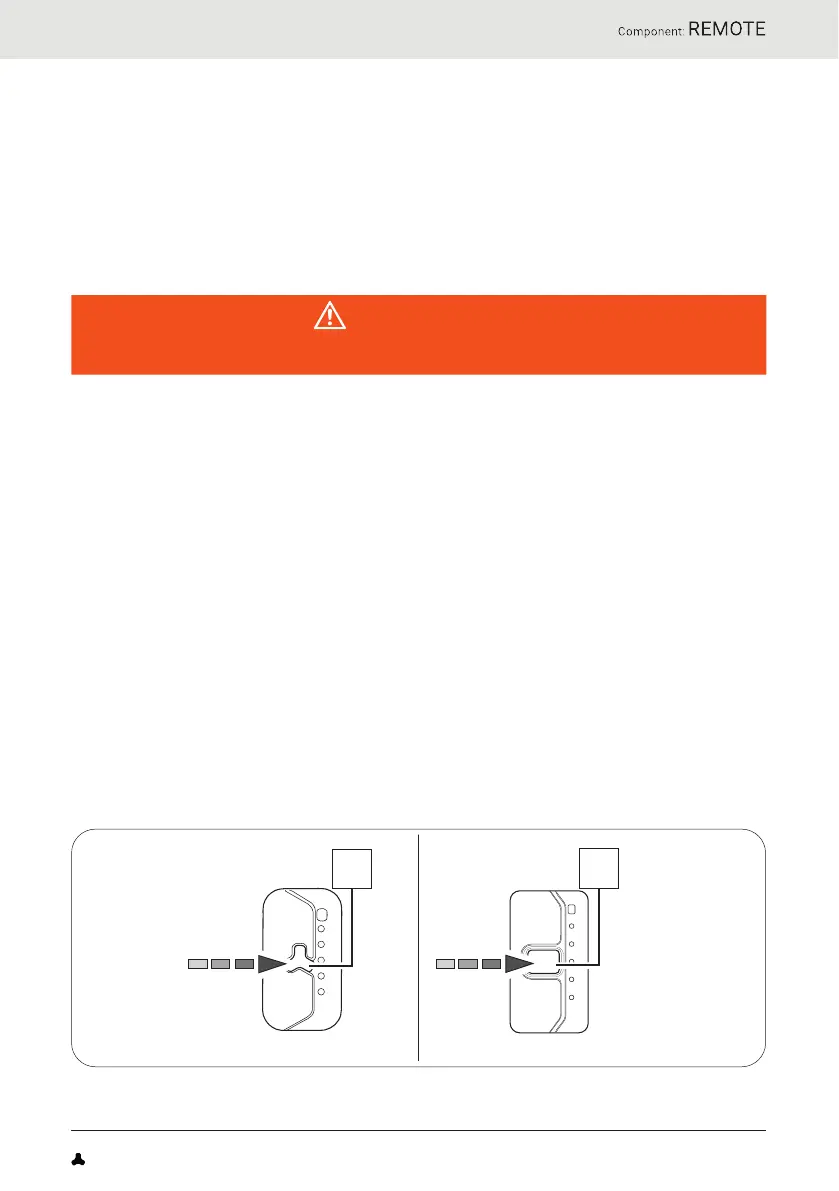
2 7. 1 Switching the drive system on and off
► Switch on the drive system using Remote fX/Remote bX by pressing
the centre button.
► Switch off the drive system using Remote fX/Remote bX by holding
down the centre button for 1 second.
FAZUA Benutzerhandbuch_EN.indb 61FAZUA Benutzerhandbuch_EN.indb 61 26-Feb-20 12:47:2026-Feb-20 12:47:20


 To Next Page