20
!
!
"
Bandsaw
FB 540/640/740/840/940
7.2 Switching on the machine
Turn the main switch, located at the rear of the machine
frame, to the “I” setting. The white indicator light on the
control panel signals that electrical power is present.
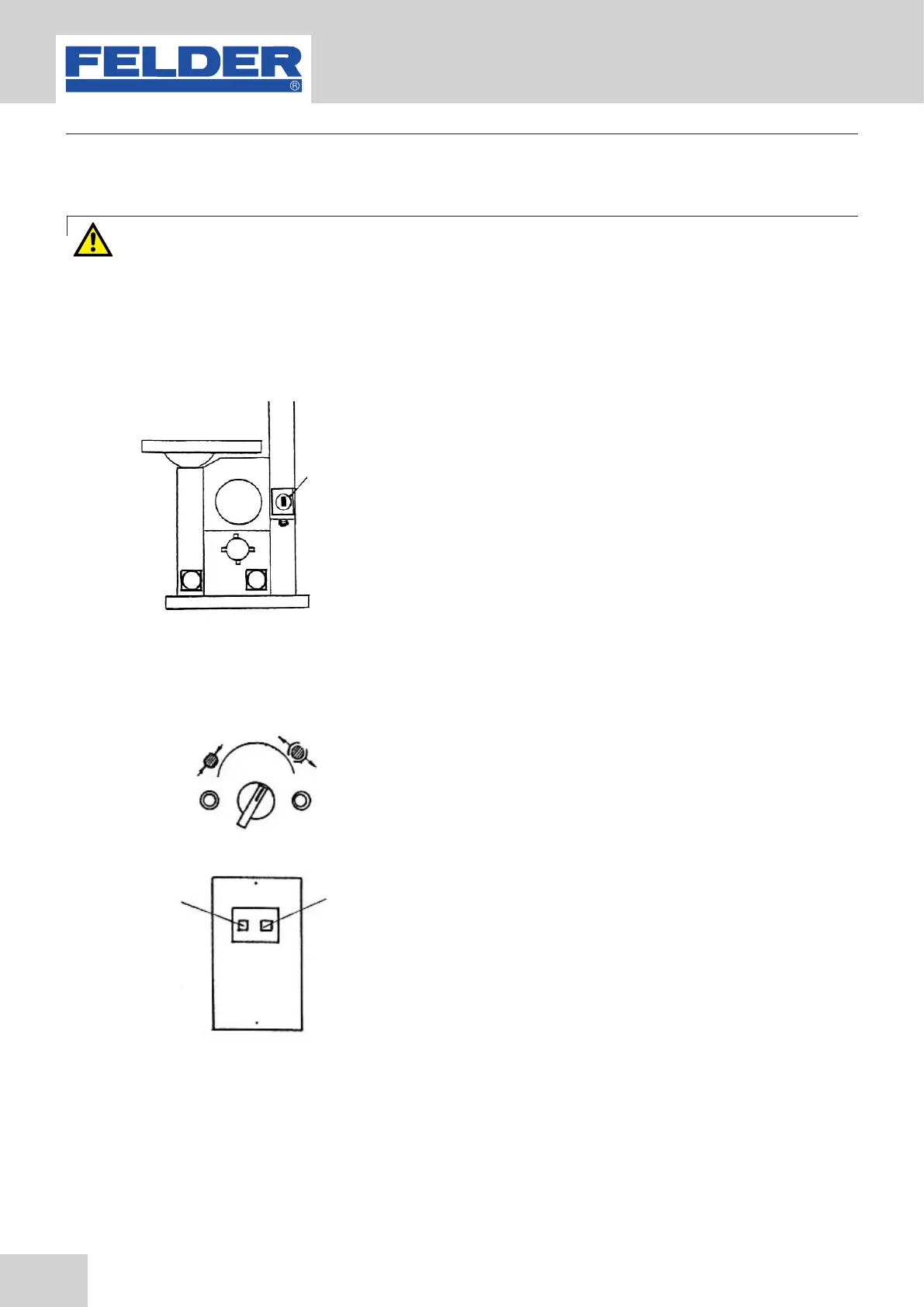
Start the drive motor by pressing the push button. Press
the push button to stop the drive motor.
Turn the main switch, located at the rear of the machine
frame, to the “I” setting. The white indicator light on the
control panel signals that electrical power is present.
Push in the motor safety switch push button.
Fig. 7: Push button
Fig. 8 : Drive motor
Operation
! Push button
!Motor safety switch
"Drive motor OFF
7.2.2 FB 740/840/940
7.2.1 FB 540/640
Warning! Risk of injury due to insufficient preparation!
It is only permitted to switch on the machine if, for the work at hand, the required preconditions are
fulfilled and any preliminary work is completed. Therefore, the adjusting, fitting and operating instructions
(see the corresponding chapters) must be read before switching on the machine.


 To Next Page