63
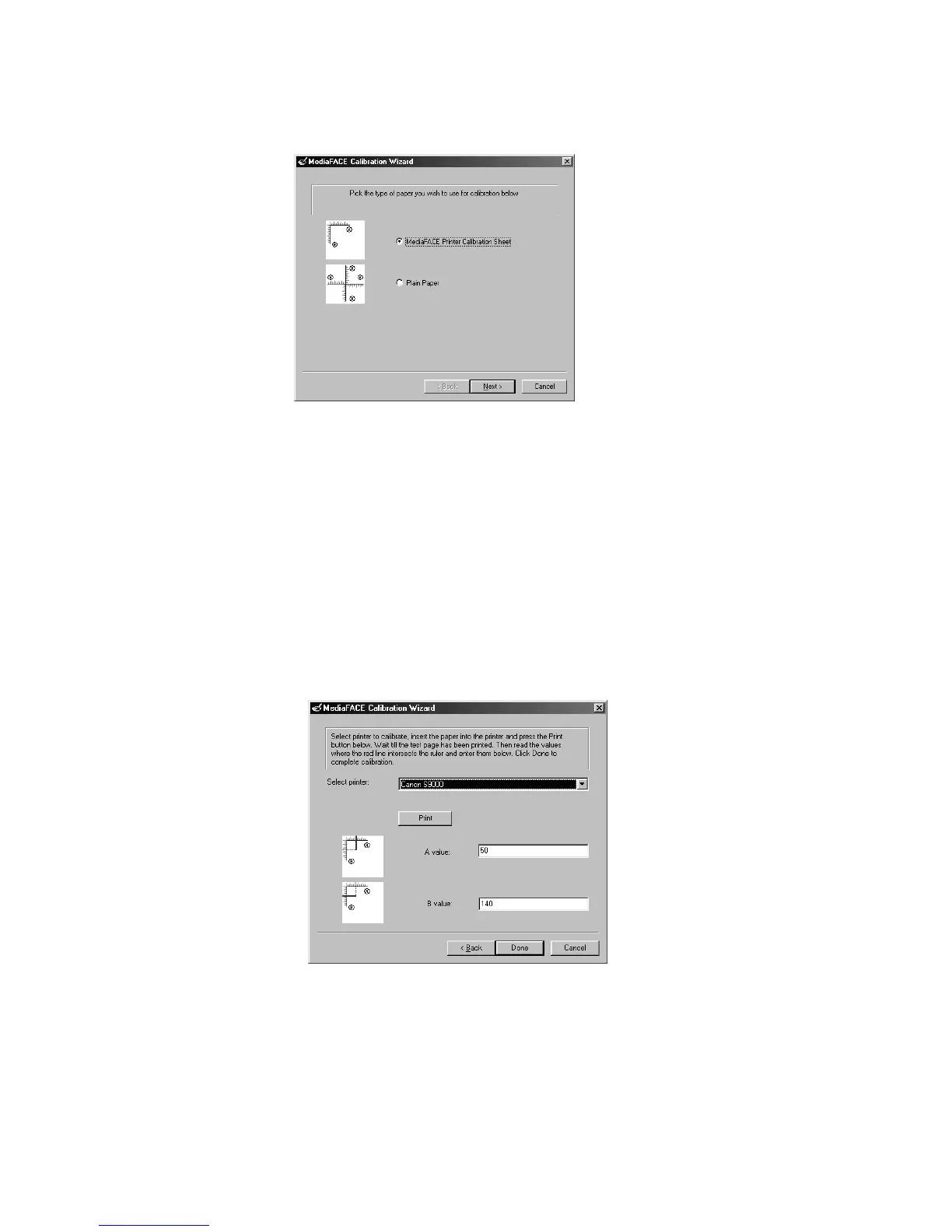
The first screen you will see in the Calibration Wizard will look like this:
Figure 5.15 – First screen in the Calibration Wizard
There are two ways to calibrate your printer in the Design Wizard: MediaFACE Printer
Calibration Sheet and Plain Paper. Both methods are discussed in detail below.
MediaFACE Printer Calibration Sheet
You may have received a Printer Calibration Sheet with your purchase. The
Printer Calibration Sheet will have a ruler grid in the upper left portion of the
page. The lower portion will contain instructions for calibration.
Select the MediaFACE Printer Calibration Sheet option and Click Next. The
next screen will look like the one below:



 To Next Page