91
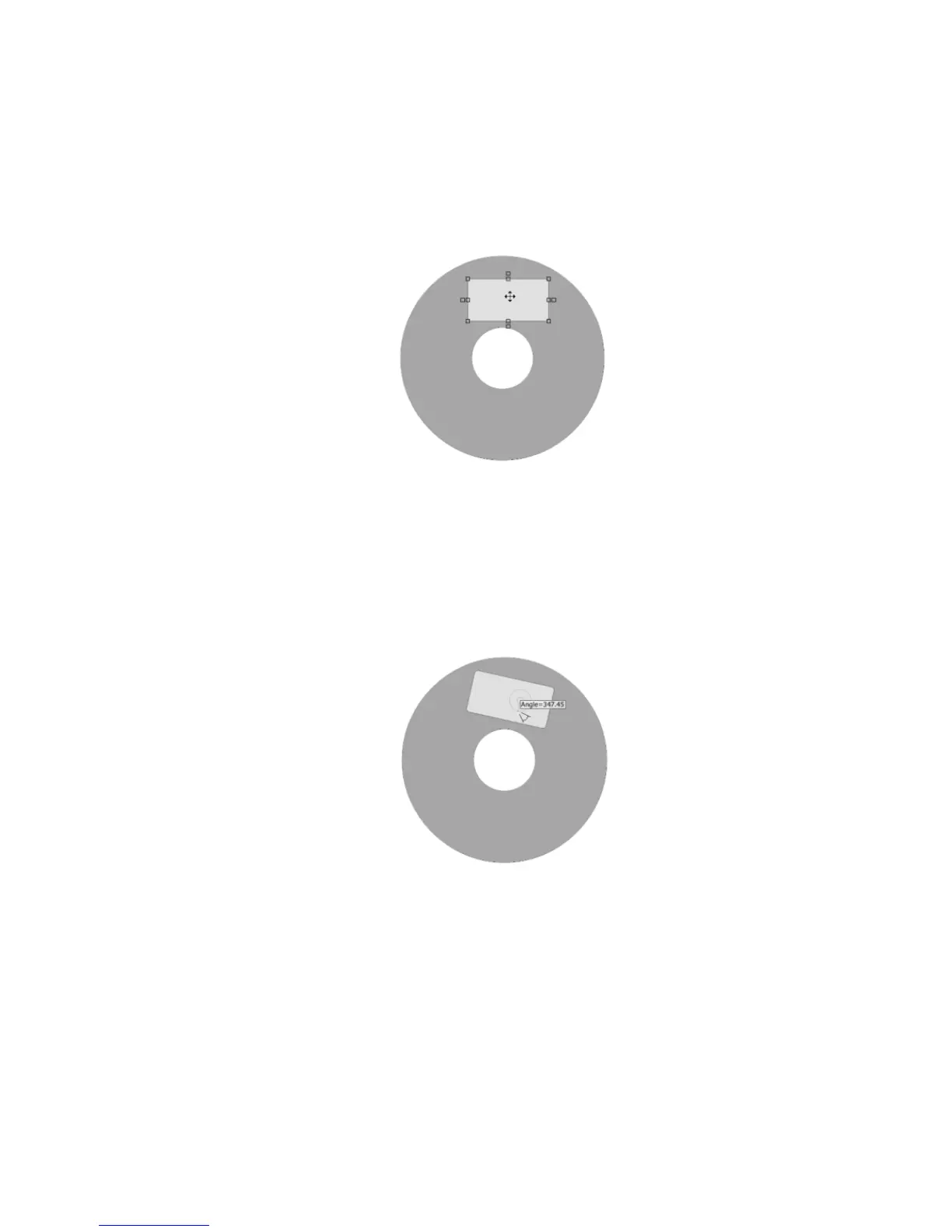
To move the rectangle:
Left-click once to select the rectangle. The mouse pointer changes to the
Move/Edit tool.
Left-click once and hold down the mouse button while dragging the mouse.
Release the mouse button after you’ve moved the rectangle to its new location
on the label.
Moving the rectangle
To rotate the rectangle:
Double-click on the rectangle. The mouse pointer changes to a small cross-
hair.
Hold down the left mouse button while moving the mouse in a circular
motion. As you rotate the rectangle, the angle value will be displayed.
Rotating the rectangle
Ellipse
To insert an ellipse:
Select Insert>Tools>Ellipse from the menu.
Left-click and hold the mouse button down. Then drag the mouse diagonally
to insert the ellipse.
Additional ways to insert an ellipse:
Click the Ellipse Tool in the Object Tools toolbar.


 To Next Page
 Loading...