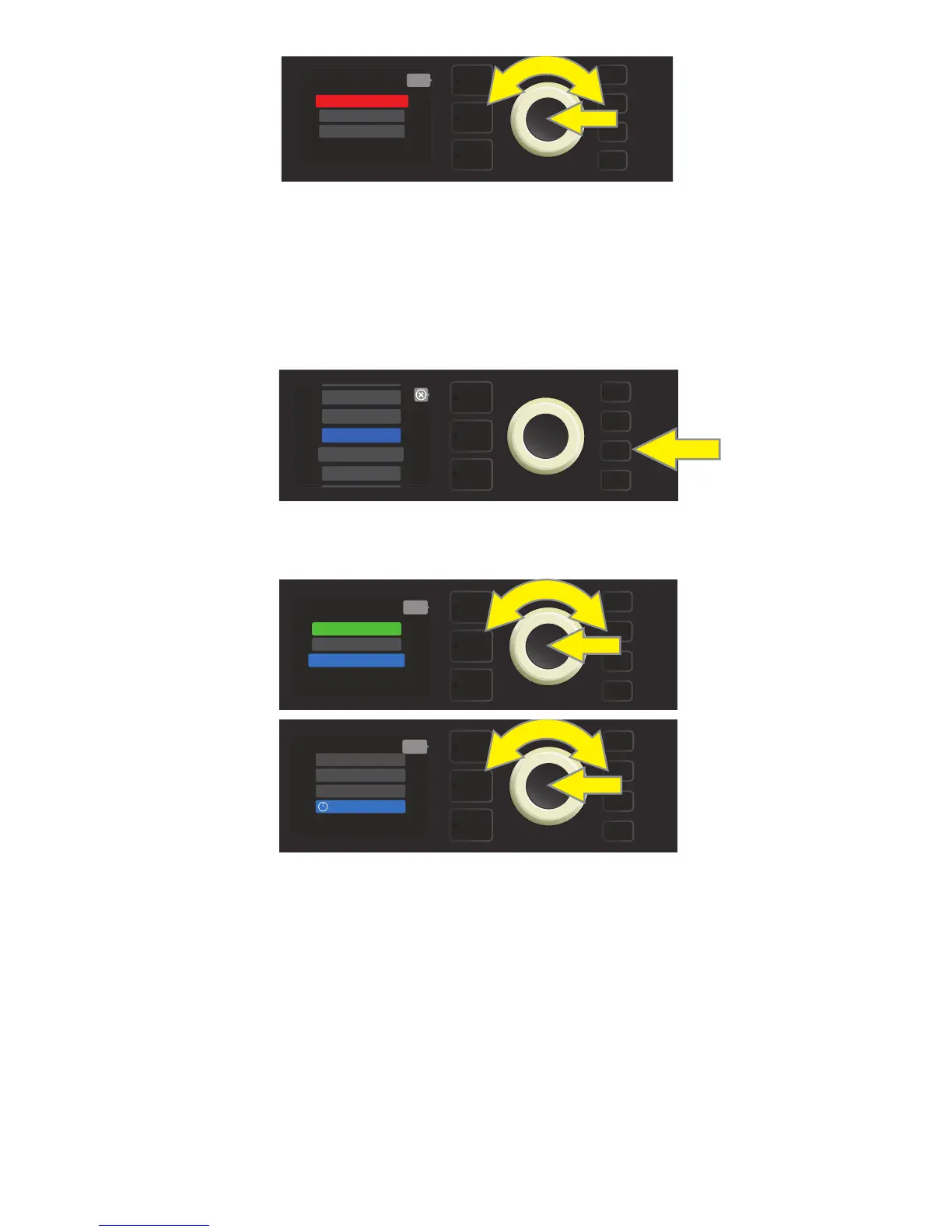
When playing audio from an external source (Bluetooth streaming or direct connection using top panel
auxiliary input) through Rumble Studio 40/Stage 800, there are four options for controlling external audio
volume, including the default setting automatically in use. To access audio volume control options, rst press
the MENU button and use the ENCODER to scroll to and select “BLUETOOTH” (see illustration below).
Use the ENCODER to scroll to and select “BT & AUX VOLUME”; then scroll to and select one of four options
(see illustrations below).
• HIGH, NORMAL, LOW: In these three settings, the external audio level uses a xed gain setting to better
control volume range appropriate for the environment (i.e., a living room or oce); external audio vol-
ume is controlled by the source and is not aected by the MASTER VOLUME control knob on the ampli-
er. This simplies balancing the mix of instrument and external audio signals once the external audio
device is set to a comfortable level. NOTE: To avoid large and unwanted volume increases, turn down
external audio device volume before selecting the NORMAL or HIGH options.
• MASTER: This is the default setting, in which the external audio is set to the highest xed gain level while
both instrument volume and external audio volume are conveniently controlled by the MASTER VOLUME
knob on the amplier. To balance the mix of instrument and external audio signals, rst set the MASTER
VOLUME control knob on the amplier to the desired instrument level; then adjust the volume control
on the external audio device to the prefered level.
After option is selected, press MENU utility button or LAYER BUTTON corresponding to onscreen prompt “back.”
42
BLUETOOTH/AUXILIARY INPUT AUDIO VOLUME
MENU
WIFI
BLUETOOTH
PRESET ORGANIZER
SETLIST
ABOUT THIS AMP
MENU
back
RENAME AMP
BT & AUX VOLUME
BLUETOOTH ON
MENU
back
NORMAL
HIGH
MASTER
LOW
To turn Bluetooth o, use the ENCODER to scroll to “BLUETOOTH OFF”; press ENCODER to turn Bluetooth o, as indicated in red box.
MENU
BLUETOOTH OFF
back
RENAME AMP
BT & AUX VOLUME















 To Next Page