Page 46
Code 97462I-1 V07_09
BB
BB
B
US2US2
US2US2
US2
BB
BB
B
US2US2
US2US2
US2
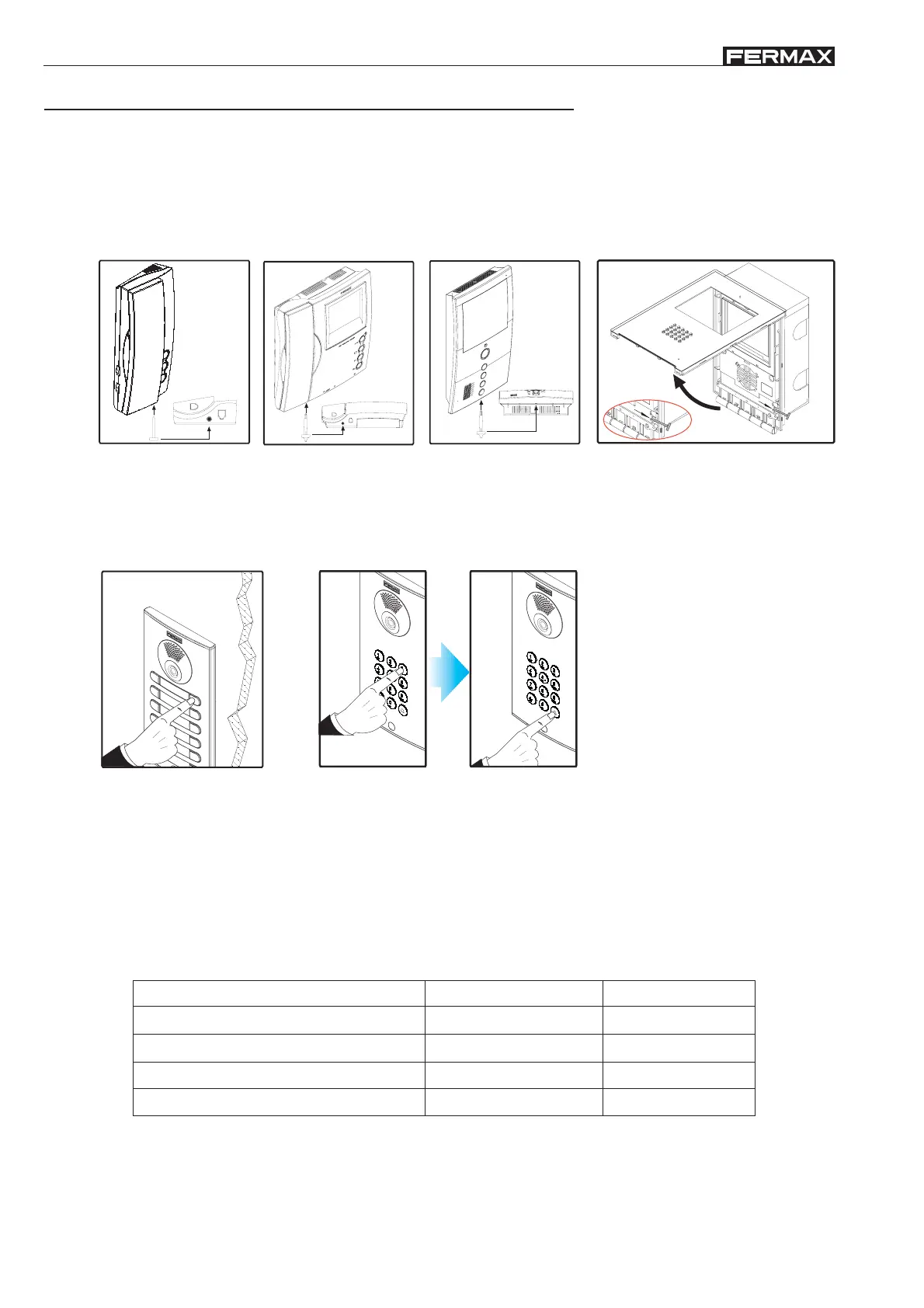
The programming procedure for BUS2 terminals is the same for monitors and telephones.
The apartment terminals will not function if they have not been programmed
BUS2 terminal programming is carried out in 2 steps:
P
R
O
G
.
1.- Terminal programming setup:
2.- Allocation of call code
Loft telephone Loft monitor Loft Compact monitor iLoft monitor
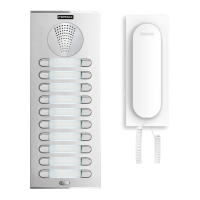
Button panels
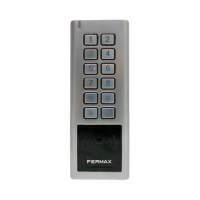
Keypad panels
Press the apartment call
button
Using the keypad, enter the call code
and press bell
A time frame of 2 minutes exists
to carry out step 2 after terminal
programming setup.
Once this time has passed, the
terminal will exit programming
mode.
i
The Loft Compact and iLoft monitors have an additional function which enables monitor programming from the same
monitor, without having to carry out any operation from the outdoor entry panel.
In the technical documentation corresponding to each terminal, a detailed description of its characteristics and functions
is given:
Manuals available on the Fermax website: www.fermax.com.
(*) Consult availability.
Terminals
Loft BUS2 telephone, basic and extra
Loft BUS2 monitor, b/w and colour
BUS2 Loft Compact monitor, colour
BUS2 iLoft monitor, colour
References
3396-3397
3220-3235
3735
5612
Manual code
97342
97336
*
97485
BUS2 terminal programming (monitors and telephones)
Press monitor programming setup button.


 To Next Page