4
1. Operation Description
1.1 Main Page
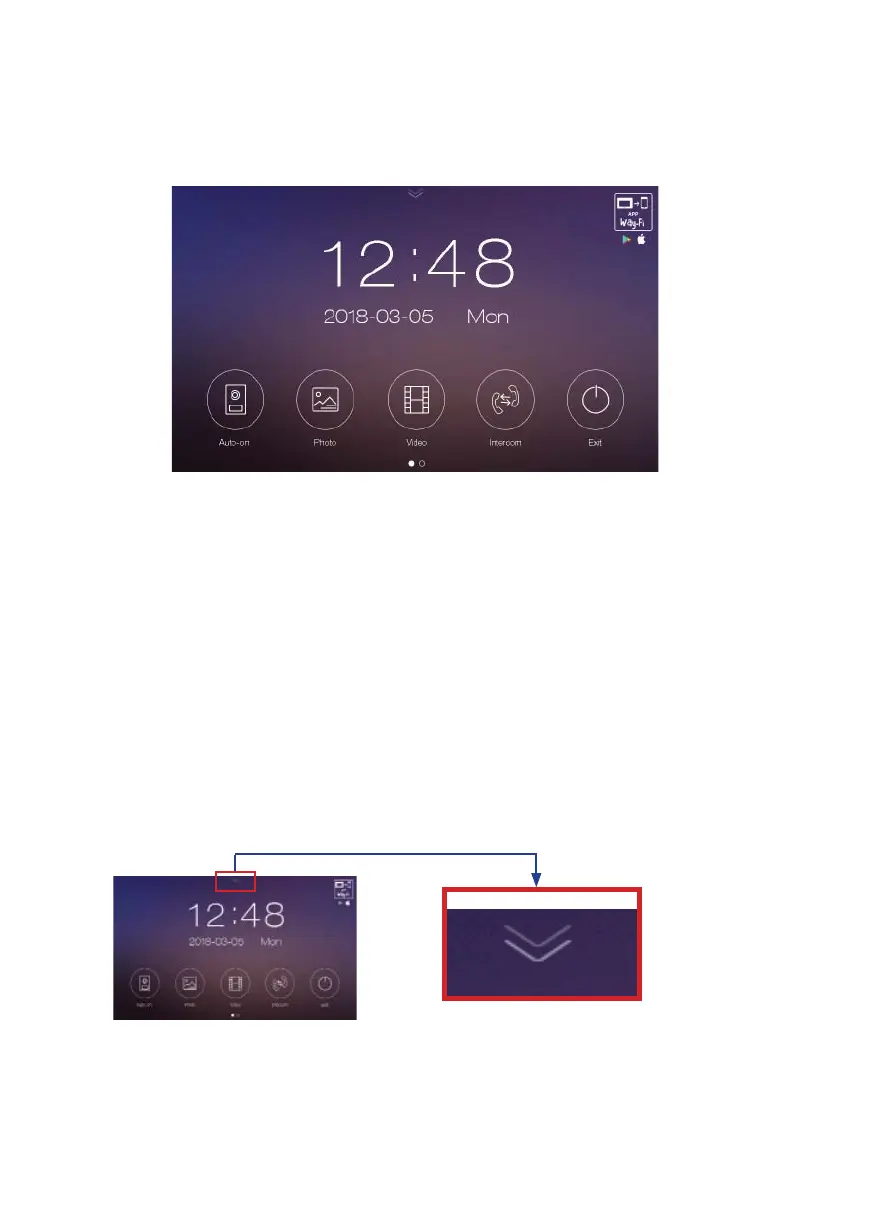
Touch the screen anywhere in standby mode (screen off ) and the main page will
show following options:
From left to right:
- Panel. Connection to the outdoor panel to show image from camera (Auto-On
- Photo. Pictures review. A red ball indicates the number of pictures not yet seen.
- Video. Videos review. A red ball indicates the number of videos not yet seen.
- Intercom. Call to other monitors in the house (if any).
- Standby. Switch off the screen (standby mode).
. The screen will automatically switch off after 30” if no activity is done.
. Sliding the main page to the right or left will show settings page.
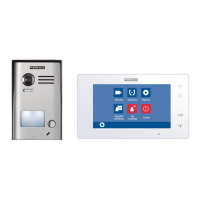
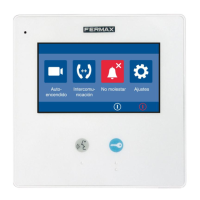
. Pressing the down-arrow on main page will access to fast actions menu:













 To Next Page