8
1.4 Intercom Function
Press the [Intercom] icon on main page, choose the monitor you want to call, and then press
[Call] icon to start the call. If the called monitor answers then you can talk with it. The talking
and ringtone volume for intercom can be adjusted in this page.
It is possible to call all the monitors selecting ALL as the destination monitor. The fi rst monitor
that answers will enter the conversation and will stop ringing the other monitors.
1.5 Settings
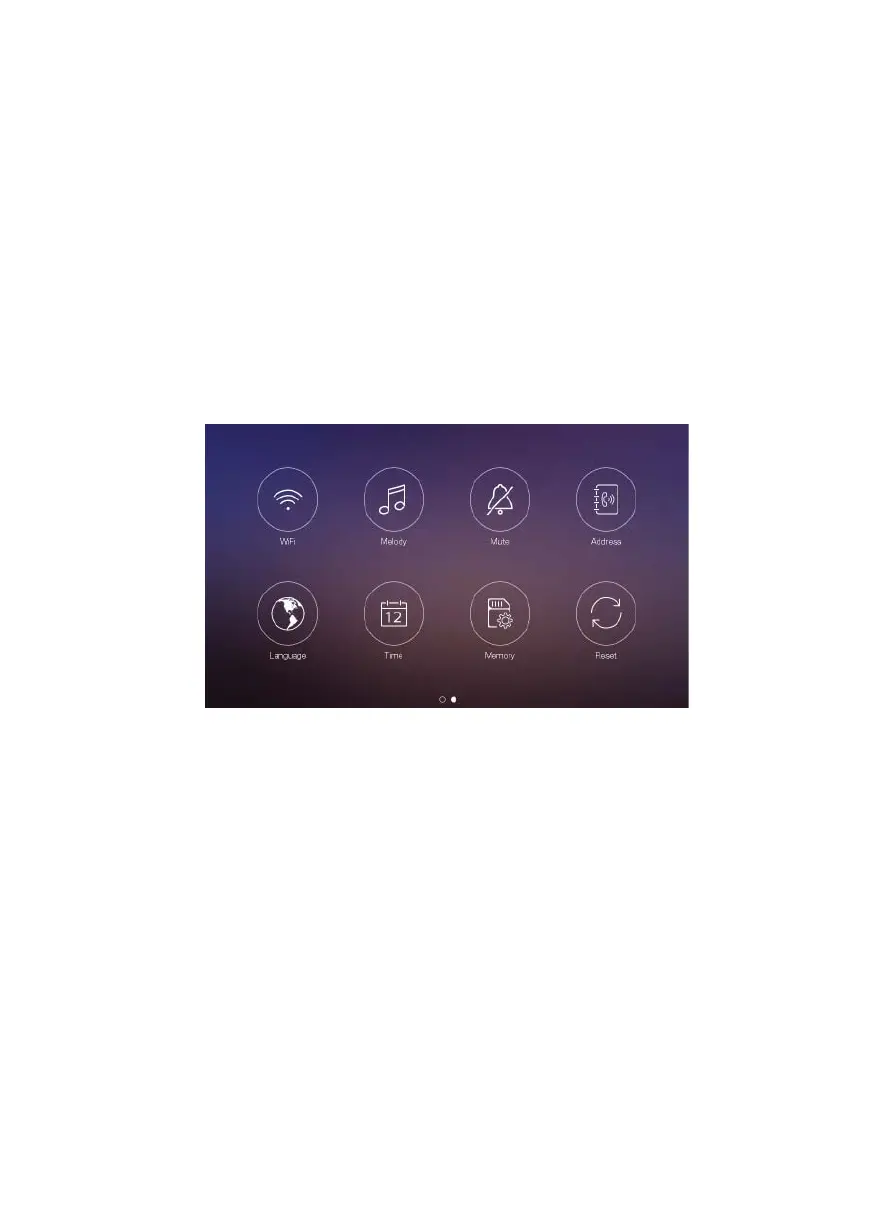
Access the settings page sliding the main page to access the diff erent settings.
• In [WiFi] setting page, you can turn [WiFi] on or off and set call forwarding latency for
the monitor, you can also reset the WiFi connection. The WiFI SSID of the current
connection is shown in this menu and also the signal strength and internet connectivity
(! Means no internet connection).













 To Next Page