20
x How to disable an smartphone to receive calls. There are diff erent ways:
o Switch off the Call Reception in the App settings.
o Change the pin code from one smartphone. The others will stop receiving
the call and they will not be able to receive next calls.
x How can I continue receiving calls if some user has changed the pin code without
my permission? Proceed as follows:
o Delete the device from the App (settings menu).
o Start the pairing process from the beginning:
Reset the WiFi Settings from the monitor WiFi setup
Add new device.
Connect again to the router WiFi.
o This restores the pin code to default (1234). Later on you can change it.
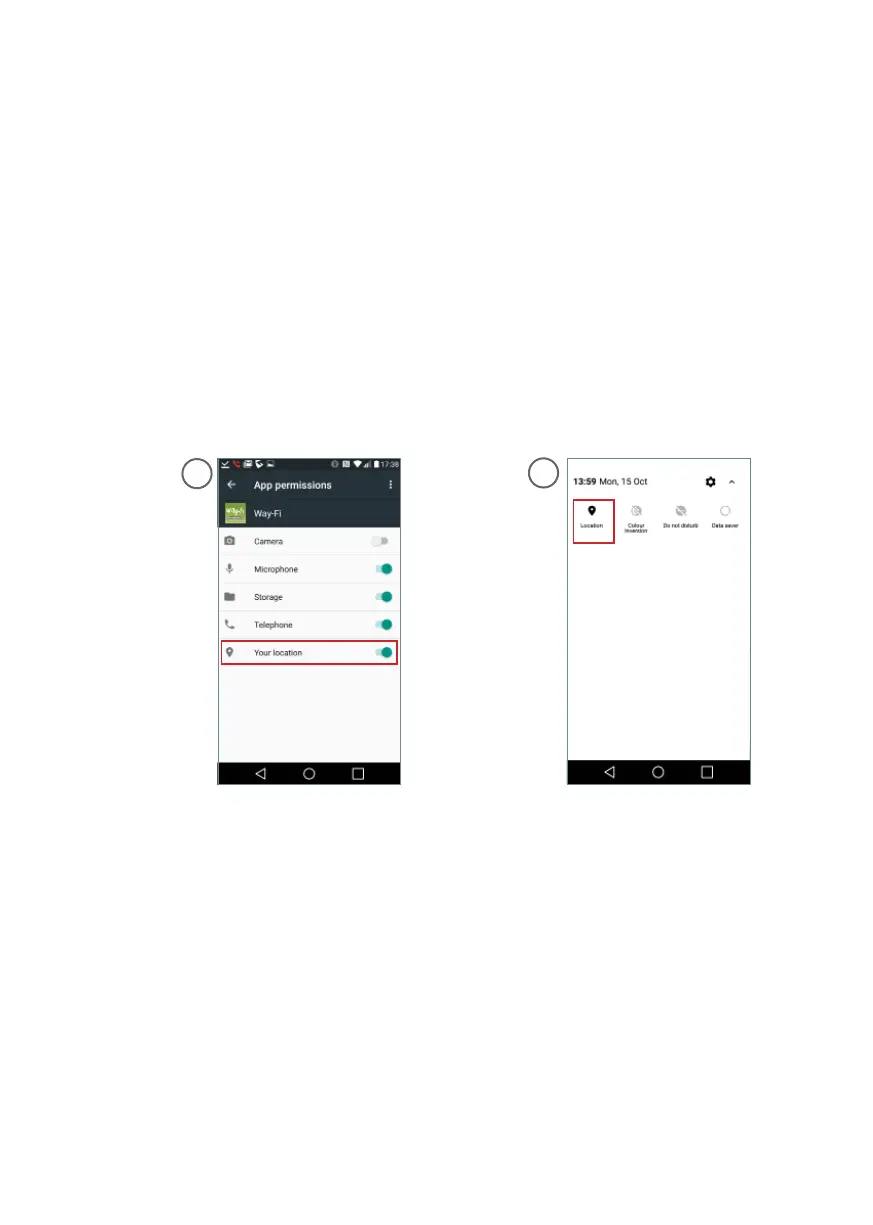
x The App does not display the building’s wifi networks on Android, (version lower
than 8.0).
o This is because permission has not been granted to use location when
the App was installed. You can review consent in Settings / Applications
/ Wi-Fi. Screen 1.
o Also check that location is activated in General Settings. Screen 2.
3. Disclaimer
x Audio/video communication might not function with some smartphone. Currently,
Android versions higher than 5.1 and iOS higher than 9 are required. Tablets or
iPads are not supported.
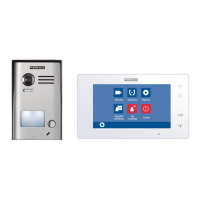
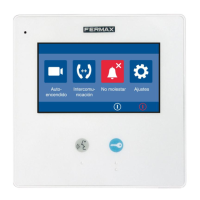
x The call divert service off ered through the App provide remote interaction with the
monitor over the Internet network (WIFI or mobile data 3G-4G). In these cases,
the proper performance and the integration between the monitor and the App may
depend on:
o Quality of the Internet signal. Internet signal must not be interrupted in any
moment during connection.
o ISP contract to access the Internet in the user’s router. A minimum bitrate
of 1Mbit of upload is required.
o Type of data connectivity contract on your smartphone. A minimum bitrate
of 1Mbit of download is required.
When one of these 3 elements does not conform, Fermax Electronica accepts no
responsibility for any malfunctioning.
1
2













 To Next Page