11
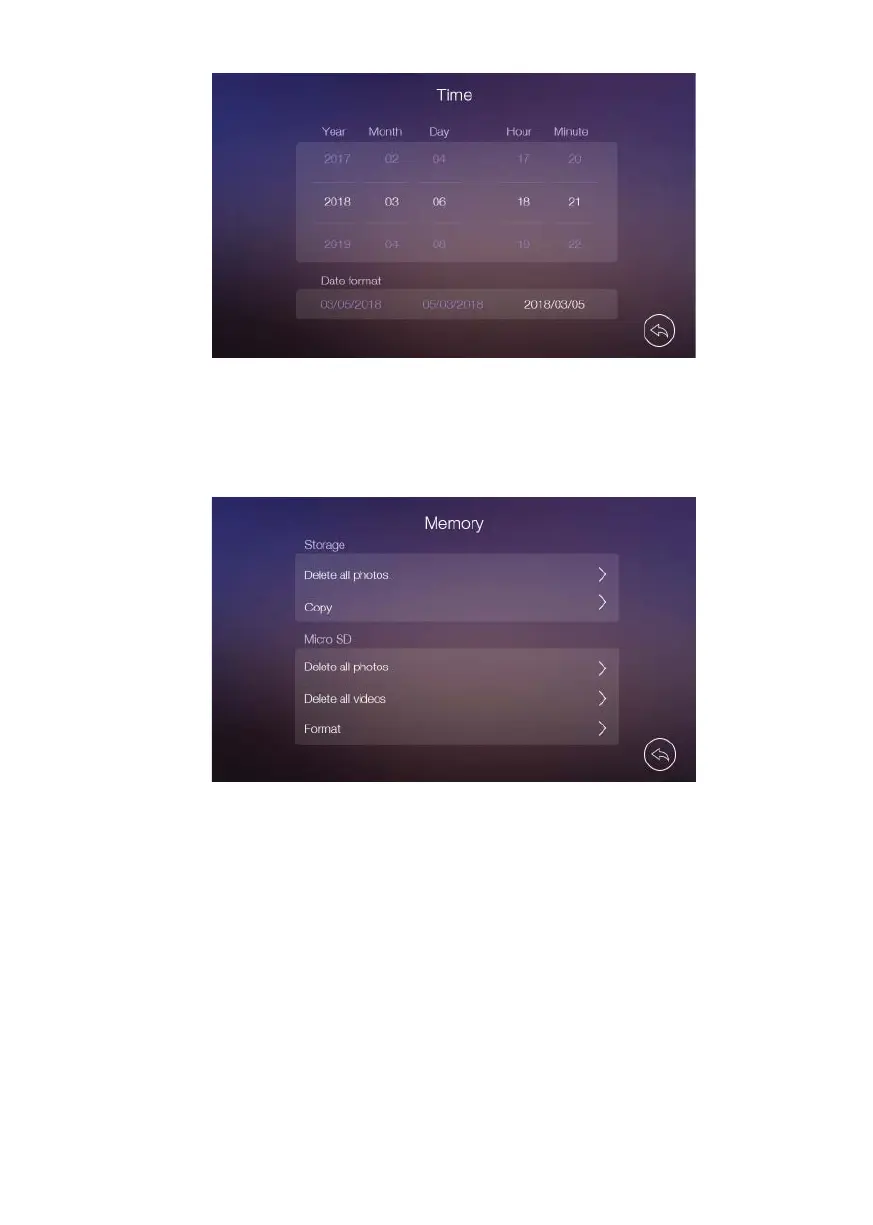
• In [Memory] setting page you can delete all images or videos in the micro SD card
or internal memory and copy all images in the internal memory to micro SD card and
format micro SD card.
• In [Reset]] setting page you can restore system to factory settings (except date & time
and intercom address). Pictures and videos are not deleted.
1.5.1 WIFI (available only in master monitor)
The monitor can work as a WiFi hotspot that connects to the home WiFi router. The WiFi
settings are managed by the WAY-FI App, downloadable from Google Play (Android)
and Apple Store (iOS). Search ‘WAY-FI’ app or ‘Fermax’.
The master monitor is responsible to divert the calls from the panel to the paired
smartphones using the home router’ internet connection. The smartphones must have
installed the WAY-FI App and be previously paired.













 To Next Page