10
*This setting has lower priority then the setting made from fast menu actions.
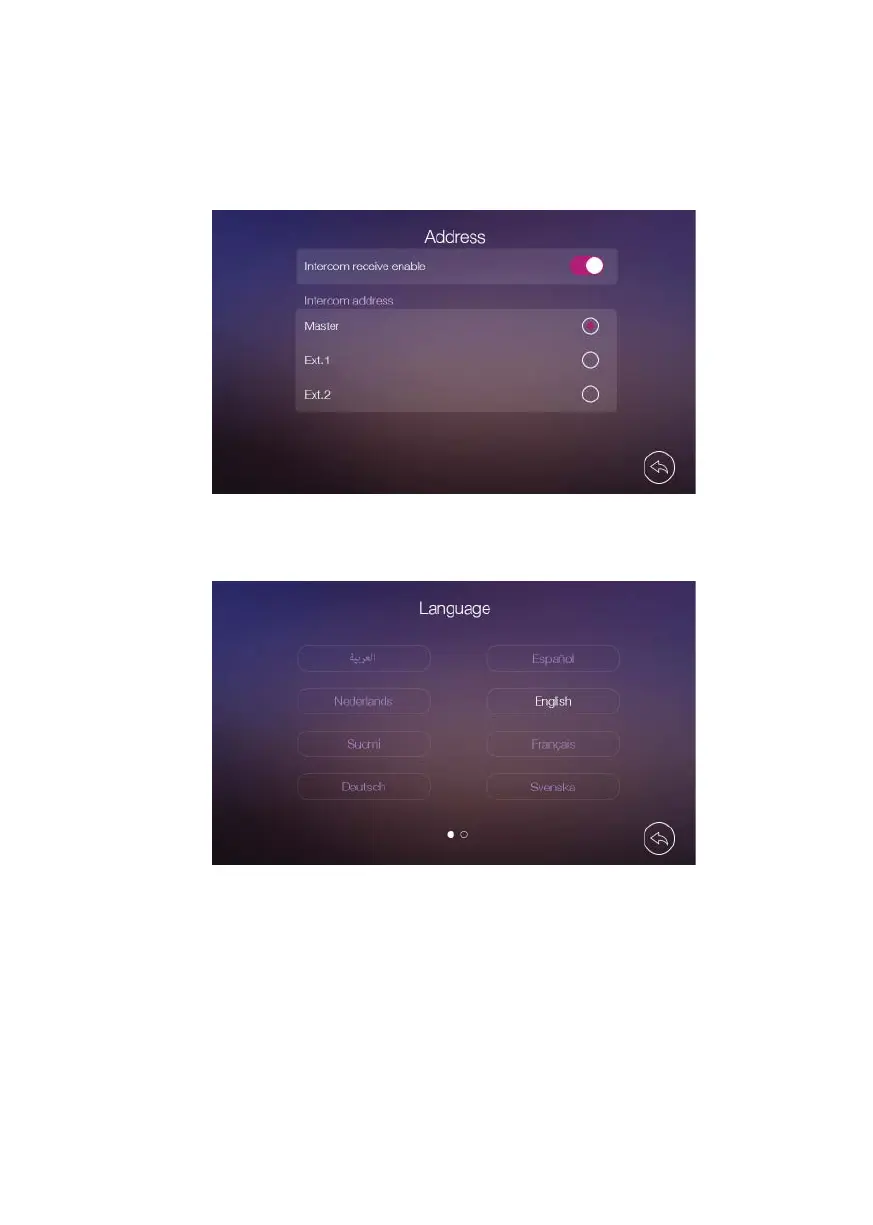
• In [Address] setting page you can turn [Intercom Receive Enable] on or off and set the
intercom address of the monitor: master, ext1 or ext2. The address of diff erent monitors
in one network cannot be duplicated.
• In [Language] setting page you can set the language of the monitor.
• In [Time] setting page you can set manually the date & time of the monitor and select
the date format. Date & time can be also set directly from App.













 To Next Page