16
SETTING AND WORK
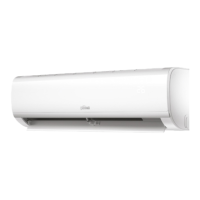
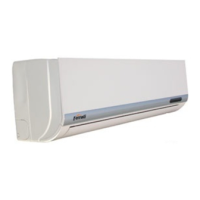
WALL-HUNG INDOOR UNIT FILTER CLEANING
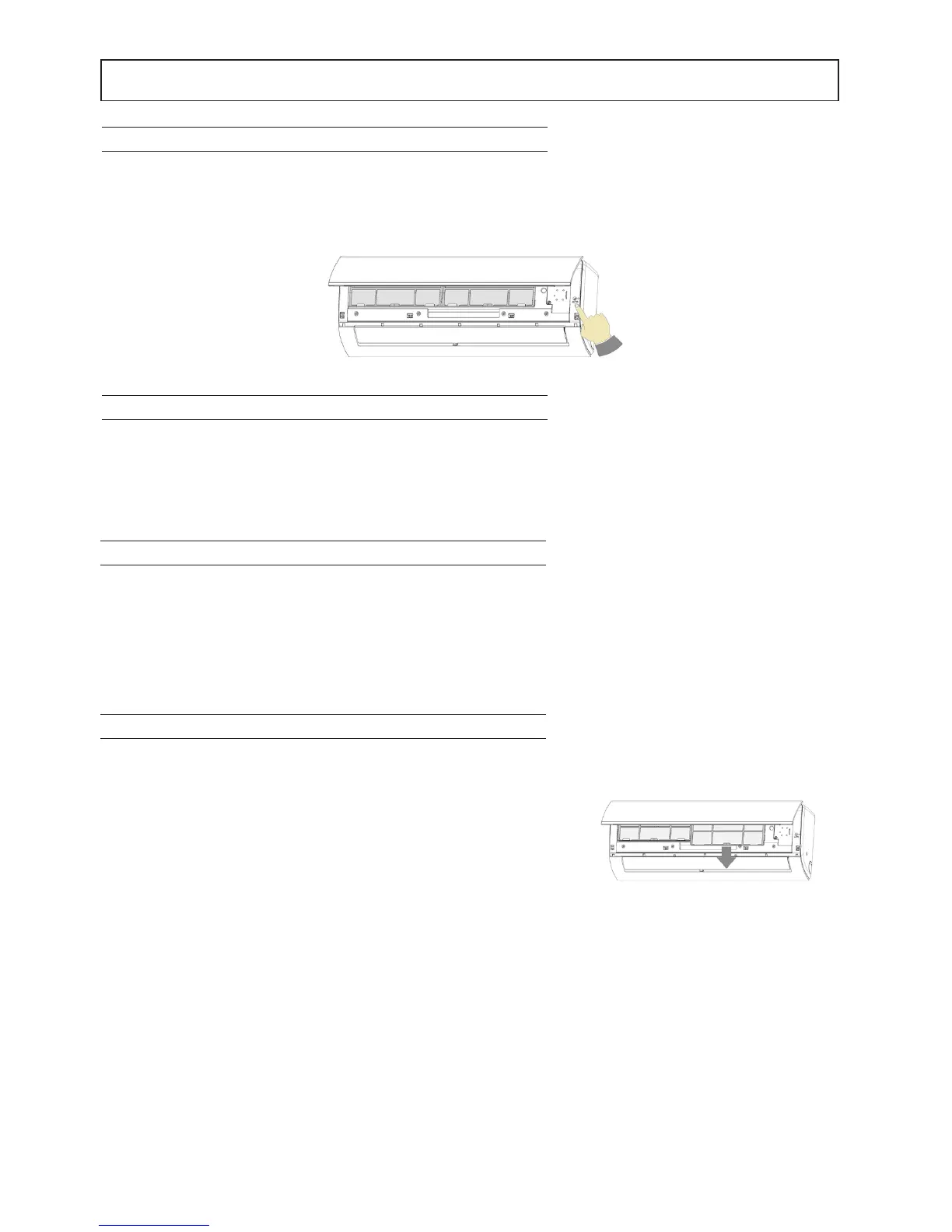
Periodically check and clean the air lter to ensure the correct operation
of the device. In order to do that, proceed as follows (Fig. 1):
1. Disconnect the plug from the power socket.
2. Lift the front panel.
3. Remove the intake grille by pulling it outwards.
4. Remove the lters by pulling the central tabs upwards until they are
free from their retainer, then slide them out by pulling them down-
wards.
5. Wash with water or clean them with a vacuum cleaner.
6. Ret every component in its original position.
Note This operation must be carried out once a month (the frequency of
the cleaning operations may vary according to the features and the dust
present in the installation place).
Fig. 2
POWER OFF
To turn the air conditioner just press the button "ON / OFF" on the remote control. Just turned on or when it is switched
off and on, the air conditioner compressor does not start operating immediately, but after three minutes, in order to
protect the system. At the end of the season, before turning off the machine for a long period, it is advisable to make it
work for 2 or 3 hours in cooling mode with the temperature set at 30 ° C. Then disconnect the power, clean the lters
and remove the battery from the remote control.
EMERGENCY BUTTON
It allows an emergency operation in case the remote control is broken or unavailable. The machine sets to the automatic
operating mode.
For these models, the Emergency ON/OFF button is positioned on the top right-hand corner, under the front panel (Fig. 1).
AUTO-RESTART FUNCTION
The unit is programmed to automatically turn on in case of power outage.
It will resume its operation with the same settings it had before the power outage.
Fig. 1



 To Next Page