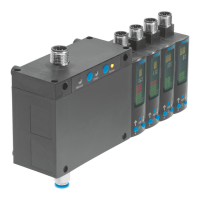
SDE5−...
Festo SDE5−... 0609a English
33
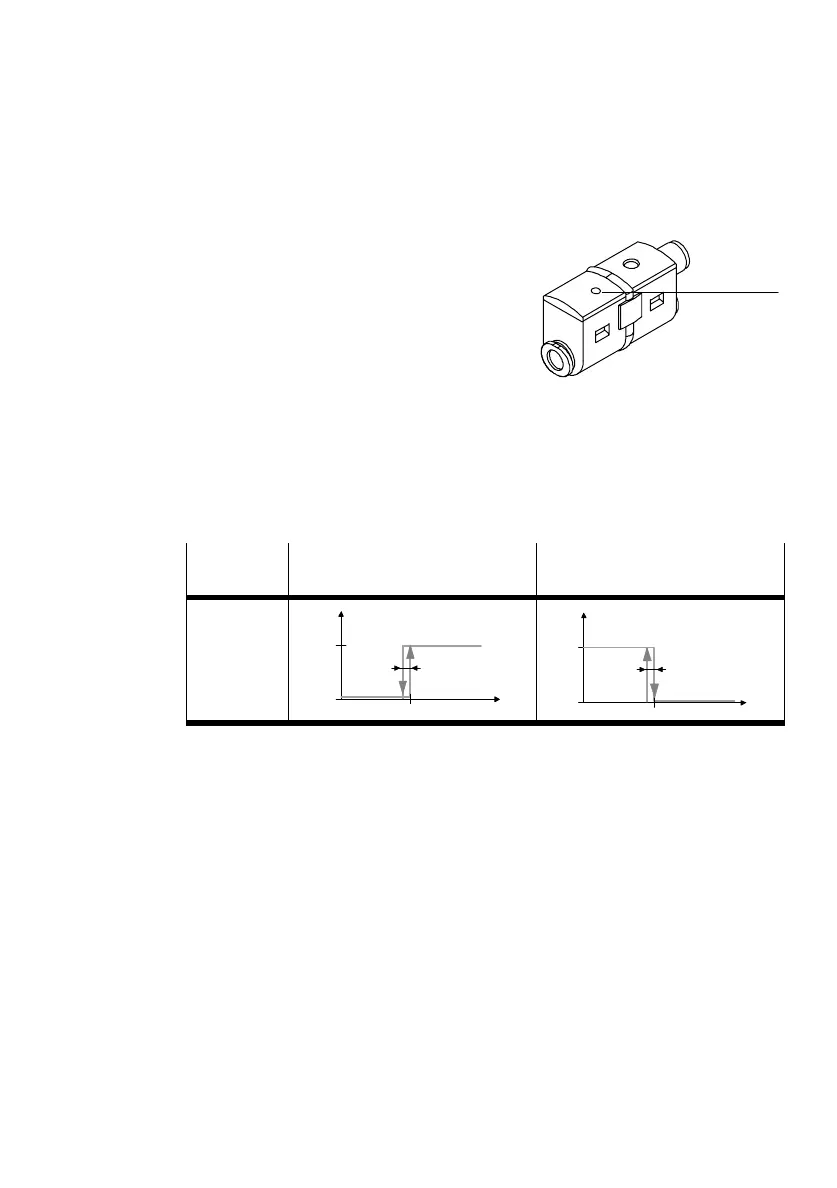
Setting the switching pressure on the SDE5−...−O/C−... :
1. Switch on the operating voltage.
2. Pressurize the SDE5−... with the desired
operating pressure (TP1).
3. Press the EDIT button 1 until the LED
flashes. When the button is released, the
SDE5−... saves the current operating pres
sure (TP1) as the switching pressure (SP).
From this moment the SDE5−...
operates
as designated.
S Carry out a test run with various pressures
to ascertain whether the SDE5−... switches
as desired.
Switch element function NO
(normally−open)
Switch element function NC
(normally−closed)
Mode 0:
Threshold
value
comparator
P
1
0
OUT
SP = TP1
Hy
SDE5−...−O−...
P
1
0
OUT
SP = TP1
Hy
SDE5−...−C−...
Fig.15
Fig.14
SDE5−...−O−...
SDE5−...−C−...
1



 To Next Page