25
8.4.3 PROGRAMME INFORMATION
The EPG gives you basic information about each programme.
Pressing INFO gives you the programme title and full description, as well as showing which
programmes have subtitles marked [S]. Pressing INFO again, or OK takes you back to the EPG.
8.5 THE INFO BAR
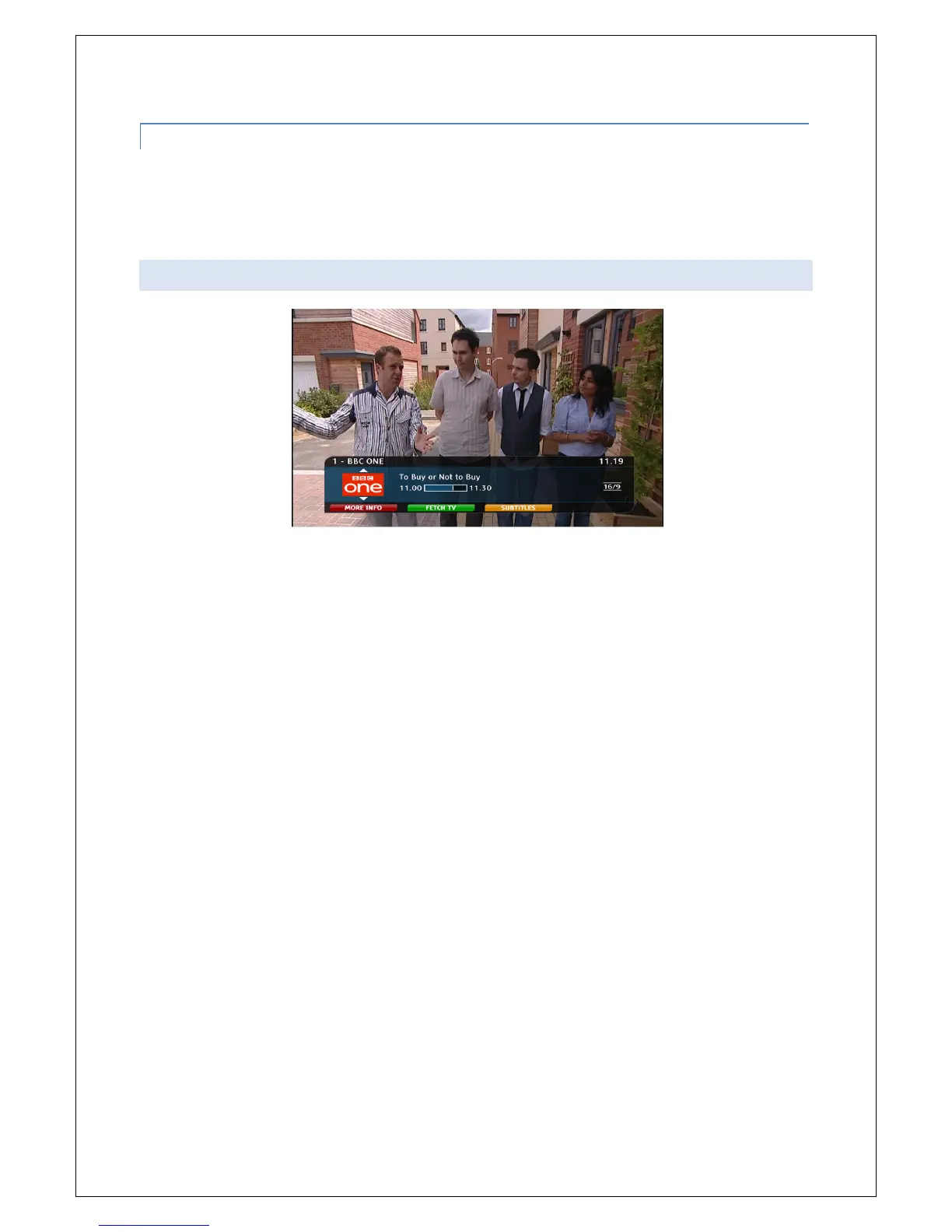
The info bar provides basic information about the programme you are watching. Pressing INFO while
you are watching TV launches the Info bar and displays programme title, channel information and
how much of the programme has been broadcast.
To scroll through programme information for different channels use the up and down arrows on the
remote.
To scroll through programme information for different times on the same channel use the left and
right arrows on the remote.
The INFO bar also provides quick easy access to FetchTV via the Green button, and allows you to
turn subtitles on and off using the yellow button while you are watching Live TV.



 To Next Page