38
Please note that the presentation of content (folder structure) is provided by your media server (e.g.,
Windows Media Player). In addition, your media server may not display all your media files (the
media files that it doesn’t understand). In particular Windows Media Player will not display exported
recordings from the SmartBox because they are not in a format that Windows recognises.
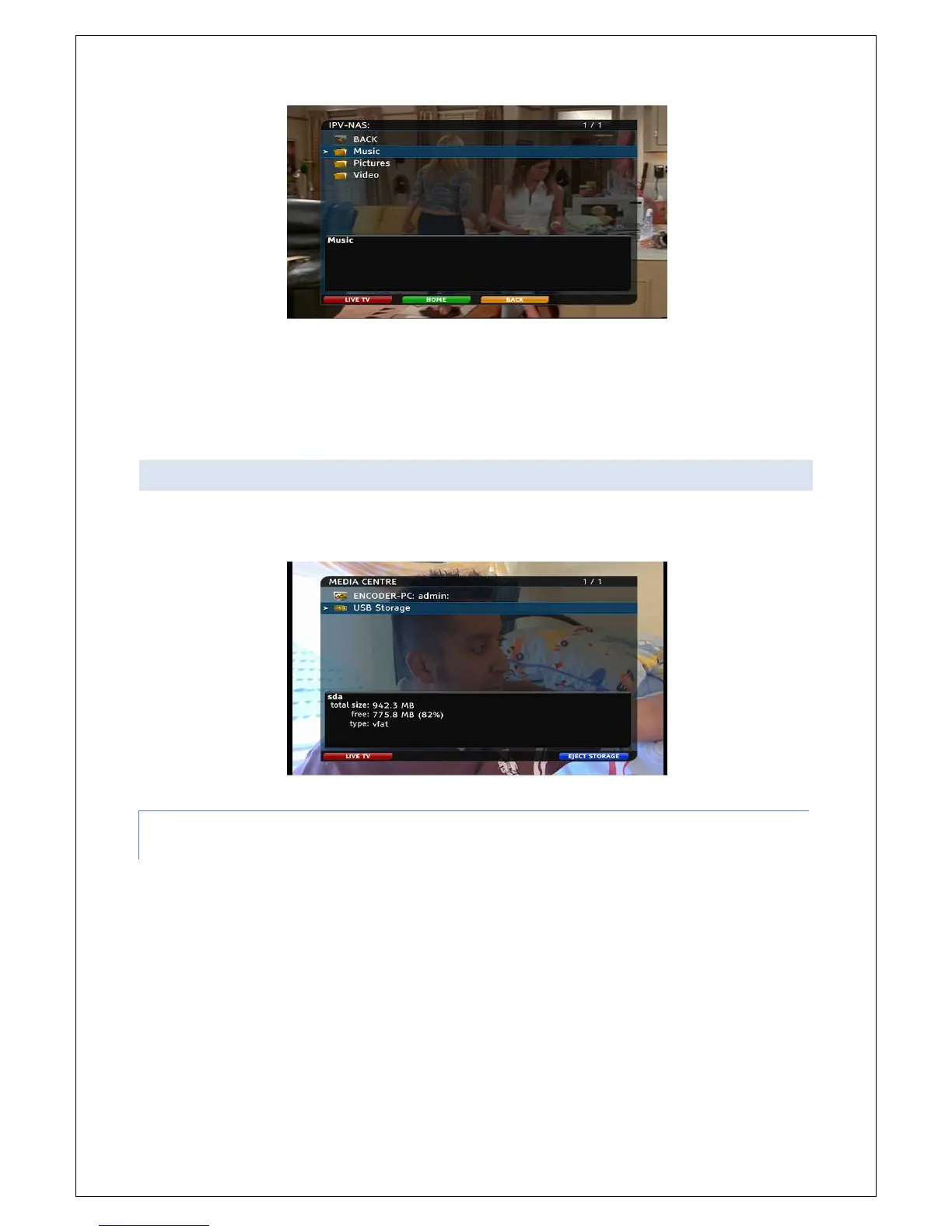
Hint: Media stored on compatible storage devices which are connected to FetchTV SmartBox USB
socket can be accessed in the same manner
10.2 AUTO DISCOVERY
Your FetchTV SmartBox is smart enough to find other compatible devices on the network, using auto
discovery. Any compatible devices found on your home network will appear in the Media Centre .
10.2.1 SUPPORTED FILE TYPES WHILE USING WINDOWS MEDIA PLAYER
THROUGH THE NETWORK:
You will be able to play the following unprotected (DRM-free) files on your SmartBox
Music: MP3, FLAC, Wav and WMA
Video: WMV, MPEG, MOV and AVI files
Pictures: JPEG, GIF, PNG and TIFF



 To Next Page