26
8.6 SUBTITLES
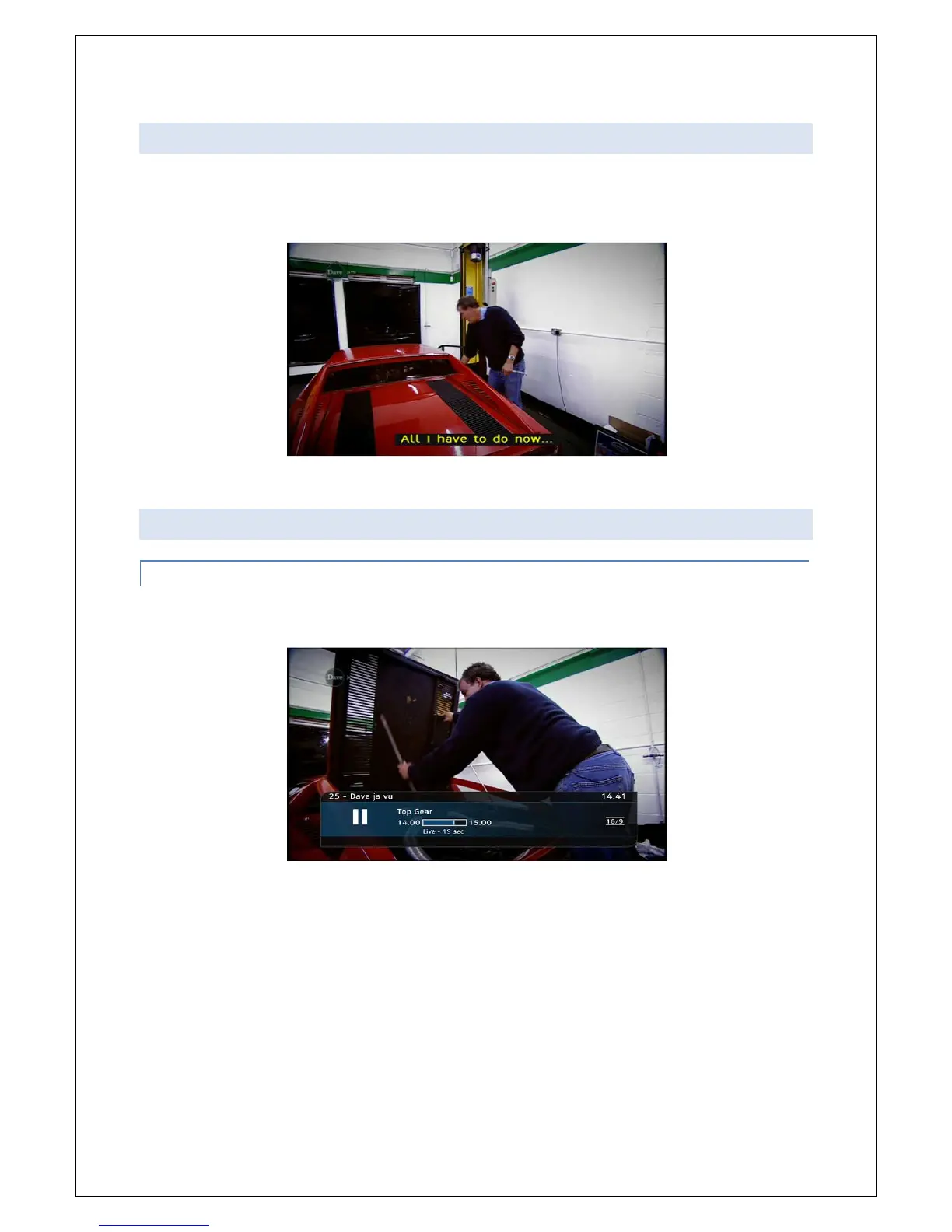
The Info bar also tells you when the current programme has subtitles. Simply display the bar by
pressing INFO. If subtitles are available the option will appear in the yellow lozenge at the bottom of
the screen.
Simply press the Yellow button on your remote control with the info bar open to turn subtitles on/off.
8.7 PAUSE & REWIND LIVE TV
8.7.1 PAUSING LIVE TV
Press the Pause/Play Key on your remote control.
An Information bar will temporarily appear and it will tell you how far behind live TV you now are.



 To Next Page