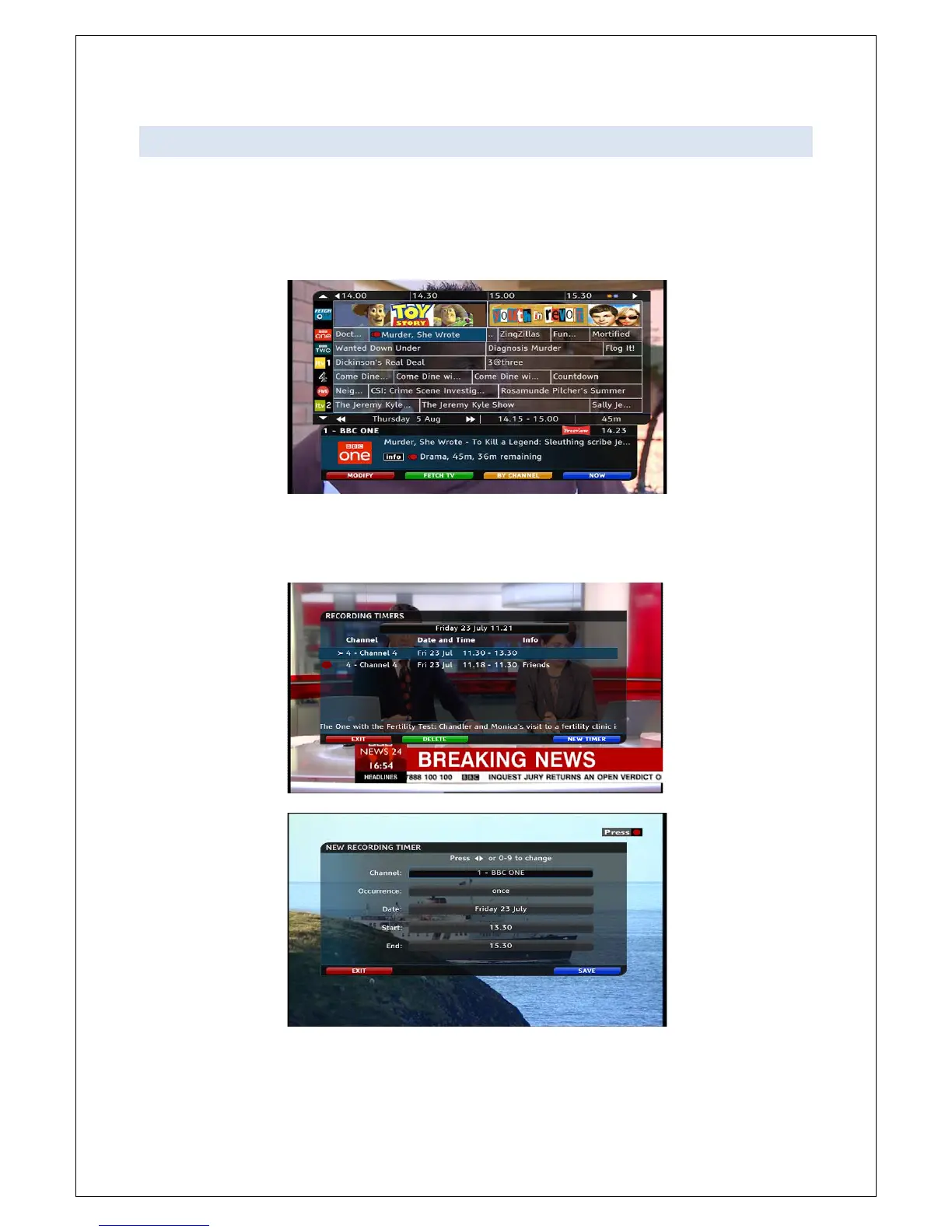
Access the EPG by pressing GUIDE on the remote control
Using the remote control, select the
Press the Red Button to record the
A red dot will appear next to the
You can manually set recordings from the Recording Timers screen, Press M
ou should press the BLUE button.
anually adjust the recording
Access the EPG by pressing GUIDE on the remote control
Using the remote control, select the
programme you wish to record
Press the Red Button to record the
A red dot will appear next to the
name to confirm the record function
You can manually set recordings from the Recording Timers screen, Press M
ou should press the BLUE button.
anually adjust the recording
timer info, and press the BLUE button again to save your
name to confirm the record function
timer info, and press the BLUE button again to save your



 To Next Page