28
9. RECORDING CAPABILITIES
9.1 RECORDING A LIVE PROGRAMME
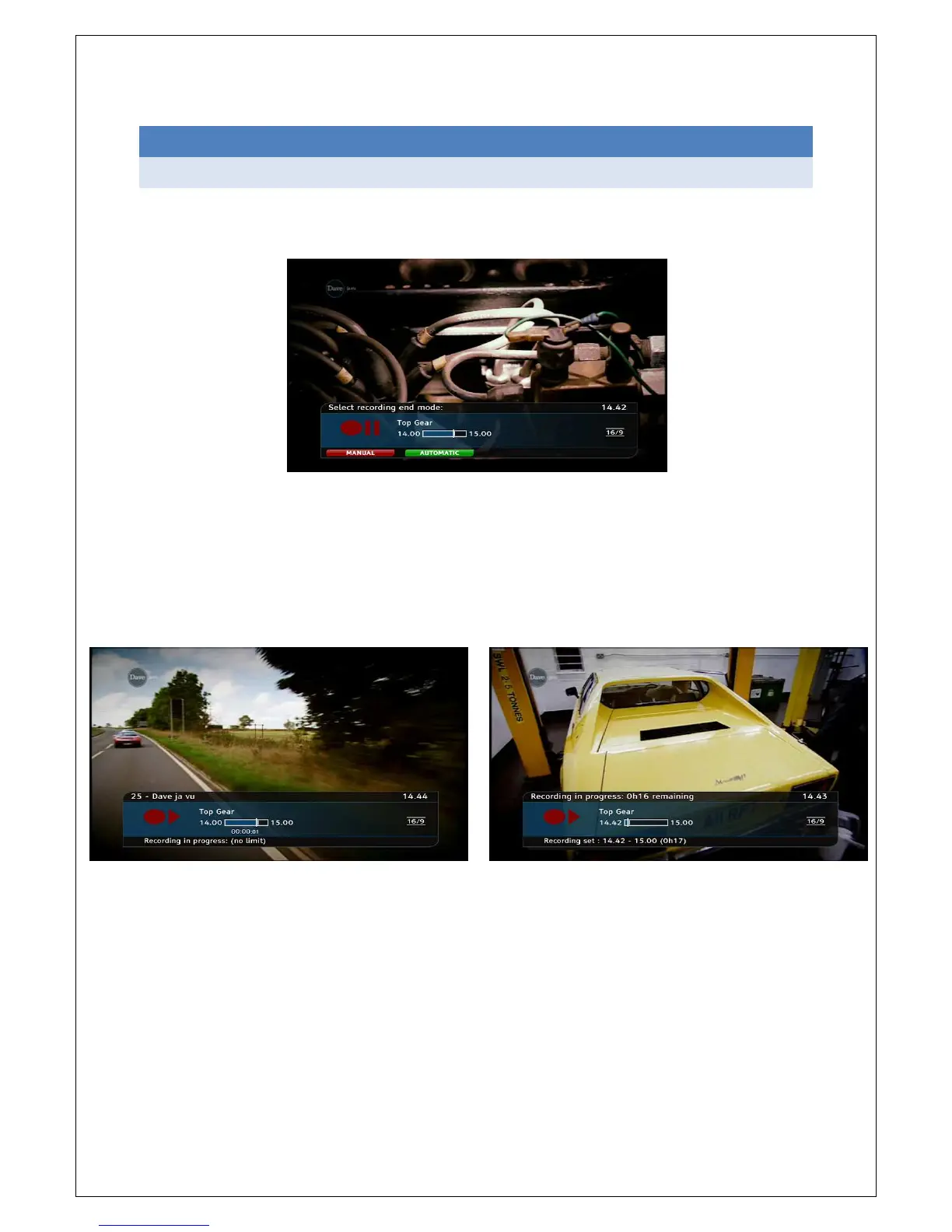
If you want to record the programme you are currently watching, press the REC button on the
remote. A window will appear on the screen.
If you press the red button, recording will continue until you stop it (by pressing REC again), or until
3 hours have passed.
If you press the green button the current programme will be recorded from the current point (the
part of the programme until the current point will not be recorded; if you wish to record from the
beginning, you can rewind and then press the REC button). The programme will be recorded until it
ends.
Pressing the RED Button Pressing the GREEN Button



 To Next Page