Go to fetco.com for the latest versions of all information Page 5 User Guide & Operator instructions P213e0 NOVEMBER 2021
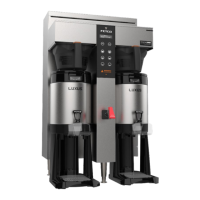
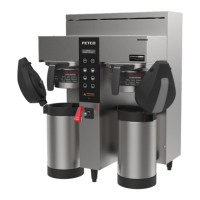
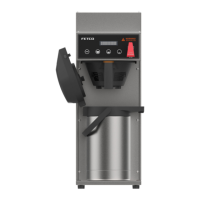
Screens shown are for twin brewer. Single brewer will not have menu A4-A6.
There are seven menu groups-A-G . See the following pages for the batch parameter definitions and all settings for the brewer
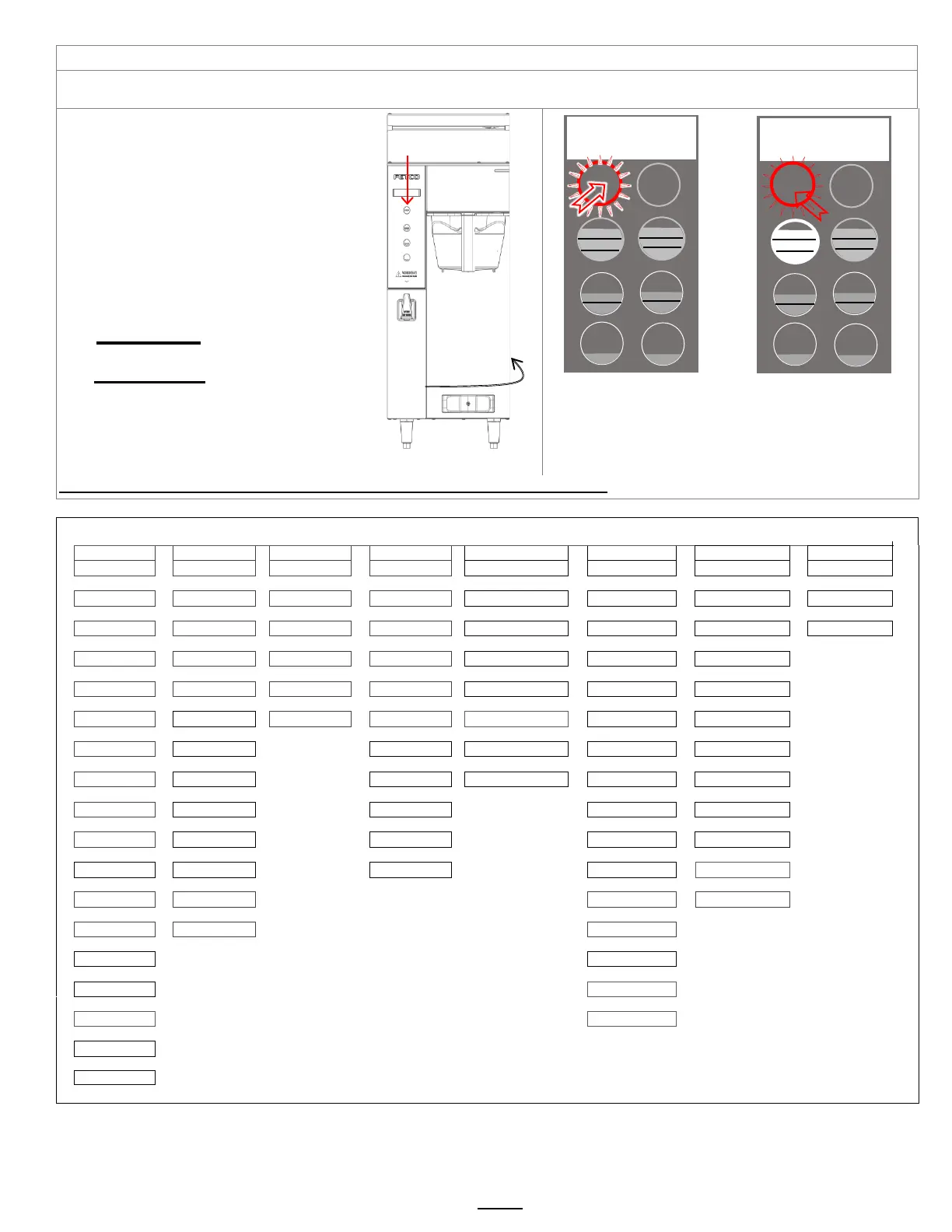
TO ENTER PROGRAMMING
1-Turn brewer “OFF” from power switch
2-Turn power switch to “ON”
…Screen will initialize and then
display digital process notifications
3-After Initialization-Red “STOP” Lamp turns on
4-Quickly press “STOP” button.
When brewer is In PROGRAMMING MODE
-the screen will display:
|BATCH PRG|
|A (or B-H) |
-Illuminated LED indicates active keypad positions
See the following pages for batch parameter
definitions and all settings for the brewer
Turn power OFF
Turn power ON
Wait for red LED
And quickly press STOP
button on front touch pane
First screen will display
for PROGRAMMING-A
Scroll through main menu
topics by pressing “STOP”
Note: Only the left side buttons of a two sided brewer are used for programming
Top and middle batches are permanent SEE BOX on the following page for all “A” menus
On/OFF switch
located lower
right on back of
brewer


 To Next Page