Go to fetco.com for the latest versions of all information Page 6 User Guide & Operator instructions P213e0 NOVEMBER 2021
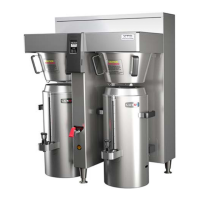
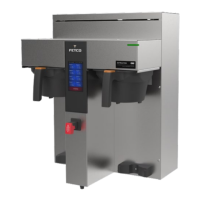
1. Turn the power switch “ON”. (Twin Shown)
2. Prepare a brew basket with the correct size filter and appropriate amount of
coffee.
3. Slide the brew basket completely into the rails.
4. Place a clean, empty, and preheated dispenser under the brew basket.
5. Select a batch & hold the corresponding BREW button in for 1 second to start
6. -STOP button will illuminate,
-Countdown time will display,
-Selected BREW button will flash to indicate brew is in progress.
-All other BREW buttons for that brew head will extinguish.
7. When the brew cycle is finished,
STOP button will extinguish and the BREW button will continue to flash for the
amount of time programmed into the DRIP DELAY setting.
This indicates that coffee may still be dripping from the brew basket
For safety- do not remove brew basket until drip-out is complete.
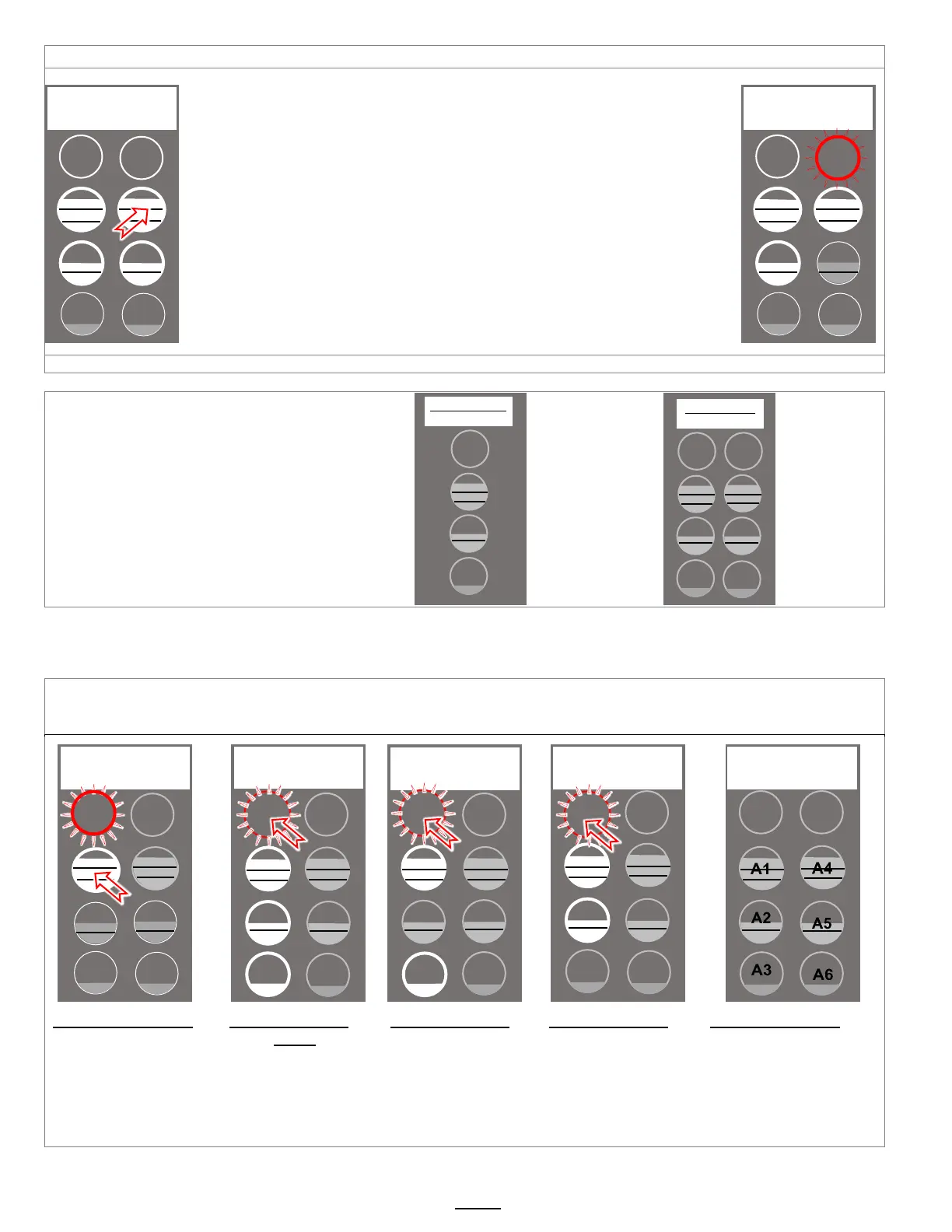
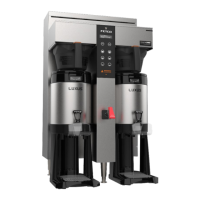
Twin Brewer ready to brew. Example shown: Pressing top right brew position
RECIPE Location map
Viewing and changing settings for the brew
recipes is from the “A” screens with the controls in
PROGRAMMING.
The uppermost button positions are permanent
and will not display programming step A_0. The
table above shows in position A20 that a button
position can be made active or inactive.
Position A1 does not display this step
DISPLAY
DISPLAY
STOP
STOP
BATCH A1
(permanent)
BATCH A4
(permanent)
BATCH A2
(enabled by factory)
BATCH A5
enabled by factory)
BATCH A3
(disabled by factory)
BATCH A6
disabled by factory)
The “A” menu is the most accessed menu. It is for programming the batch volumes, brewing parameters, enabling or
disabling brew buttons. The “A” menu moves through the six positions(CBS-1252-) or three positions(CBS-1251+) by
entering the menu and pressing the left stop button. (only the left side is active for programming the CBS-1252+)
The A menus [A1-3 or A1-6] correspond to batch buttons [3 or 6] on the touch panel
Access the A menus to PROGRAM & make changes to individual menu recipes. Menu settings can be copied
Menu positions A1 and A4 [top position] are permanent. Menus A2, A3, A5, A6 can be removed by operator if desired
Press button 1 to go
into to the A menu
access screens.
Continue pressing
button #1 to enter
progamming for A1
Press STOP to
scroll to A20.
(A1&A4 are permanent)
Press STOP to
scroll through the
remaining (3 or 6)
“A” menus. Make
any changes as
required
Scroll out to
remaining A10-to
A70 programming
keys. See SAVE &
EXIT in previous
table
Position of batch
buttons for CBS-1252+
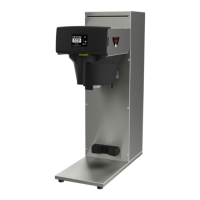
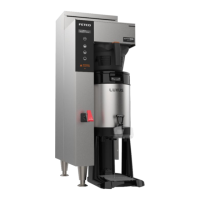
The CBS-1251+ single
position brewer has
one row of buttons
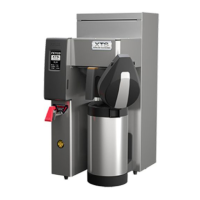
Single Side Models
CBS-1231 Plus
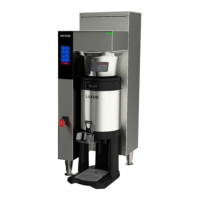
Dual Side Models
CBS-1232 Plus
STOP
Brew Volume
A1.10 3.80L +/-
STOP
(Dual model shown)
Batches A1 to A6
STOP
A1
A2
A3
A4
A5
A6
STOP
STOP
Batch Enabled
A2.00 YES -


 To Next Page