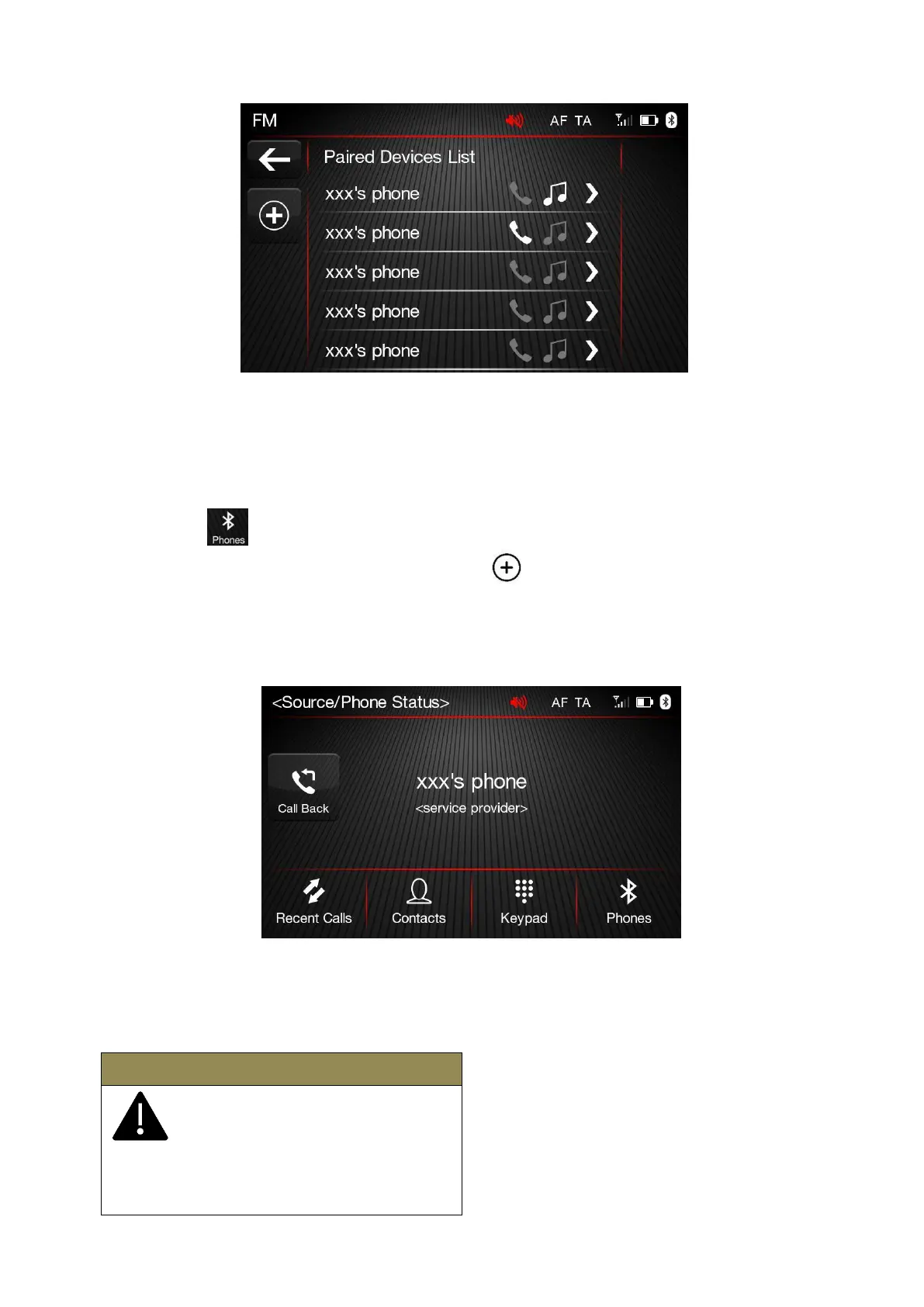
The instructions below shall be followed for registering procedure:
➢
Make sure Apple CarPlay/Android Auto is not active
➢
Activate Bluetooth function of the mobile phone
➢
Press “PHONE” button of the radio in front panel in Home Page
➢
Press
Button if any cell phone device is not registered previously yet
➢
Search for “FIAT_XXXX” on mobile phone after button is pressed to start registering.
➢
Enter the PIN code that is displayed on the screen of the radio, using the mobile phone, after
mobile phone requires it, or confirm the code that is displayed on mobile phone
➢
An Information screen which contains cell phone details is displayed when registering is
completed.
After updating the mobile phone's software, it is recommended to remove the phone from the radio-
connected devices list, delete the previous connection of the phone from the Bluetooth® list, and
register mobile phone again to make the system working better.
Apple phones set the Bluetooth volume
to the half of maximum for the first
pairing. If the phone volume is low,
change the BT level on the radio in
Equalizer settings menu, or change the BT level
on the mobile phone.













 To Next Page