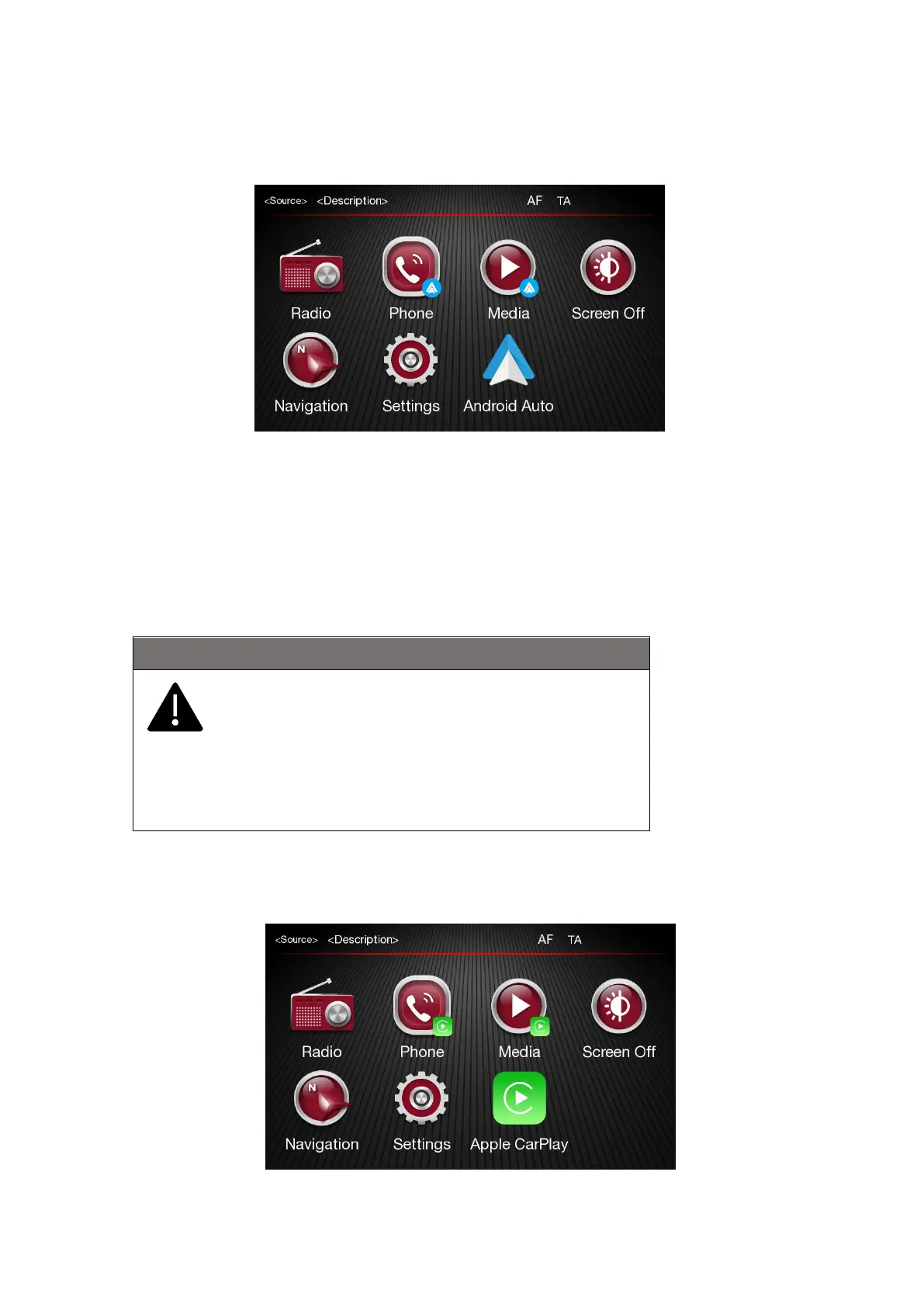
Android Auto APP Setup
Before use, download the Android Auto application to your smartphone from Google Play Store. The
application is compatible with Android 5.0 (Lollipop) and later versions. To use Android Auto, the
smartphone must be connected to the car with a USB cable. On the first connection, you will have to
perform the setup procedure that appears on the smartphone. You can only perform this procedure
with the vehicle stationary. Once connected to the USB port, the Android Auto application establishes
a parallel Bluetooth® connection.
Apple CarPlay App Setup
Apple CarPlay is compatible with the iPhone 5 or more recent models, with the iOS 7.1 operating
system or later versions. Before using Apple CarPlay, enable Siri from "Settings" General Siri on the
If you installed and uninstalled "Android Auto" application on
the phone; when connecting the mobile phone by USB to the
radio, it is possible that appears the "Android Auto" pop up
on the radio.
To listen the music inside the phone it is necessary to
disconnect and reconnect again the USB connector on the
radio.













 To Next Page