PHONE CALL FEATURES
The following features can be accessed through the Multimedia system if the feature(s) are available
and supported by Bluetooth on your mobile service plan. For example, if your mobile service plan
provides three-way calling, this feature can be accessed through the Multimedia system. Check with
your mobile service provider for the features that you have.
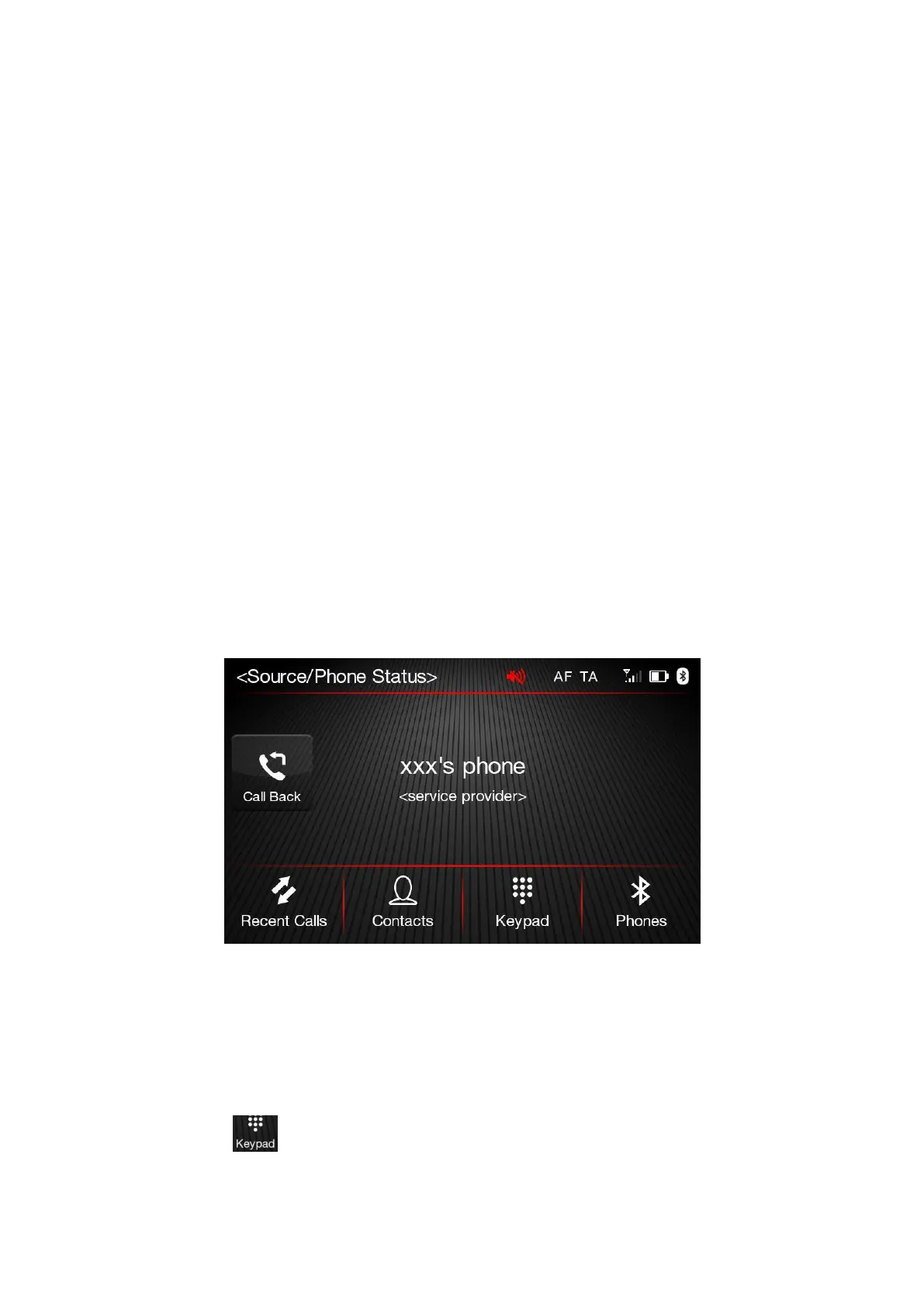
Ways To Initiate A Phone Call
A call can be made by:
➢
Pressing “Contacts” button (mobile phone phonebook);
➢
Pressing "Recent Calls" button;
➢
Pressing “Keypad” button;
➢
Pressing the "Call Back" button.
Making a Phone Call
The operations described below can only be accessed if supported by the mobile phone in use. For all
functions available, refer to the mobile phone owner's handbook.
Dialing the phone number using the "keypad" button
Enter the phone number using the graphic keyboard displayed. Proceed as follows:
➢
Press the button on the touchscreen in Phone Main Menu;
➢
Use the numbered buttons to enter the number;
➢
Press the "Call" button to make a call.













 To Next Page