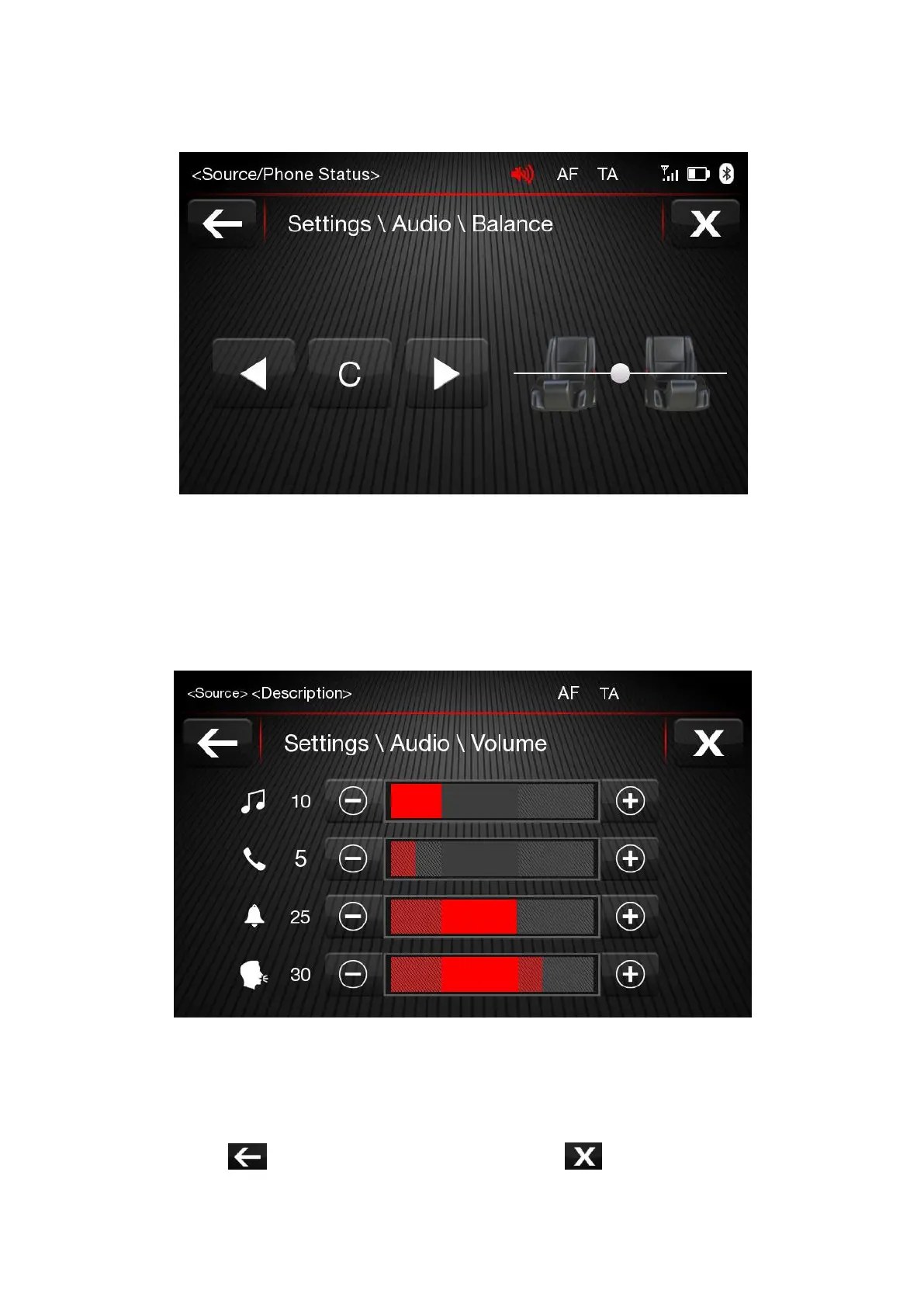
Volume
Press the “Volume” button to enter into the volume setting interface. Adjust the volume of multimedia
(music, video and radio), phone, ringtone and speech. These settings are default volume levels. Every
time, user turn on the audio, audio starts by these default values.
Speed Volume Control
"Off" and "1, 2 or 3".
The option selected is displayed. Choose "1, 2 or 3" to increase the volume proportionally to the
selection
made. Then press button to return to the "Audio" menu. Press button to
cancel and exit this
screen.













 To Next Page